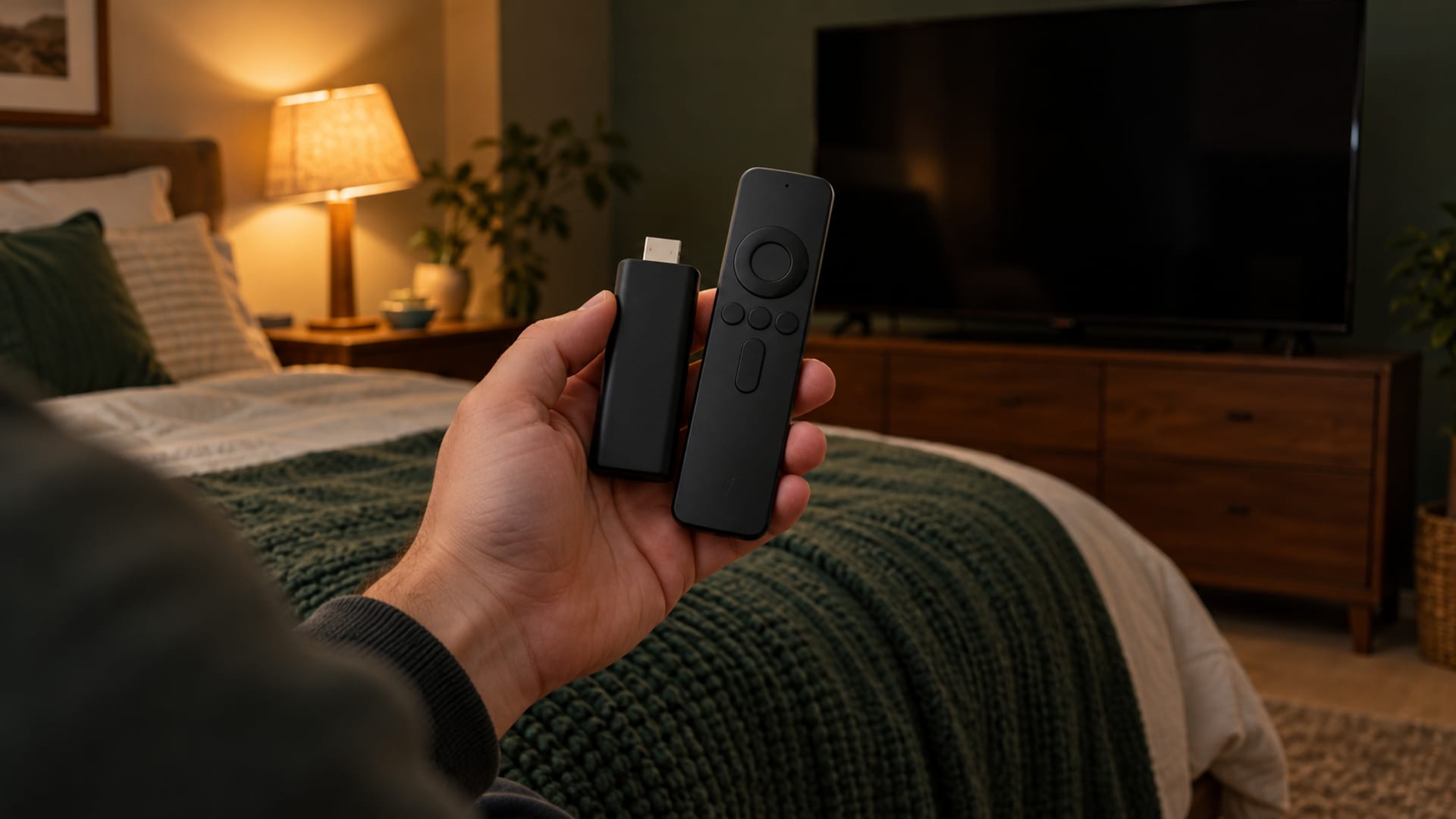
Roku does not support native VPN apps, so you cannot install a VPN directly on a Roku player or Roku TV. The practical choices are a VPN-enabled router for regular household use or a VPN-protected Windows hotspot for a temporary connection.
Start by identifying your Roku model, router model, Windows version, streaming apps, and your goal. If several devices need the same route, use a compatible router. If you already have a Windows 10 or Windows 11 computer and need a short-term connection, use its mobile hotspot.
Key takeaways
- Roku connects through a VPN router or a VPN-protected Windows hotspot.
- Check router model, firmware support, streaming terms, and renewal pricing before paying.
- A VPN changes the public IP address services see, but it does not change account, billing, or licensing rules.
- Netflix may show fewer titles, and Disney+ may show Error 73 when a VPN is active.
- Test the intended streaming app during the provider’s refund window.
What You Need to Use a VPN With Roku
You need three working parts: a Roku device, a network connection, and a VPN running somewhere other than Roku. Roku devices do not support native VPN apps. NordVPN says Roku OS is unsupported, and its documented choices are a VPN-enabled router or a VPN-protected Windows hotspot. ExpressVPN and Surfshark publish similar network-based setup paths.

First, identify the Roku model and software version under the device settings. Roku’s menus can vary by model and software release, so record the network name and password you expect Roku to use. The Roku only needs to connect to Wi-Fi. The VPN settings stay on the router or Windows computer.
Next, identify the network device that will supply the VPN. For router setup, check the exact router model, whether it supports a VPN client, and whether the provider supports its firmware. Surfshark lists support for systems such as DD-WRT, OpenVPN, WireGuard, AsusWRT, OpenWRT, OPNsense, Tomato, and pfSense, while many ISP-supplied routers with default firmware are listed as unsupported. Flashing unsupported firmware can damage a router or affect its warranty.
For a Windows hotspot, use a Windows 10 or Windows 11 computer. The computer creates a mobile hotspot, shares the VPN adapter with that hotspot, connects to a VPN server, and then supplies Wi-Fi to Roku. The computer must remain available as the network gateway while Roku is connected.
A provider’s privacy audit, privacy policy, and Roku compatibility are separate questions. A privacy audit covers the systems and period named by the auditor. It does not prove that a provider’s Roku setup works with every router or streaming app. Read the provider’s current Roku instructions before subscribing.
Router VPN or Windows Hotspot: Choose the Right Setup
A router is the better fit when Roku should use the VPN routinely, when several household devices need the same network route, or when you do not want a computer running beside the TV. Once the VPN client is configured, Roku joins the router’s Wi-Fi like any other device. Surfshark says every device connected through the configured router receives the VPN connection.
The tradeoff is setup difficulty and coverage. A router VPN can send phones, laptops, game consoles, and smart TVs through the same VPN unless the router lets you choose specific devices. Location changes can also become less convenient because changing the VPN server may affect the whole household. Check the exact router model and firmware against the provider’s current compatibility list before subscribing or flashing firmware.
ExpressVPN documents four router-based options: dedicated VPN hardware, its router app, manual router configuration, and a Windows virtual VPN router. Its router app requires selected Asus, Linksys, or Netgear models, and ExpressVPN says security updates for that router app have ended. That makes a current manual configuration or supported dedicated device a better fit than choosing a router app solely for convenience.
A Windows hotspot fits a temporary Roku connection when you already have a Windows computer. ExpressVPN’s documented sequence is to create a Windows mobile hotspot, share the VPN adapter to that hotspot, connect the computer to a VPN server, and connect Roku to the new Wi-Fi network. NordVPN and Surfshark also document Windows-based sharing methods.
The tradeoff is that the computer must stay on and available. If it sleeps, disconnects from the VPN, or stops sharing the adapter, Roku loses the protected route. Windows sharing can also require more troubleshooting than connecting Roku directly to a normal router.
Use the router path for regular use and several devices. Use the Windows path for a short-term connection or a quick compatibility trial. If you only want to change DNS requests for a streaming device, ExpressVPN’s MediaStreamer Smart DNS is a separate option, but its documentation says Smart DNS does not encrypt traffic. It is not a full VPN connection.
Before you choose, write down the Roku model, router model, computer operating system, streaming apps, and purpose. Network privacy and access to a particular catalog are different goals, and neither setup changes the service’s licensing rules.
How Roku’s Region and Account Location Work
A VPN changes the network route and the public IP address that many online services see. It does not automatically change the country where the Roku was sold, the Roku account’s registration details, a subscription’s billing country, or a streaming service’s licensing rights.
Roku partner documentation says the user region is determined by the IP address used when the Roku account is created. For example, an account created with an Ireland IP address is assigned to the Ireland region and channel store. That account setting is different from connecting the Roku later through a VPN server in another country.
Roku’s account terms say products may be used only in the country where the device was sold. The terms also allow content providers to verify location and allow Roku to restrict or remove content that is not authorized or licensed in the user’s country. Use truthful registration and payment information, and check the current terms for Roku, the streaming service, and the country involved.
When Roku is connected through a VPN router or hotspot, open Roku’s network settings and select the Wi-Fi network supplied by that router or computer. The connected state appears on Roku as an ordinary Wi-Fi connection. Roku does not display a native VPN switch because the VPN is running elsewhere.
A VPN can encrypt the connection between the device supplying the route and the VPN provider, depending on the setup. It shifts trust from the internet service provider to the VPN provider. The VPN provider may potentially see, store, or modify traffic, and the VPN does not provide complete anonymity. Accounts, cookies, logged-in services, and device details can still identify you.
What Streaming Services Do When They Detect a VPN
Streaming services apply their own location checks, licensing rules, account rules, and technical blocks. A VPN connection through Roku does not override those rules or promise access to a particular catalog.

Netflix says a VPN may make the device or network appear to connect from another location. Netflix may then limit the viewer to titles with worldwide licensing, and it says the VPN may need to be disabled to see titles available in the viewer’s region. Netflix also says VPNs are not supported for live events or an ad-supported experience.
Disney+ identifies VPN or IP-anonymizer use as one possible cause of Error 73, which says the content is unavailable in the current location. Its February 17, 2026 help guidance tells users to disable the VPN and restart the app.
If a service displays a location, proxy, or VPN message, disable the VPN at the point where it runs. For a Windows hotspot, disconnect the VPN or turn off the mobile hotspot. For a router, disconnect the VPN in the router’s control panel or reconnect Roku to the ordinary home network. Retry the service after the network returns to its normal route.
Treat provider statements about speed, reliability, obfuscation, or streaming compatibility as provider claims. Confirm that the service works with the specific streaming app before choosing a long billing term. Check the streaming service’s current help pages and terms as well, since policies and detection methods can change.
If Netflix shows a proxy message, work through the Netflix proxy error fixes and disable the VPN if Netflix tells you to do so. Keep the subscription only if the intended app works within the provider’s applicable refund period.
Provider Costs, Billing Terms, and Refund Windows
US-dollar prices, checked October 28, 2026. Introductory pricing is separate from the renewal charge. Bonus months are extra time and are not the same as paid months.
ExpressVPN displays a 30-day money-back guarantee for new users. Its terms exclude renewal purchases, redemption-code subscriptions, previous refund recipients, and subscriptions purchased through Apple App Store or Google Play billing. ExpressVPN also has a separate 3-day free trial through its iOS and Android apps. A free trial, a paid subscription, and a money-back window are three different things.
Surfshark lists a 30-day money-back guarantee for these plans. Its pricing page does not show the renewal price, so open the plan’s renewal details at checkout and note the amount before paying. VAT may apply.
NordVPN says its plans include 1-month, 1-year, and 2-year options. Monthly billing is available on the 1-month plan, while the 1-year and 2-year plans are paid in full upfront. Read NordVPN’s current pricing page and refund terms at checkout before choosing a plan.
A low introductory monthly figure can hide a larger annual renewal. Compare the annual renewal total with the introductory upfront charge, then check device or connection limits, money-back exclusions, and whether the billing channel receives the provider’s refund policy. The practical pick is the plan that meets the streaming need after renewal, not only the plan with the lowest first charge.
The Limits of VPN Streaming on Roku
A VPN does not install an app on Roku, repair an unsupported Roku channel, or guarantee that a streaming catalog will load. It only changes the network route and the IP address that services see. Accounts, cookies, subscriptions, payment details, and device fingerprints can still identify the user.
Router coverage can be convenient, but it applies to every device on that route unless the router supports selective routing. It can also make location changes less convenient. Surfshark says router setup can be complicated and that not every router supports VPN configuration.
A Windows hotspot is more temporary. The computer must stay available as the network gateway, remain connected to the VPN, and keep sharing the mobile hotspot. It is practical for a short session, but less suitable for a household that expects the TV to work independently.
Encryption can reduce available speed because traffic takes an additional encrypted route. Streaming quality can also vary by server, router hardware, internet connection, and the service’s location checks. Provider claims about speed or streaming success are not independent Roku measurements.
A VPN works alongside software updates, account security, and phishing protection. It does not replace them. It also does not protect activity from the streaming service itself, the Roku account, browser history on another device, or every form of tracking.
The right verdict is conditional. A router VPN fits regular Roku use and several devices, provided the router and firmware are supported. A Windows hotspot fits temporary use when a Windows computer is already available. Neither option fits a reader who needs a guaranteed catalog change, because streaming services retain control over playback.
Setup Language and Practical Next Steps
Provider instructions use different names for the same basic paths. “Router VPN” means the VPN client runs on the router. “Virtual router,” “virtual VPN router,” “Windows mobile hotspot,” and “virtual hotspot” mean a computer shares its VPN connection over Wi-Fi. Terms such as WireGuard and OpenVPN refer to VPN protocols, or the technical rules used to create the encrypted connection.
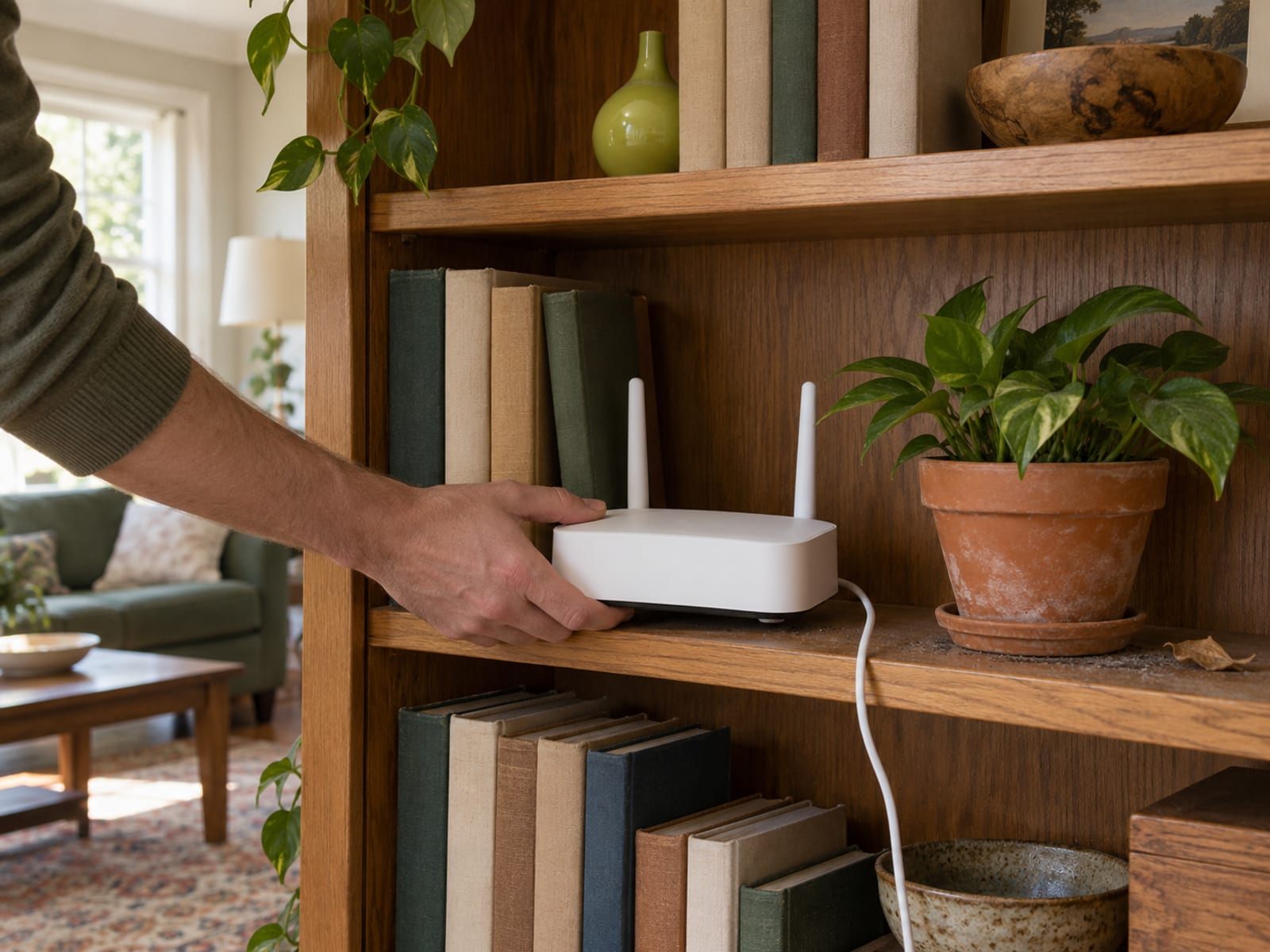
For a router, install or configure the provider’s VPN client on a supported router, select a VPN server, save the configuration, and connect Roku to that router’s Wi-Fi. Then open Roku’s network settings and select the supplied network. Keep the router’s control panel available so you can disconnect the VPN or change servers.
For Windows, create the mobile hotspot, share the VPN adapter with that hotspot, connect the VPN app to a server, and connect Roku to the hotspot’s network name and password. If Roku cannot connect, confirm that the hotspot is active, the VPN adapter is the one being shared, and the Windows computer has not gone to sleep.
If the app or setup path is missing, do not install an unofficial Roku VPN app. Check the provider’s current router instructions, confirm the Roku model and software version, and use the ordinary network if the supported path is unavailable. A provider’s front page, such as ExpressVPN or Surfshark, may lead to current setup and billing information, but the exact router instructions matter more than a general compatibility statement.
Today, identify the Roku model, router model, computer operating system, streaming apps, and whether the goal is network privacy or access to a particular catalog. This week, choose the router or Windows path, read the provider’s current instructions, and confirm that the streaming service permits the intended use.
Before payment, read the renewal term, money-back exclusions, device or connection limits, and billing-channel rules. Test the intended streaming app during the applicable refund period. If you want to compare the two setup paths, use VPN on a router versus VPN on individual devices. For a different TV platform, how to use a VPN on a smart TV may fit the next device you need to connect.
Frequently asked questions
Can I watch Roku with a VPN?
Yes. Roku can connect through a VPN-protected router or a VPN-protected Windows hotspot, even though a VPN app cannot be installed directly on Roku. Playback still depends on the streaming service’s location checks and terms.
Is there a VPN that works on Roku?
NordVPN, ExpressVPN, and Surfshark each publish Roku setup guidance using a router or shared computer connection. Their statements about reliability, speed, and streaming success are provider claims, not independent Roku measurements.
Can I add a VPN to my Roku TV?
No native VPN app can be added to Roku TV. Connect the TV to a compatible VPN router or to a VPN-protected hotspot from a Windows 10 or Windows 11 computer.
Can I use NordVPN on my Roku device?
NordVPN says Roku OS is not supported by its app. Its documented options are installing NordVPN on a compatible router or sharing a VPN-protected wireless connection from a Windows computer.
How do I change the location on Roku TV?
A VPN can change the public IP location seen by online services when Roku uses a VPN router or hotspot. It does not automatically change the Roku account region, device sales country, subscription billing information, or content licensing rights.
How do I disable a VPN on Roku TV?
Disable the VPN where it runs. Turn off the VPN connection or Windows hotspot for a computer setup, or disconnect the VPN in the router’s control panel for a router setup. Roku itself has no native VPN switch.
Will Netflix ban me if I use a VPN?
Netflix says a VPN may limit the catalog to titles with worldwide licensing and may need to be disabled for regional titles. Roku and Netflix terms still apply.
How can I put a VPN on my TV?
For a Roku TV, put the VPN on a compatible router or share it from a Windows computer. Other smart TV platforms may have different app support, so check the device’s operating system and the provider’s current setup instructions.
How can I change the country on my Roku TV?
A VPN can change the IP location that services see, but it does not rewrite every Roku account or licensing condition. Roku’s partner documentation says the account region is assigned from the IP used when the account is created, and Roku’s terms require truthful account information.
How do I set up the network on Roku?
Open Roku’s network settings, choose the Wi-Fi network supplied by the VPN router or Windows hotspot, enter its password, and connect. The VPN configuration remains on the router or computer, not inside Roku.
Glossary
Find more VPN guides on Tunnel Verdict. Have a question about your own setup? Contact us and include your device and the VPN you use.