If you need to cover a smart TV, PS5, console, or smart-home device that cannot run a VPN app, a compatible VPN router is usually the practical choice. If you need different locations, easy switching, or protection while away from home, install the VPN app on each device that supports it.
Start by listing every device that needs coverage. Separate devices that can run an app, devices that cannot, and devices that should stay outside the VPN for banking, work systems, local services, or streaming.
Key takeaways
- Choose a router VPN for broad home coverage, especially for TVs, consoles, and smart-home devices.
- Choose device apps for travel, cellular data, different VPN locations, split tunneling, and device-level controls.
- Check the exact router model, firmware, protocol support, and per-device routing before paying.
- Compare the first-term price, renewal price, billing frequency, device limit, and refund terms at checkout.
- A VPN changes the IP address websites see and encrypts the connection to the VPN server, but it does not make you anonymous.
Router VPN or Device Apps: Which Problem Are You Solving?
The best choice depends on whether your problem is coverage or control. A VPN configured on a router sends traffic from connected devices through the VPN without requiring an app on each one. That helps when the household includes a smart TV, game console, printer, camera, or smart-home device that cannot install a normal VPN app.
A device app is usually better when each person needs control over location, VPN on and off settings, or which apps use the connection. It also protects a phone or laptop after it leaves home, connects to cellular data, or joins public Wi-Fi. A router protects those devices only while they use the configured home network.
Before choosing, identify every device you want covered. Put phones and laptops that travel in the app group. Put devices without VPN support in the router group. Put banking, work systems, local services, and streaming devices in an outside-the-VPN group if routing them through a VPN could cause trouble.
The central tradeoff is coverage versus control. A router can cover more kinds of devices with one setup. Device apps are easier to adjust one device at a time. ASUS VPN Fusion and GL.iNet policy routing can narrow that gap on supported hardware by assigning VPN treatment by device or traffic rule.
What a VPN Router Covers at Home
A router VPN can cover any device whose traffic passes through that router. NordVPN names smart-home devices, smart TVs, and gaming consoles as common router use cases. The device does not need its own VPN app because the router creates the VPN connection for the network.
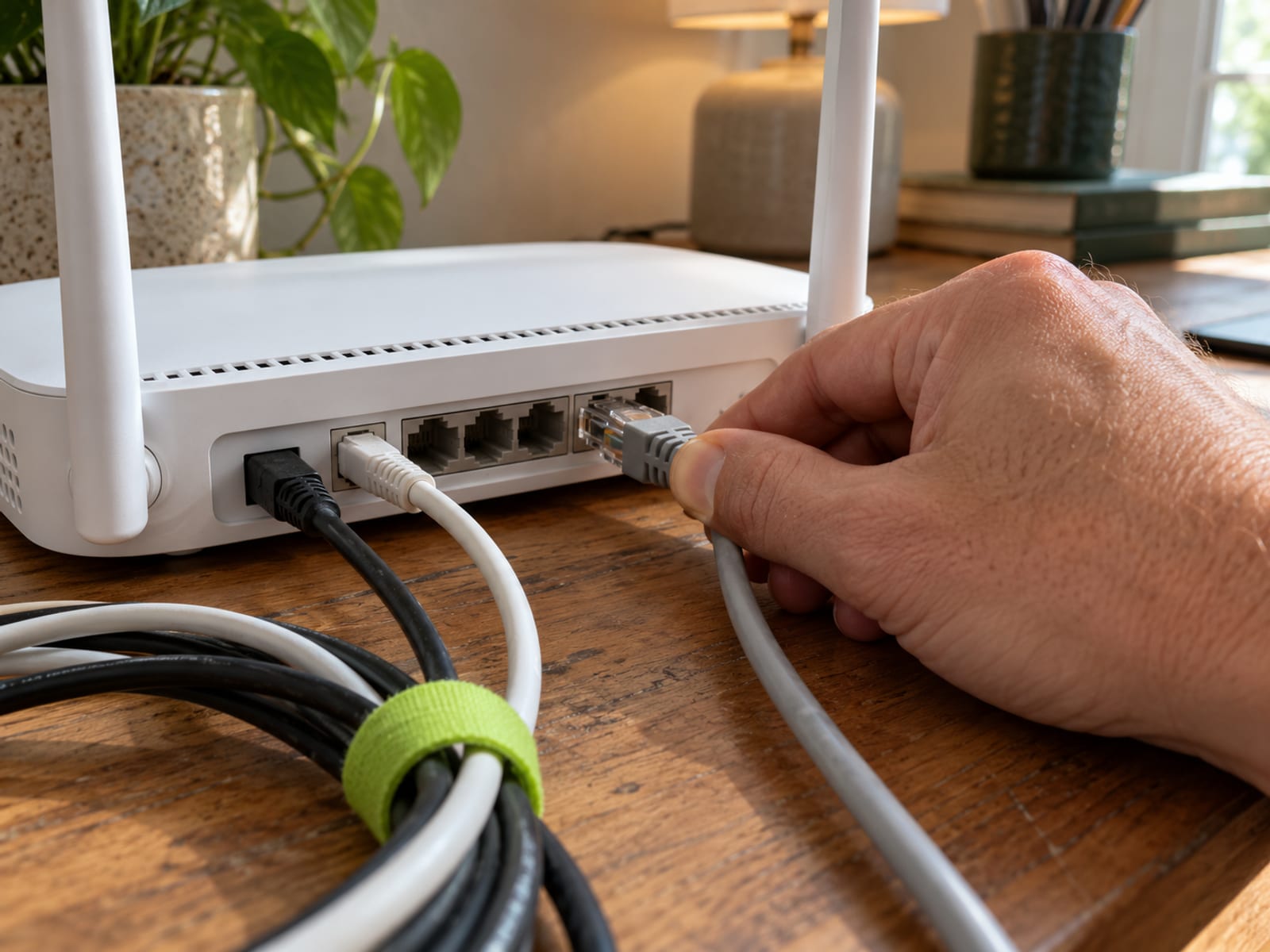
This arrangement can be useful for guests’ devices or equipment with limited app stores. It can also reduce the work of installing an app on every household device. NordVPN says its router configuration uses one device slot while protecting devices connected through that network.
The setup does not automatically give every device the same controls as an app. A router may send all selected traffic through one VPN server. An app may let you select a location, exclude an app with split tunneling, or use a device-level kill switch. Changing the router location can also affect everyone using that connection.
Some routers support selective coverage. ASUS VPN Fusion and GL.iNet policy routing can assign VPN treatment by device or traffic rule on supported models. That lets you keep a work computer, banking device, or streaming box on the normal connection while routing a console or smart TV through the VPN.
A router also handles encryption for traffic from connected devices. ExpressVPN says the router processor can become a performance bottleneck, while apps use the processor in each device. The result depends on the router, protocol, internet connection, VPN server, and number of active devices. There is no universal router-versus-device speed result.
When Device Apps Are the Better Choice
Device apps fit households where people need different VPN locations or frequent control. One person might use a nearby server for ordinary browsing while another selects a different location for a specific service. Apps also make it easier to turn the VPN off for one device without changing the whole home network.

Apps are the better choice for phones and laptops that regularly leave home. A router does not follow an iPhone onto cellular data or protect a laptop on hotel Wi-Fi. If a device needs VPN coverage away from your home network, install the app on that device.
Apps can also make troubleshooting simpler. If a streaming service, banking site, or work tool rejects the VPN, you can change the setting on one device. With a router VPN, the same issue may affect every device using the tunnel.
For an iPhone, use the app when protection is needed outside the home. The router covers the iPhone only while it is connected to that router. The How to Set Up and Use a VPN on an iPhone guide fits the next setup step.
Router Compatibility: ASUS, TP-Link, GL.iNet, and Provider Setup
Router compatibility depends on the exact model and firmware. A router may support a VPN server, which lets you connect into your home network remotely, without supporting a VPN client, which sends home traffic through a commercial VPN. Check the client feature before buying.
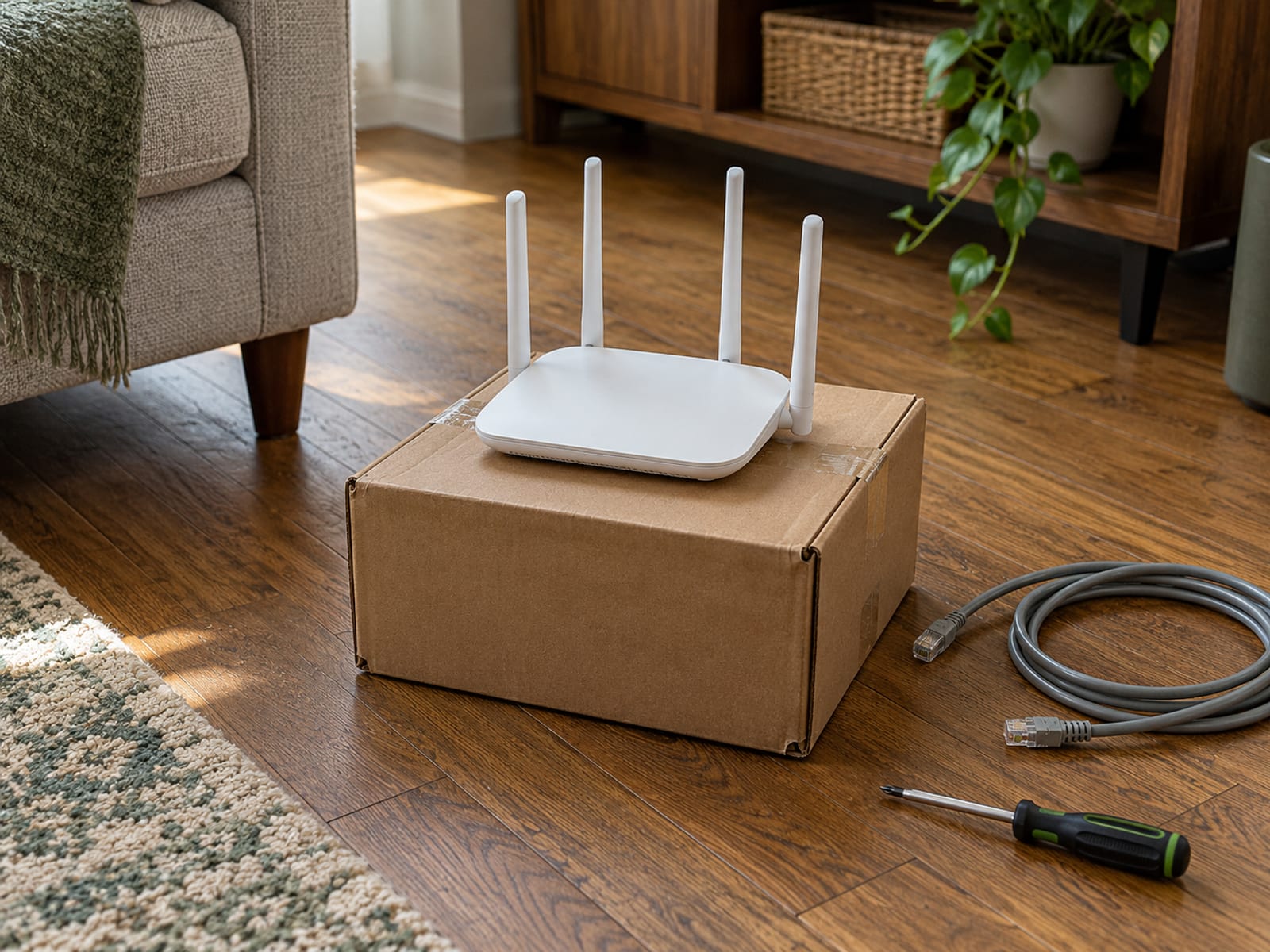
ASUS documents VPN Client and VPN Fusion features on supported models. ASUS lists OpenVPN, PPTP, L2TP, IPSec, and WireGuard support, with compatibility varying by model. ASUS says WireGuard support in VPN Fusion requires firmware later than 3.0.0.4.388.xxxxx on supported models.
TP-Link documents VPN Client on selected routers through Advanced > VPN Client. It supports OpenVPN and WireGuard on supported models, with WireGuard limited to selected hardware. TP-Link allows up to six VPN server profiles but only one active profile at a time. NordVPN directs users to obtain manual-service credentials and upload OpenVPN configuration files on compatible TP-Link routers.
GL.iNet provides OpenVPN Client and WireGuard Client setup through its router dashboard. Its firmware 4.8 setup wizard lists integrated support for NordVPN, PIA, Surfshark, Mullvad, IPVanish, Hide.me, and AzireVPN. Other providers can be configured manually with profile files.
Before paying, verify the exact router model and firmware with both the router maker and the VPN provider. Confirm the supported protocol, whether the provider supplies compatible configuration files or credentials, the router’s internet speed capacity, and whether selected devices can stay outside the VPN.
Device Limits and Household Sharing
A router can reduce the number of app connections needed, but provider limits still matter for apps. NordVPN documents up to 10 simultaneous connections and says one router connection uses one device slot while protecting devices connected through it. Several devices using the same server may require different protocols.
Surfshark says its Starter, One, and One+ plans allow unlimited simultaneous connections and that a subscription can be shared with family members. Its terms make the account holder responsible for activity on the account and prohibit selling or trading the account.
Proton VPN Plus supports up to 10 devices at the same time. Proton’s public plan information describes router use as connecting unlimited devices through the router, while the account-level simultaneous-connection rule still matters for app connections. Confirm the current account limit and router treatment with Proton before exceeding the app-device limit.
ExpressVPN says its plans support 10 to 14 simultaneous connections, depending on the subscription. Confirm the limit shown for the selected ExpressVPN plan before paying. Household sharing terms should be read alongside the connection limit, since “unlimited devices” does not mean unlimited commercial, reseller, or abusive use.
What It Costs and What Renews
Prices below are US figures checked October 28, 2026. Bonus time is separate from paid time. The renewal amount is not the introductory effective monthly figure.
NordVPN’s three extra months are bonus time included with the first payment, not three additional paid months. NordVPN advertises a 30-day money-back guarantee. Proton advertises a 30-day money-back guarantee for Plus. A money-back window is different from a free trial, and a free tier is different from both.
ExpressVPN says the initial price, renewal price, and renewal frequency appear at checkout. Read those figures immediately above the ExpressVPN checkout button. Surfshark’s 30-day guarantee applies to the initial purchase, is limited to one refund per service, and generally does not cover recurring payments. Purchases through some resellers follow the reseller’s refund process.
Compare the exact checkout total and renewal amount before paying. Review the checkout disclosure and the refund terms for the billing channel you use. For a broader plan comparison, see the Surfshark Review: Price, Devices and Tradeoffs and ExpressVPN Review: Who It Fits and What It Costs.
Speed, Streaming, Privacy, and Other Limits
A VPN encrypts the connection between your device and the VPN server and changes the IP address websites see. It does not make you anonymous. Accounts, cookies, tracking pixels, device fingerprints, and GPS can still identify you. A commercial VPN provider can see traffic that passes through its service, so the trust relationship shifts from the ISP to the VPN provider.
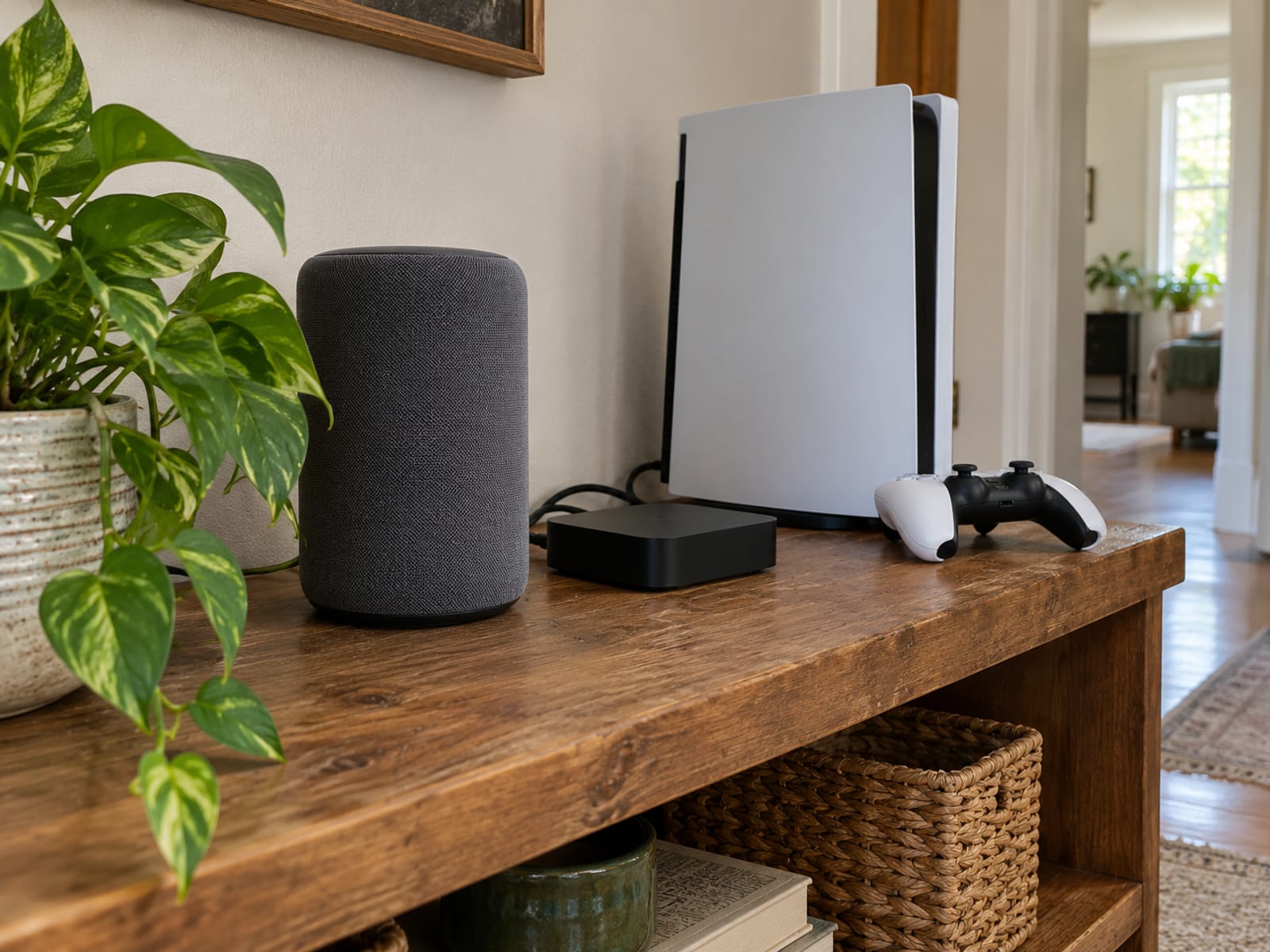
A router VPN may affect every device on the home network. That can interfere with local network access, banking systems, work tools, or services that expect the normal ISP connection. Per-device routing reduces this problem where supported. Running a router VPN and a device VPN at the same time can add complexity and reduce performance. NordVPN recommends avoiding overlapping VPN connections because they can cause speed reductions or instability.
Streaming platforms may identify VPN traffic. Netflix says VPN use can trigger an E106 or VPN/proxy message. Netflix recommends turning off the VPN if the error continues and says VPNs are unsupported for live events and ad-supported experiences. If that is your problem, see Netflix Says You Seem to Be Using an Unblocker or Proxy: What to Do.
Independent audit evidence applies to specific systems and dates. KPMG’s 2025 assessment of ExpressVPN’s TrustedServer system examined controls involving browsing history, traffic destinations, data content, DNS queries, and connection logs. Securitum’s 2026 assessment of Proton VPN’s server infrastructure addressed browsing activity, DNS queries, destination services, traffic contents, and user-identifiable connection metadata. Surfshark reports Deloitte no-logs assessments from 2023 and 2025, while NordVPN reports a Deloitte assessment conducted in late 2025.
A VPN works alongside software updates, account security, and phishing protection. It does not replace those measures or stop every form of tracking. Choose among a router VPN, device VPN, Tor, encrypted DNS, or a platform relay according to the specific problem you need to solve.
Legal and Service-Term Considerations
A VPN does not make unlawful activity lawful. Surfshark’s terms prohibit illegal use, copyright infringement, malicious activity, unreasonable loads, and attempts to bypass its service terms.
Netflix states that VPNs are unsupported for live events and ad-supported experiences. Other services may restrict access when they identify a VPN or proxy connection. Changing the apparent connection location does not authorize access to content or services restricted by contract.
Follow applicable federal, state, and local law, workplace rules, and the terms of each service involved. The law that applies is the law where you are, along with the rules of the service you use.
Frequently asked questions
The right answer still depends on the devices, locations, and services in your home. These questions cover the common points that affect the choice.
Is it worth putting a VPN on a router?
It can be worthwhile when your home includes devices without VPN apps or many devices that should use one VPN connection. It is less convenient when household members need different locations or frequent device-by-device control.
Do I need a separate VPN for each device?
No. A router configuration can cover connected devices, and one subscription may support several simultaneous app connections. The provider’s device limit applies to app connections, so confirm the current rule before sharing an account.
Is it better to have a VPN on my router or my device?
A router is better for broad home coverage, including TVs and consoles. Device apps are better for travel, location changes, split tunneling, and device-level controls such as a kill switch.
Is there a downside to using a VPN?
Yes. A VPN can slow connections, make router setup more involved, and cause login or streaming problems when a service detects the VPN. It can also route traffic away from local services that need the normal ISP connection.
Why is Netflix blocking my VPN?
Netflix says VPN services can make a device or network appear to connect from a different location. Netflix recommends turning the VPN off if the error persists and says VPNs are unsupported for live events and ad-supported experiences.
What is replacing VPNs?
There is no single replacement for every VPN use. Tor, encrypted DNS, HTTPS, platform relays, and zero-trust systems serve different purposes and do not all provide whole-home VPN-router coverage.
Does an average person need a VPN?
It depends on the goal. A VPN can reduce what a local network or ISP can see about destinations, but it does not stop account-based tracking, cookies, fingerprinting, GPS collection, or tracking by the VPN provider.
Can my wife and I use the same VPN?
That depends on the provider’s simultaneous-connection and account terms. Surfshark expressly permits household sharing, while NordVPN documents up to 10 simultaneous connections and says a router uses one device slot.
Does a router VPN protect a phone away from home?
No. The router protects the phone while it is connected to that home network. Install the phone’s VPN app if it needs protection on cellular data, public Wi-Fi, or another network.
Can I use a VPN for a smart TV or PS5?
Yes, if the device’s traffic passes through a compatible VPN-configured router. Check the router model, firmware, protocol, and provider instructions first, since the TV or console may not support a native VPN app.
Your conditional pick is simple: choose a compatible router VPN when the main problem is covering devices that cannot run apps. Choose device apps when travel, different locations, selective coverage, or simple switching matters more. If you are deciding between major plans, weigh the free tier against Plus in the Proton VPN review.
Glossary
Find more VPN guides on Tunnel Verdict. Have a question about your own setup? Contact us and include your device and the VPN you use.