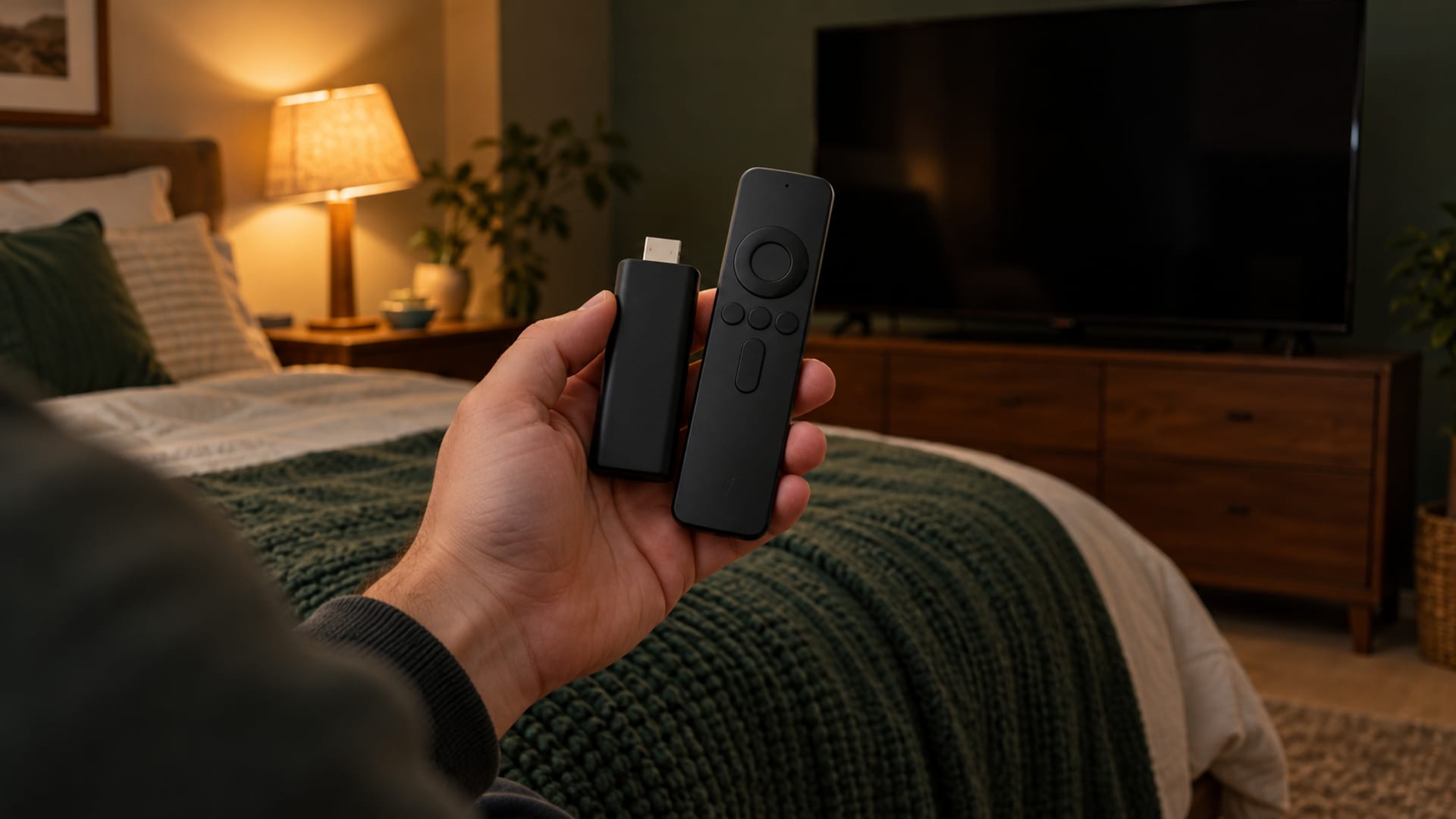
To use a VPN on a Fire Stick, first check the device name and software version at Settings > My Fire TV > About. Then install a provider’s official app from the Amazon Appstore, approve the VPN request, sign in, choose a server, and confirm the app shows Connected.
The right choice depends on the device. Surfshark documents support for Fire OS 7 or later, ExpressVPN documents Fire OS 6 or later and also provides a Vega OS app, and Proton separates its Fire OS and Vega OS apps. Check the provider’s current Appstore listing before paying.
Key takeaways
- Check the Fire TV model and operating system before choosing a VPN.
- Use the official Amazon Appstore app when it is available for your device.
- A VPN changes your IP address and encrypts the connection to its server, but it does not make you anonymous.
- Streaming services can reject VPN connections or limit playback.
- Check the plan’s renewal price, service terms and refund rules before purchase.
Before You Install: Identify Your Fire TV Device And Decide What You Need
Open Settings > My Fire TV > About and record the device name and software version. ExpressVPN says Fire OS devices display a Fire OS version, while Vega OS devices display an OS version without the Fire OS label. The same “Fire Stick” name can cover different hardware, so the model and operating system matter.
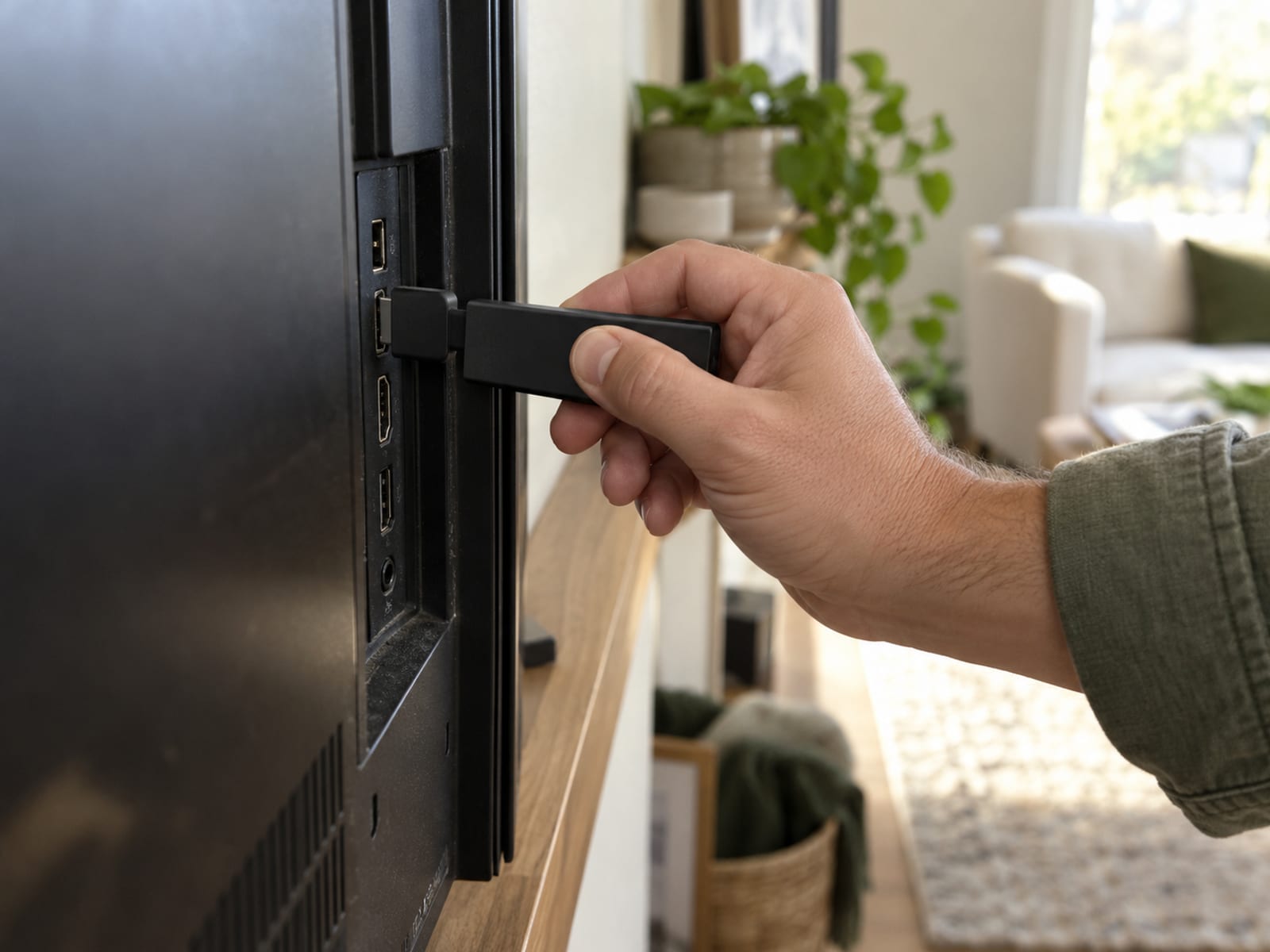
If the device runs Fire OS 7 or later, Surfshark documents support. ExpressVPN documents Fire OS 6 or later and publishes a separate Vega OS app. Proton provides an Android app for Fire OS devices and a separate app for newer Vega OS devices. Confirm the current Appstore listing and Fire TV support page for the provider you are considering.
Decide what you need the VPN to do. It can route the Fire Stick’s internet traffic through a VPN server, encrypting the connection between the device and that server and changing the IP address websites see. It may suit you if you want that network path for the TV, but it does not guarantee access to another streaming catalog.
If your main question concerns a phone rather than a television, read Do You Need a VPN on Your Phone for the same privacy decision on mobile devices.
Which VPN Apps Work On Fire OS And Vega OS
The supported app depends on both the provider and the Fire TV software.
Surfshark documents support for Fire TV devices running Fire OS 7.0 or later. ExpressVPN documents support for Fire TV and Fire TV Stick devices running Fire OS 6 or later, and it publishes a separate Vega OS app. Proton VPN uses its Android app on Fire OS devices and a separate Vega OS app on newer Fire TV Sticks. Proton’s Fire TV streaming page states that its Fire TV app works on Fire OS 7 and later.
NordVPN says its Fire TV app is available through the Amazon Appstore, but its support has device-generation limits. NordVPN says first-generation Fire TV Stick devices cannot establish VPN connections. It also says second-generation Fire TV Stick and Fire TV Stick Basic Edition use Android versions too old for its app.
The practical choice is the provider whose current Appstore app appears on your specific device and whose plan supports your intended use. If two providers fit, compare their device limits, app settings, streaming terms, renewal price and refund rules. The comparison in NordVPN vs Surfshark may help when those are the two services you are considering.
What A VPN Costs On Fire Stick And What Renews
VPN pricing depends on the provider, plan, billing term and region. The following U.S. prices were displayed on October 28, 2026. NordVPN’s introductory figures include bonus time, which is separate from the paid term.
These are U.S. prices checked October 28, 2026, and sales tax may apply. The three extra months are bonus time, not part of the paid two-year term. NordVPN displayed a 30-day money-back guarantee. A money-back guarantee is not a free plan and is not a free trial.
Before subscribing, read the provider’s checkout terms immediately before purchase. For NordVPN, read the refund terms before paying. For Surfshark, read its checkout terms immediately before purchase. Check the renewal amount shown at checkout if the provider does not display a renewal figure.
A conditional pick is NordVPN Basic for a reader who wants a supported Fire TV app and accepts the higher renewal price after the introductory period. The tradeoff is that the advertised monthly figure applies to the initial 27-month period, while renewal is billed annually at a different amount. If you want to compare free and paid plans, read Free vs Paid VPN: What You Give Up and What You Pay.
How To Install And Connect Through The Amazon Appstore
Your Fire TV must be registered and connected to an Amazon account to access the full Amazon Appstore and receive software updates. Once the device is online, use the official Appstore path.
A connected state means the app has established a VPN connection through the selected server. It does not mean every app will accept that connection or that the Fire Stick is anonymous. Accounts, cookies and device fingerprints can still identify a person, and a VPN works alongside software updates, account security and phishing protection.
If the app is installed but playback fails, disconnect the VPN and try the title again. Netflix says a VPN or proxy can cause error E106 or related problems, and Amazon Prime Video troubleshooting tells users to deactivate VPN or proxy servers when titles fail to play.
What To Do When The App Is Missing Or The Device Is Unsupported
If the provider does not appear in Search, first confirm that the Fire TV is registered, online and updated. Then check the provider’s current Amazon Appstore listing and Fire TV support page using the exact device model and operating system.
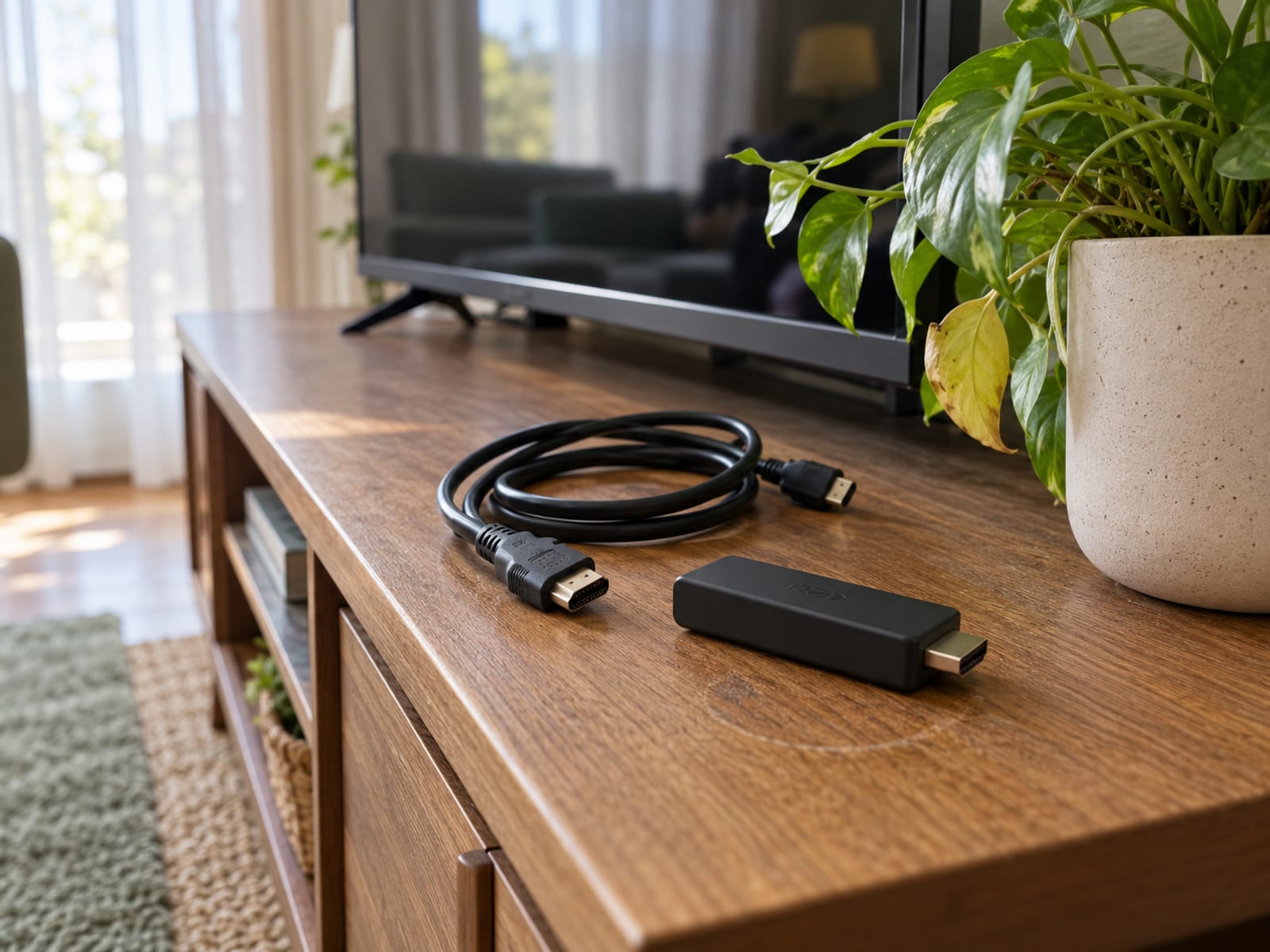
A missing app can mean that the provider does not support that operating system, the device generation is too old, or the app is not available for that device. NordVPN specifically excludes first-generation Fire TV Stick connections and says some second-generation devices use Android versions too old for its app. Proton separates Fire OS and Vega OS apps, so installing the wrong version will not solve the compatibility problem.
Do not treat sideloading as the default path. Use the official Appstore app when it is available and permitted for the device. If the provider supports a VPN-configured router, ExpressVPN documents VPN routers, manually configured VPNs and virtual VPN routers as alternatives. A router connection can cover the Fire Stick without installing an app on it, but setup depends on the router and provider.
If no supported path fits, the practical answer is to choose a provider that lists the device or use a supported network setup. A kill switch cannot make unsupported hardware compatible.
Speed, Streaming Errors And What A VPN Cannot Guarantee
A VPN can reduce speed slightly because it encrypts traffic and routes it through a VPN server. ExpressVPN identifies server distance, protocol choice and temporary routing problems as possible causes of a larger slowdown. It recommends Automatic protocol selection by default on Fire TV and says changing the protocol can sometimes improve speed. That is a provider recommendation, not an independent measurement.

Check playback on your own Fire TV, network and streaming service before relying on the VPN. A provider’s speed statement describes the provider’s claim, not a guarantee for your home connection. Server distance, Wi-Fi conditions, the Fire TV model, the protocol and the streaming service can change the result.
Streaming services can identify and reject VPN or proxy connections. Netflix says a VPN or proxy can make the connection appear to come from another location and cause an error. Netflix recommends disabling the VPN if the problem continues, and says VPNs are unsupported for live events and ad-supported viewing. Amazon Prime Video also tells users to deactivate VPN or proxy servers when titles fail to play.
A VPN therefore cannot guarantee access to a particular streaming library. If a service reports a VPN or proxy, disconnect the VPN first and try again. See Netflix Says You Seem to Be Using an Unblocker or Proxy: What to Do for that specific playback problem.
The VPN’s real scope is narrower than many advertisements suggest. It changes the network path and apparent IP address, but EFF says GPS, cookies, tracking pixels and device fingerprinting can still identify or track users. A VPN is not an anonymity tool, and it does not replace account security, updates or protection against phishing.
Privacy, Legal Limits And Streaming-Service Terms
A VPN can make sense when you want the Fire Stick’s connection routed through a VPN service and you accept the effect on speed and streaming compatibility. Provider privacy claims still need to be read as provider claims. NordVPN’s 2024 assurance engagement was performed by Deloitte Audit Lithuania from November 18 to December 20, 2024, and covered standard VPN, Double VPN, Onion Over VPN, obfuscated and P2P server configurations, infrastructure and technical logs. NordVPN published the summary on February 11, 2025.
Surfshark says Deloitte’s 2025 assurance work reviewed its no-logs policy, internal processes, evidence, standard servers, static servers and multiport servers. ExpressVPN says KPMG’s 2025 assessment examined its TrustedServer system and privacy-policy claims as of February 28, 2025 under ISAE (UK) 3000 Type 1. Proton says Securitum’s 2025 audit examined Proton VPN server infrastructure and found no indication of logs for browsing activity, DNS queries, destination services, network contents or user-identifiable connection metadata. Each statement describes a defined audit or assurance scope, not a promise of anonymity.
The law where you use the device applies, along with the current terms of each service. Amazon Prime Video terms prohibit technology used to obscure or disguise location. Netflix documents VPN-related playback limits, including unsupported live events and ad-supported viewing. A provider’s permission to use its app does not override a streaming service’s terms. For the legal question, see Is Using a VPN Legal.
Frequently asked questions
Should you use a VPN on your Fire Stick?
Use one when you want the Fire Stick’s traffic routed through a VPN service and the provider supports your exact device. It is not required for Fire TV to function and does not guarantee anonymity or access to every streaming library.
Does Fire Stick have a built-in VPN?
Fire TV provides VPN apps through the Amazon Appstore, but the Fire Stick itself is not a VPN subscription or VPN provider. The VPN connection comes from the provider’s app or a supported router setup.
Is Amazon Fire Stick blocking VPN apps?
NordVPN says Amazon does not block the NordVPN app, while its first-generation Fire TV Stick cannot establish VPN connections.
What is the best VPN to use with Fire Stick?
The best fit is the provider whose current Appstore app supports your model and operating system, meets your privacy or routing need, and has acceptable streaming terms and renewal pricing. Compare support, device limits, price, renewal amount and refund terms before subscribing.
What are the disadvantages of using a VPN?
A VPN can reduce speed because it encrypts traffic and routes it through a server. It can also trigger streaming-service VPN errors or prevent some titles from playing.
What happens if you do not use a VPN on Fire Stick?
The Fire Stick uses its ordinary internet connection, and websites and apps can see the connection’s ordinary public IP address. Fire TV does not need a VPN to operate.
Is there a completely free VPN for Fire Stick?
Proton says its free plan can run on a Vega OS device, but streaming support is available only on paid Proton VPN plans. A free plan, free trial and money-back window are separate things.
Will Netflix ban you if you use a VPN?
Netflix documents that a VPN or proxy can cause an error and recommends turning it off if the problem continues. Netflix also says VPNs are unsupported for live events and ad-supported viewing.
How do I know if my Fire Stick has a VPN?
Look in the installed apps for the VPN provider’s app and open it. The VPN is active when the provider app displays a connected state.
Why can’t I use a VPN on Firestick?
Possible causes include an unsupported Fire OS version, an incompatible device generation, an unavailable app for the operating system, connection problems or a streaming service rejecting VPN traffic. Check the exact model, software version and provider support page.
Why won’t Amazon let me use a VPN?
Amazon Prime Video terms say users may not use technology to obscure or disguise location. Prime Video troubleshooting also tells users to deactivate VPN or proxy servers when titles fail to play.
Is it legal to use a VPN to watch TV?
The answer depends on the law where the device is used and the current terms of the streaming service. Amazon Prime Video restricts technology used to obscure or disguise location, and Netflix may reject VPN connections.
How much does a VPN cost for Fire Stick?
NordVPN Basic’s U.S. pricing page showed $94.23 upfront for the first 27 months, equal to an advertised $3.49 per month, renewing at $139.08 per year. That price was checked October 28, 2026, and sales tax may apply.
How do I get a free VPN?
Install an official provider app from the Amazon Appstore where the device is supported, then choose its free plan if one exists. Proton documents a free plan for Vega OS, but streaming support requires a paid plan.
Once the Fire Stick shows a connected state, check one ordinary app and one intended streaming service. If the service reports a VPN or proxy, disconnect and follow that service’s current instructions. For the next decision, choose the free-versus-paid comparison if cost matters, or the Netflix error guide if playback is the problem.
Glossary
Find more VPN guides on Tunnel Verdict. Have a question about your own setup? Contact us and include your device and the VPN you use.