You probably do not need a VPN on your phone all the time. If you mainly use updated apps and HTTPS websites on trusted networks, your phone already handles much of the basic protection. A VPN fits better when you regularly use hotel, airport, or coffee-shop Wi-Fi, need work access, face network blocking, or need a different network exit location.
Start by naming the problem you want to solve. A VPN encrypts the connection between your phone and a VPN server, and it changes the IP address websites see. It does not make you anonymous, stop phishing, protect a weak password, or guarantee that streaming services will work.
Key takeaways
- Use no VPN if updated software, HTTPS, private Wi-Fi addresses, and careful browsing cover your normal use.
- Use a VPN on networks you do not trust, for work access, or when a permitted service needs a different network route.
- Check the US checkout page for the amount due today, paid months, renewal interval, renewal price, and refund terms.
- Turn the VPN off when banking, hotel portals, work systems, local devices, or streaming services require a direct connection.
- A VPN works alongside updates, app permissions, passcodes, backups, and phishing protection.
Do You Need a VPN on Your Phone? Start With the Use Case
The best choice depends on what you need your phone to do. If your concern is ordinary web browsing on home Wi-Fi or cellular data, a VPN may add little beyond the encryption already provided by HTTPS. If you use an unknown public network, a VPN can reduce what that local network can inspect, including some connection details.
A VPN can also fit a work or school requirement, a network that blocks a service you are allowed to use, or a legitimate travel need involving a different network exit location. It is less useful when the actual problem is a phishing message, a malicious app, an outdated phone, a stolen account, or a website that is unsafe even with a VPN.
This gives you three practical choices. You can use no VPN and rely on current phone software, HTTPS, app permissions, passcodes, and careful browsing. You can use a VPN only on hotel, airport, coffee-shop, or other networks you do not trust. Or you can keep one available for travel, work access, network blocking, or a specific region-related need.
Before choosing, identify the problem in plain terms: unsafe public Wi-Fi, work access, blocked websites, travel access, streaming errors, or general privacy. The answer changes with each use case. For background, read What Is a VPN and What Does It Do.
What Your iPhone or Android Phone Already Protects
A VPN is not the first layer of phone security. On iPhone, Safari uses HTTPS when a website supports it and warns about HTTP pages, invalid certificates, and insecure TLS. Apple also provides Private Wi-Fi Address, which is available from iOS 14 onward. In iOS 18, Apple added Off, Fixed, and Rotating choices for that setting.
Apple’s Limit IP Address Tracking setting can enable or disable iCloud Private Relay for a Wi-Fi or cellular connection when the feature is available. Check Settings > Apple Account > iCloud and Apple’s current support documentation to see which options your phone supports. iCloud Private Relay is separate from a commercial VPN.
On Android, Chrome can use HTTPS-first behavior, warn before visiting a site that does not support HTTPS, and use Secure DNS. Chrome’s documentation says Secure DNS uses automatic mode by default, with a fallback to unencrypted lookup if problems occur. Search the phone manufacturer’s current support documentation for the exact Android version and model because menu names vary.
These features protect particular parts of the connection. HTTPS protects the content exchanged with a secure website. Private Wi-Fi addresses reduce the use of one hardware address across Wi-Fi networks. Secure DNS can protect some domain lookups. None creates the same traffic tunnel as a commercial VPN, and none prevents every network observer from seeing connection metadata.
Your phone is also protected by software updates, app permissions, a passcode, backups, account security, and warnings about unsafe websites. Those protections remain necessary with a VPN. A VPN can reduce local-network visibility, but the provider becomes the service handling the traffic between your phone and the VPN server.
When a Phone VPN Actually Helps
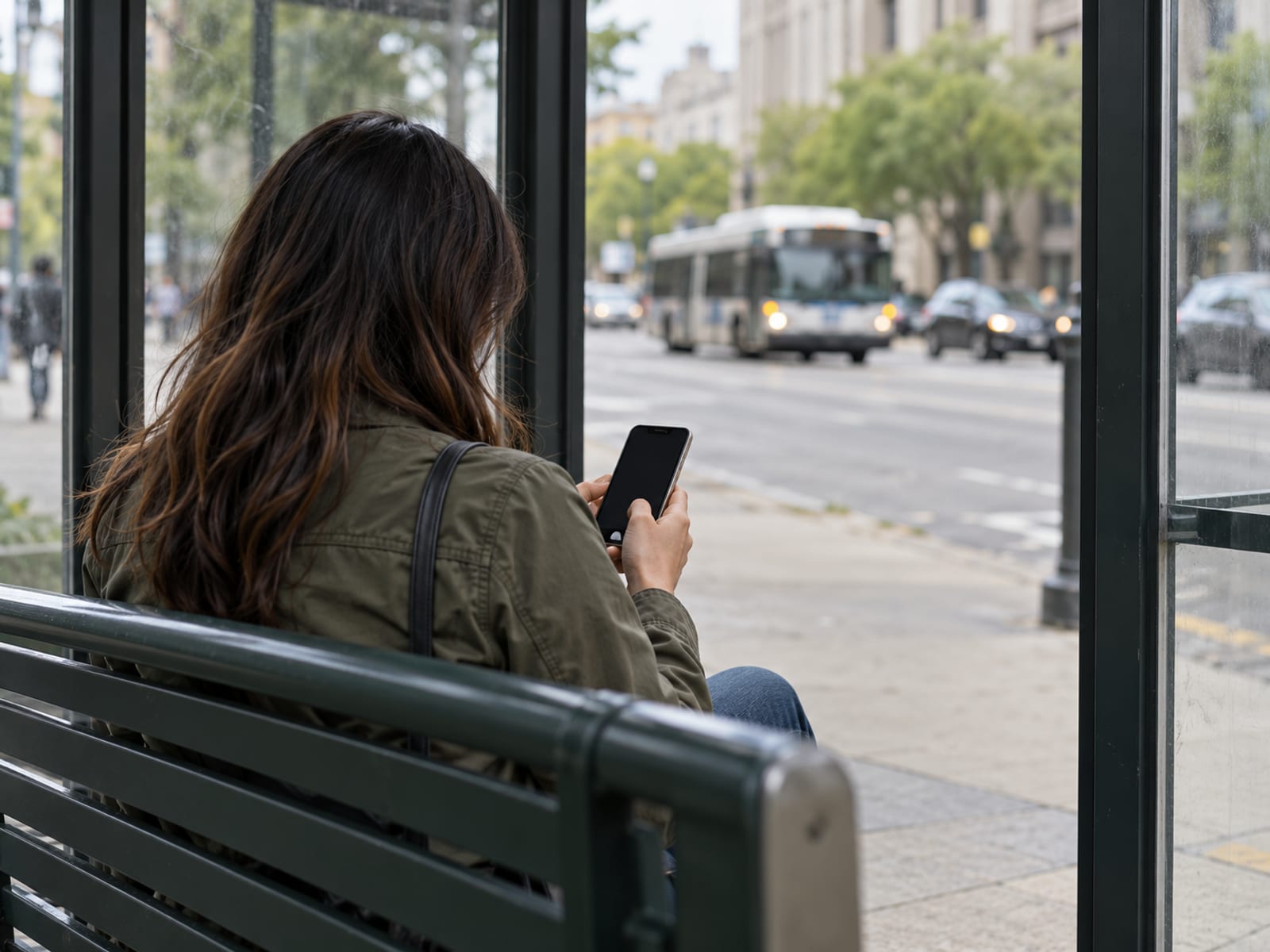
A phone VPN helps most when the local network is part of the problem. On Wi-Fi operated by an unknown or untrusted party, the VPN encrypts traffic between the phone and the VPN server. That can limit what the Wi-Fi operator can inspect, although HTTPS already protects the content of most secure websites.
The Electronic Frontier Foundation says VPNs are less necessary on ordinary public Wi-Fi than they once were because most web traffic now uses HTTPS. That does not make every network trustworthy, but it changes the decision. If you mainly open secure websites and use apps with their own encryption, a VPN may provide only an additional network-routing layer.
A VPN can also help with permitted network access. A company or school may require a particular VPN connection to reach internal systems. A hotel, airport, or mobile network may block a website or protocol that you are allowed to use. A VPN can sometimes provide a different exit location, which changes the IP address a website sees.
The result depends on what the service uses to identify you. Accounts, cookies, GPS, device signals, and browsing history can still connect activity to you. A different IP address does not change the country attached to your account or remove information stored by an app.
Streaming is a conditional case. A service may block VPN or proxy traffic, and the visible IP address may not match the account or device location. Netflix says VPN or proxy connections can trigger an error and that VPNs are not supported for live events or ad-supported experiences. If you see that message, follow the service’s instructions and turn the VPN off.
The practical verdict is simple. A phone VPN fits people with a recurring need for local-network privacy, work access, permitted network access, or travel-related routing. It is harder to justify for someone who uses updated apps and HTTPS websites on trusted networks and has no specific access problem.
What It Costs and What Renews
A VPN can be free, billed monthly, billed annually, or billed for a longer introductory term. A free tier is not the same as a free trial. A free tier continues under its own limits, while a free trial gives temporary access before a charge may begin. A money-back window is different again because it starts after purchase and depends on the provider’s refund terms.
A monthly figure can also mean two different things. The monthly plan may charge each month, while an annual or longer plan charges the full term upfront. The effective monthly figure is the amount charged upfront divided by the number of paid months. Bonus months are bonus time and should not be counted as paid months.
As of October 28, 2026, use each provider’s US pricing page and checkout immediately before purchase. Record the currency, amount due today, paid months, renewal interval, renewal price, trial eligibility, and refund terms. Annual subscriptions may renew at a higher price than the introductory amount, so the renewal line matters as much as the first charge.
NordVPN’s official pricing information advertises ten simultaneous device connections and a 30-day money-back guarantee. Those are plan and provider claims, not a promise that every app or device will work without adjustment. Confirm that the chosen plan supports your phone’s operating system, the number of devices you need, and the app or protocol required.
Before paying, compare the provider’s own US pricing and renewal pages. Then open the checkout page immediately before payment and keep a record of the terms shown there. Free vs Paid VPN: What You Give Up and What You Pay is the natural next step if you are deciding whether a free tier fits your use.
The Tradeoffs: Speed, Battery, Data, Apps, and Streaming
A VPN adds another network service between your phone and the destination. The connection travels through the VPN server, so speed and latency can change. The amount of change depends on the phone, network, server location, protocol, and service. A provider’s feature page cannot guarantee a particular result on your device.
Mobile data still gets used while the VPN is active. The VPN does not make cellular data free, and it does not prevent apps from sending their normal traffic. The phone may also use additional processing and battery power, although the practical effect varies by device and connection.
Apps can behave differently when the IP address or route changes. A banking app, hotel sign-in page, work system, printer, AirPlay device, or local file share may need direct access. Apple warns that third-party network software can interfere with internet, Wi-Fi, iMessage, FaceTime, the App Store, AirPlay, and other connections.
Some VPN apps provide controls for these cases. NordVPN’s Android documentation describes automatic connection, split tunneling, local-network detection, DNS settings, protocol selection, and Kill Switch. Split tunneling lets selected apps use a route outside the VPN. A Kill Switch can block traffic if the VPN connection stops. These are provider feature descriptions, so check the current help page for the settings on your phone.
DNS-level blocking can also break apps and services. The Electronic Frontier Foundation warns that DNS blocking may prevent a service from resolving its address even when the service itself is available. If an app fails only when the VPN is active, compare it with the VPN disabled and review the provider’s app-routing and DNS settings.
Streaming is another tradeoff. A VPN may change the IP location that a service sees, but the service can reject VPN or proxy connections. If a streaming app shows an unblocker or proxy message, turn off the VPN and test again. See Netflix Says You Seem to Be Using an Unblocker or Proxy: What to Do for that specific result.
Use the provider’s trial or money-back period to compare normal phone performance with the VPN enabled and disabled. Check calls, banking, hotel sign-in, streaming, local devices, battery behavior, and the apps you use most. Keep the subscription only if its specific benefit is worth the slower connection, added routing, possible failures, and renewal charge.
How to Turn a VPN On or Off on iPhone and Android
On Android, install the provider’s app, sign in, and approve the Android request to create a VPN connection. You can connect from the app or open Settings > Network and Internet > VPN, select the configured VPN, and connect or disconnect. The exact path can differ by manufacturer and Android version.
Android may provide an Always-on VPN setting for supported configurations. Android’s documentation says an app-created VPN may not show the Always-on option. When Always-on stops working, Android can show a persistent notification until the connection is restored or Always-on is disabled. A lockdown-style setting can block traffic without the VPN, but that can interrupt internet access.
On iPhone, install the provider’s app, sign in, and approve the system permission to add a VPN configuration. Connect and disconnect from the app or from the VPN controls in Settings. For a work or school configuration profile, review it under Settings > General > VPN & Device Management.
A commercial VPN and iCloud Private Relay are separate. Limit IP Address Tracking controls iCloud Private Relay for supported Wi-Fi or cellular connections. Check Settings > Apple Account > iCloud and Apple’s current support documentation before changing that setting.
Provider controls vary. NordVPN’s support documentation describes automatic connection on app launch or an unprotected network, split tunneling, protocol selection, DNS configuration, local-network detection, and Kill Switch. Follow the individual service’s current help page, especially if you need a particular app outside the VPN or need the VPN turned off for a local connection.
Use the VPN only when the intended benefit matters. If a hotel portal, bank, work system, streaming service, or local device rejects the connection, disconnect it and test the service again. You can switch it back on after the direct connection is complete.
What a VPN Does Not Replace
A VPN does not make you anonymous or invisible. Websites can still use accounts, cookies, device fingerprints, GPS, and other signals. The VPN provider can also see traffic information available to its service, so its privacy policy matters.
A VPN does not stop phishing, malicious downloads, unsafe websites, weak passwords, stolen accounts, or an untrusted app. It does not replace operating-system updates, app permissions, a passcode, backups, or careful account security. Antivirus, where appropriate for your device and software choices, addresses different risks.
A VPN does not guarantee a particular speed, battery result, latency, or connection stability. It does not guarantee that every app uses the same route when split tunneling or app-specific routing is enabled. It also does not guarantee access to region-restricted streaming.
Think of a VPN as a network-path tool. It encrypts the connection between your phone and the VPN server and changes the IP address a website sees. It does not make the destination, the account, or the phone itself trustworthy.
Travel, Legal Rules, and Service Terms
A VPN does not override the law where you are, workplace rules, school policies, app permissions, or service terms. The law that applies is the law where you use the phone, along with the terms of the service you access. Check current official government guidance and the provider’s terms for the country where the phone will be used.

Travel can create several separate issues. A hotel portal may require a direct connection. A bank may reject an unfamiliar IP address. A work system may require an approved VPN, while a streaming service may ask you to turn one off. Follow the provider’s instructions rather than trying to bypass a restriction.
Apple’s Media Services terms require compliance with applicable local, state, federal, and national laws, and some services depend on the user’s country or territory of residence. Netflix states that VPN or proxy connections can trigger an error and are not supported for live events or ad-supported experiences.
For a travel decision, review the current country guidance, the VPN provider’s terms, and the terms of the bank, employer, school, or streaming service involved. Is Using a VPN Legal is the next useful read if the question is about a specific country or activity.
Frequently asked questions
Start with the use case, not the app. A phone VPN is useful for an untrusted network, work access, permitted network routing, or a recurring travel need, but it is not required for every ordinary connection.
Does my phone have a built-in VPN?
iPhone and Android include controls for VPN connections, but a commercial VPN still needs a provider account, app, or configuration profile. The built-in controls manage the connection rather than supplying a commercial VPN service.
What happens if I do not use a VPN?
Secure websites and many apps can still encrypt their own traffic. A public Wi-Fi operator may still see connection metadata, and unencrypted traffic remains exposed, but a VPN is not required for every ordinary phone connection.
Is a phone VPN necessary?
It depends on your use. A VPN is more useful on an untrusted network, for work access, or when an allowed service is blocked, and less necessary when you use updated apps and HTTPS websites on trusted networks.
Is it better to have a VPN on or off?
Use it when its specific benefit matters. Turn it off when a banking app, hotel sign-in page, local device, work system, or streaming service requires a direct connection.
What is the disadvantage of using a VPN?
A VPN adds another network service between your phone and the destination. It can cause slower connections, higher latency, connection failures, location mismatches, blocked services, mobile data use, battery use, and problems with local devices.
How much does a VPN cost per month?
The cost depends on the provider, plan, billing term, region, billing channel, and introductory offer. Check the US checkout page for the amount charged today, paid months, effective monthly figure, renewal interval, renewal price, and refund terms.
When should you not use a VPN?
Turn it off when a service rejects VPN or proxy connections, a captive portal will not load, a local device must be reached directly, or a work or banking service requires the normal connection. Follow the individual service’s current help page.
What technology is replacing VPN?
There is no single replacement for every VPN use. HTTPS, encrypted DNS, private Wi-Fi addresses, app-level encryption, secure access services, and iCloud Private Relay address different problems and do not all provide the same routing or remote-access function.
Does an average person need a VPN?
Not automatically. A VPN is a situational tool, with the strongest case for recurring use on networks you do not trust, work access, permitted network blocking, or a specific travel-related route.
Is my iPhone safe without a VPN?
An iPhone can use HTTPS warnings, certificate checks, private Wi-Fi addresses, software updates, app permissions, and passcodes without a VPN. Those protections do not make every website, app, network, or message safe.
Do I need antivirus if I have a VPN?
A VPN does not replace software updates, phishing protection, app review, permissions, backups, or safe browsing. A VPN and antivirus address different risks.
What happens if the VPN is always on?
Traffic is routed through the VPN whenever the connection is available. If it stops, Android can show a persistent notification, and a lockdown-style setting can block internet access until the VPN returns or the setting is disabled.
Do I need a VPN on my iPhone?
Only if you have a use for it. It can reduce local-network observation and provide a different IP route, but it does not replace iOS security features or guarantee access to region-restricted streaming.
Can I switch my VPN on and off?
Yes. On Android, use Settings > Network and Internet > VPN or the provider’s app. On iPhone, use the VPN app or installed configuration profile, and manage iCloud Private Relay separately through Limit IP Address Tracking.
Your next step is to name the problem you want the VPN to solve, then compare the phone’s normal behavior with the VPN enabled and disabled. If the need is recurring, confirm operating-system support, device limits, logging information, app requirements, and the US renewal price before paying.
Glossary
Find more VPN guides on Tunnel Verdict. Have a question about your own setup? Contact us and include your device and the VPN you use.