You can’t install a native VPN app on an Xbox One or Xbox Series X|S. The practical choices are a VPN-compatible router for permanent coverage, a Windows 10 or Windows 11 PC for occasional use, or a DNS-only service when you need streaming compatibility without encrypted VPN traffic.
Start by identifying your Xbox model, router model, available Windows PC, and goal. If you want the whole Xbox connection encrypted, use a router or shared Windows connection. If you only need supported streaming compatibility, a DNS service may fit better.
Test multiplayer with the VPN disconnected first. After setup, compare NAT, latency, party chat and the intended game with the VPN connected.
Key takeaways
- Use a compatible router or Windows PC because Xbox consoles do not run native VPN apps.
- Choose a router for permanent household coverage and Windows sharing for occasional use.
- Check Xbox Network settings after connecting because a VPN can change NAT and latency.
- MediaStreamer DNS is not a VPN and does not encrypt traffic or change your location.
- Check the plan’s renewal price, device limit, router support and refund terms before paying.
Can You Use a VPN on Xbox?
Yes, but the VPN software runs somewhere else. Xbox One and Xbox Series X|S consoles do not support native VPN apps, so the console connects through a router or another device that shares a VPN connection.
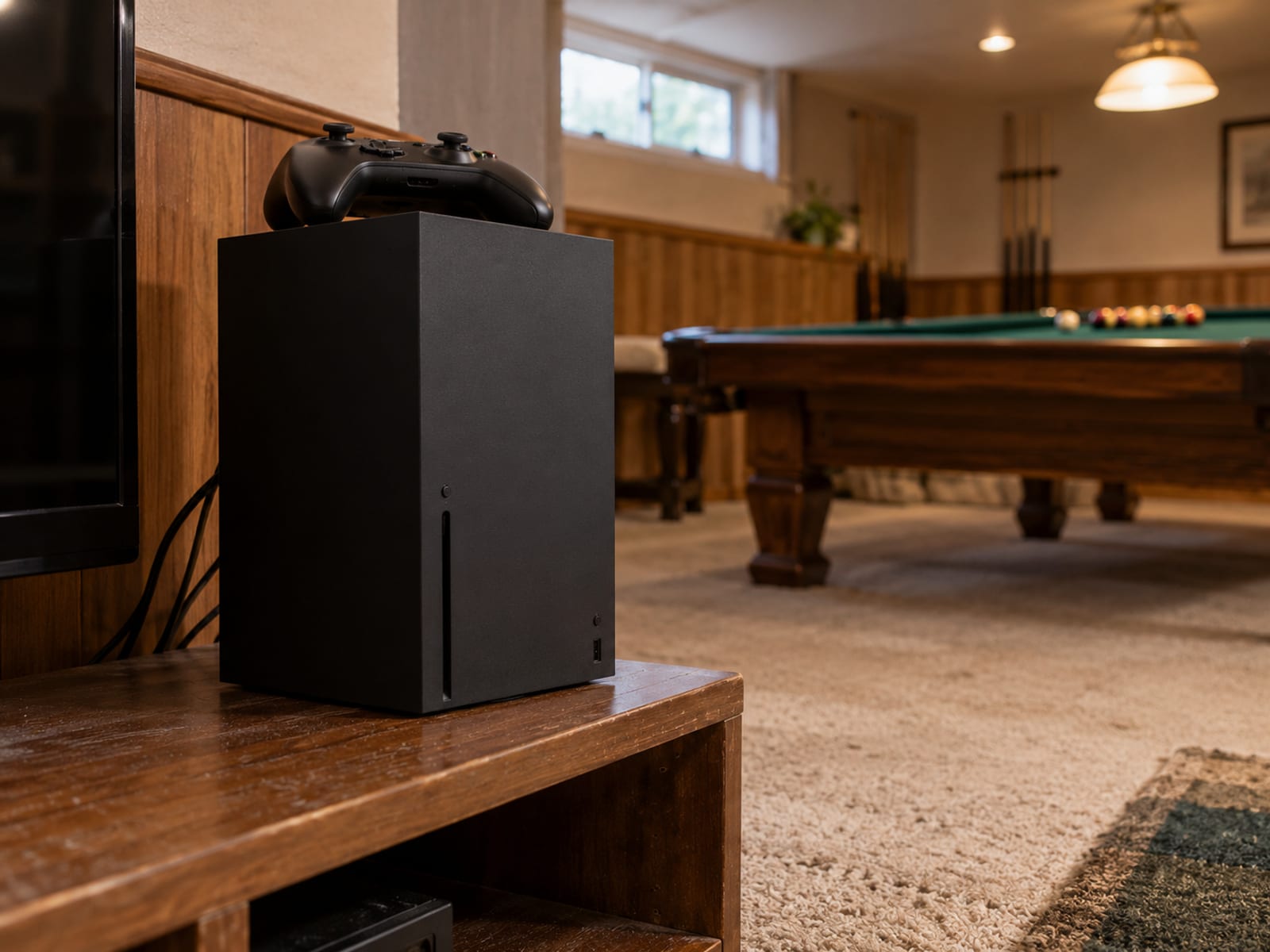
The simplest permanent route is a compatible router. Install the VPN on the router, connect the Xbox by Wi-Fi or Ethernet, and the router sends the Xbox traffic through the selected VPN server. This can cover other devices on the same network, but router compatibility and setup steps vary by model and provider.
A Windows 10 or Windows 11 PC works for occasional use. You install the VPN on Windows, connect the PC to a VPN server, then share that connection with the Xbox through Ethernet or a Windows mobile hotspot. The PC must stay available and connected while the Xbox uses the shared connection.
NordVPN documents router, Ethernet and Windows-hotspot methods for Xbox One and Xbox Series X|S. ExpressVPN documents Windows sharing for Xbox One and Xbox Series X. If you choose a provider, check its current router support and simultaneous-device limit before paying. NordVPN states that its service supports up to 10 simultaneous device connections, while ExpressVPN’s Spanish Xbox page states up to 14, subject to current service terms.
For a broader choice between permanent router coverage and device sharing, use VPN on your router or your devices.
The Three Ways To Connect Xbox Through A VPN
The right path depends on the equipment you already have and whether the Xbox needs a full VPN connection.
1. Install the VPN on a compatible router
First, confirm that the router supports the provider and VPN protocol you plan to use. Router firmware differs, so check the provider’s current instructions for the exact router model.
Install or configure the VPN on the router, sign in, select a nearby server, and save the configuration. Then connect the Xbox to that router. On the Xbox, open Network settings and run the network test. Check the NAT result and multiplayer connection before starting a game.
This setup fits a household that wants the Xbox connected without leaving a computer running. It can cover other devices on that router too. The tradeoff is that router installation can be more involved, and every device using that network may follow the VPN route unless the router supports split tunneling or another traffic rule.
2. Share the VPN through Windows Ethernet
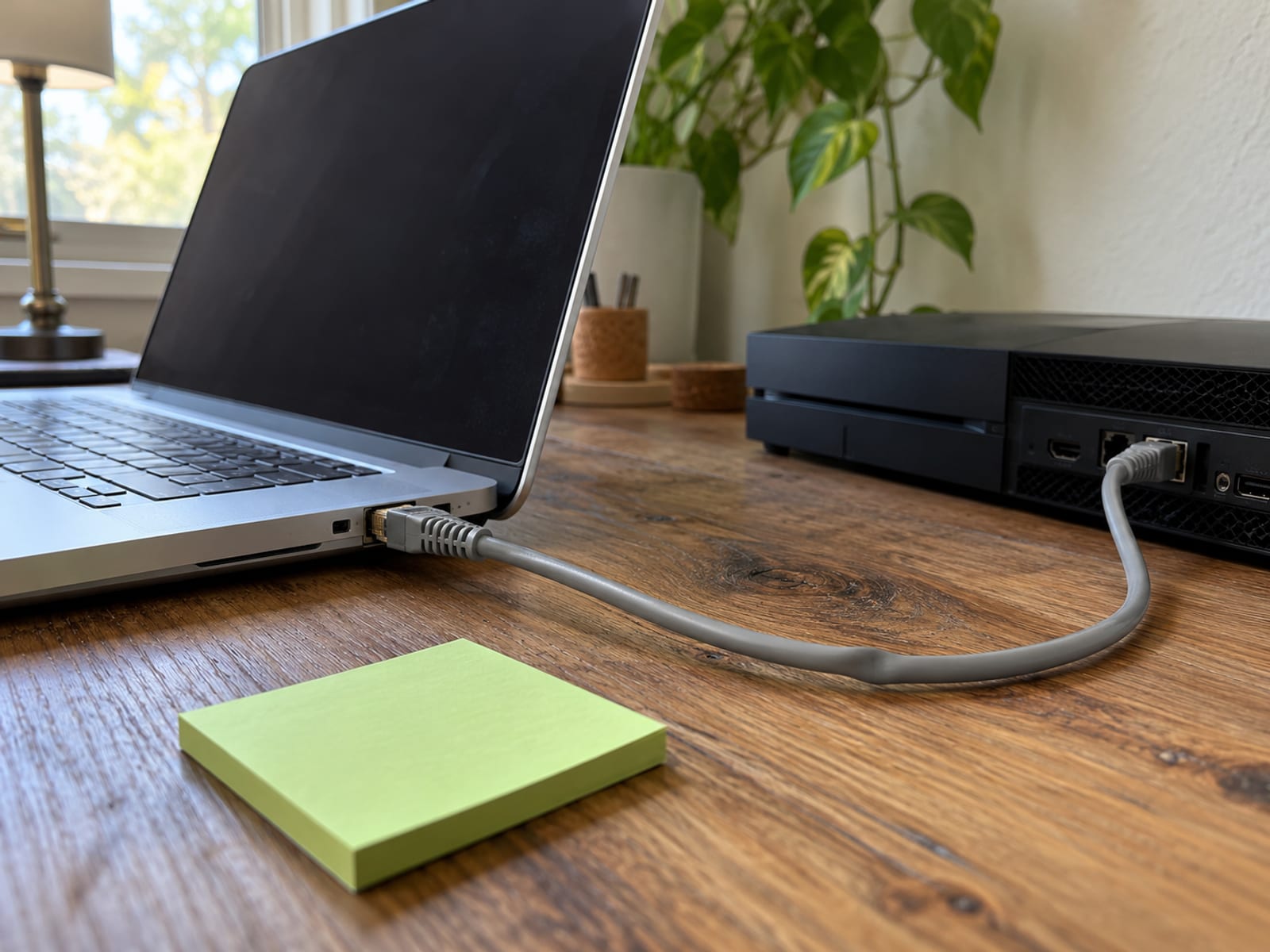
Install the VPN app on a Windows 10 or Windows 11 PC and connect to a nearby server. Connect the Xbox to the PC with Ethernet. In Windows network settings, enable connection sharing from the VPN adapter to the Ethernet connection.
NordVPN’s instructions identify the OpenVPN Data Channel Offload or TAP-NORDVPN adapter for sharing. ExpressVPN’s Windows instructions use the ExpressVPN WinTUN adapter and the setting that allows other network users to connect through the computer’s internet connection.
After sharing is enabled, connect the Xbox through the Ethernet network and check Xbox Network settings. This is often a practical choice when the PC is near the console. The PC must remain connected to the VPN and powered on while the Xbox uses the shared route.
3. Share the VPN through a Windows mobile hotspot
Windows can share a VPN connection through a mobile hotspot. Install the VPN on the PC, create the hotspot, enable sharing from the VPN adapter, connect the PC to the VPN, and then connect the Xbox to the hotspot network.
NordVPN states that its Windows 10 and Windows 11 hotspot method does not work with NordLynx. Its instructions require OpenVPN UDP or OpenVPN TCP. ExpressVPN documents Windows 10 and Windows 11 hotspot sharing through its WinTUN adapter.
Use a nearby server first, then compare multiplayer, party chat, NAT and latency with the VPN disconnected. If the app or adapter does not appear, check that the VPN is connected, the correct adapter is selected, and Windows has Wi-Fi available for hotspot sharing.
A phone hotspot is not automatically equivalent to Windows sharing. The phone may not pass its VPN tunnel to connected devices, so confirm tethering and VPN-tunnel support with the phone and provider before relying on that setup.
Router Or Windows PC: Which Setup Fits?
A router is the better fit when you want a set-and-forget connection for the Xbox and possibly other devices. It does not depend on a nearby computer, and the Xbox can connect normally after the router is configured. The tradeoff is setup complexity, firmware compatibility and the possibility that the VPN route affects more devices than you intended.
A Windows PC fits occasional use or a home where the router does not support the provider. Ethernet is usually the more direct arrangement when the console and computer are close. A Windows hotspot is more flexible, but it adds wireless sharing and depends on the correct VPN adapter and protocol.
The decision also depends on your purpose. Full VPN routing encrypts the connection between the shared device or router and the VPN server, while changing the IP address websites and services see. A DNS-only service handles name resolution for supported services but does not create that encrypted tunnel.
Before you choose, confirm your router model, Windows version, available Wi-Fi or Ethernet connection, provider router support, device limit and refund terms. If you mainly need a permanent console setup, choose the router path. If you need to switch the VPN on for occasional sessions, Windows sharing is usually the more practical option.
What A VPN Does To NAT, Latency And Multiplayer
A VPN adds an encrypted connection and another routing step between the Xbox and the service it reaches. NordVPN’s Xbox information says this extra path can add latency and may affect NAT. The provider also says VPN routing will not normally make the connection faster.

Microsoft defines Xbox NAT states as Open, Moderate and Strict. Open can connect with consoles using any NAT setting. Moderate can connect with Open or Moderate NAT. Strict can connect only with Open NAT. Microsoft’s networking documentation identifies UDP 3074 as the default preferred local multiplayer port, and the network behavior around that port contributes to the NAT result shown on Xbox.
A VPN can change the address translation and path that Xbox Live sees. NordVPN says its use can result in Strict NAT, but the outcome depends on the provider, server and setup. A VPN does not guarantee Open NAT, lower ping, faster downloads, reliable party chat or better matchmaking.
Choose a nearby VPN server and compare the same game with the VPN off and on. Check Xbox Network settings after setup, then compare the NAT result, latency, matchmaking and party chat. If the connected result is worse, try another nearby server or disconnect the VPN for multiplayer.
Some providers claim a VPN may help avoid activity-based ISP throttling, but that result is not guaranteed. A VPN also does not prevent every form of tracking, account monitoring or denial-of-service attack. For a wider explanation of the gaming tradeoffs, use VPN for gaming: ping, lag and when it helps.
If NAT or connectivity changes, follow Microsoft’s current Xbox multiplayer troubleshooting guidance. Keep the comparison practical: the VPN fits only if its privacy or routing benefit is worth the change in the game experience you actually use.
Full VPN Or MediaStreamer DNS?
Choose a full VPN when you want the Xbox connection encrypted between the network device and the VPN server, along with a different IP address for websites and services. The VPN must run on a compatible router or shared Windows connection because the Xbox cannot run the app itself.
ExpressVPN MediaStreamer is a DNS-only service for supported streaming use. Its setup involves registering the home IP address, receiving MediaStreamer DNS addresses, and entering them under Xbox Network settings, Advanced settings, and DNS settings. It does not encrypt Xbox traffic, does not provide a full VPN tunnel and cannot change your location.
MediaStreamer may suit someone who wants streaming compatibility and does not need VPN encryption for the console. It does not automatically make every streaming app work, and streaming platforms may still reject connections that they identify as VPN or proxy use. If Netflix shows a proxy message, work through the Netflix proxy error fixes.
The verdict is straightforward. Use a full VPN for privacy through the Xbox connection, knowing that NAT and latency may change. Use DNS-only MediaStreamer for its narrower streaming purpose, knowing that it is not a privacy replacement and cannot provide a new location.
Read the applicable Xbox and streaming-service terms before using either setup. Do not use a VPN to bypass regional purchase rules, copyright controls or service restrictions.
What NordVPN Costs And Renews At
US NordVPN prices, checked October 28, 2026. The two-year offers include three months of bonus time, which is separate from the paid subscription term. Sales tax may apply, and NordVPN says subscriptions renew automatically at the then-applicable renewal price. Annual renewals may be charged up to 14 days before renewal.
The Basic plan is the conditional pick for Xbox privacy when you do not need the extra services in the higher tiers. The longer offers reduce the initial effective monthly figure, but the renewal jumps to the listed annual price, so check the final checkout total, taxes, billing channel and renewal amount before paying.
NordVPN provides a 30-day money-back guarantee for a new subscription. That is a money-back window, not a free trial, and it applies to the initial purchase rather than a renewed subscription unless local law requires otherwise. NordVPN does not provide a free Xbox tier. Referral time is bonus subscription time tied to a qualifying referral, not a free plan.
Use NordVPN for the current checkout details, then test your intended game and streaming services during the refund window. Keep the subscription only if the connected result fits your use.
Limits, Account Rules And Safe Use
A VPN does not install an app on the Xbox, guarantee a better connection or make every service accept the new IP address. It also does not protect devices that are outside the VPN router or shared connection.

Your Xbox account, game account, cookies and device details can still identify you. A VPN changes the IP address services see and encrypts the connection between the device sharing the VPN and the VPN server. It works alongside software updates, account security and phishing protection. It does not replace them.
Microsoft’s Services Agreement prohibits bypassing technological protection measures, unauthorized access or interference, and enabling access to or modifying an Xbox through unauthorized third-party applications. A router or shared Windows connection does not install a third-party VPN app on the console, but Xbox, game and subscription terms still apply.
Do not use a VPN to evade regional purchase rules, copyright controls, account restrictions, anti-cheat systems or a game’s terms. The law where you are located applies, along with the terms of the service you use. Review third-party app terms and privacy policies before connecting them through the VPN.
If the provider app or setup path is missing, check the router model, Windows version, VPN adapter and supported protocol first. If no compatible router or Windows PC is available, a phone hotspot may not pass the VPN tunnel, and MediaStreamer will not provide full VPN protection. At that point, use the service only for a supported DNS purpose or choose equipment that supports the full connection.
For a Windows setup, use How to Set Up a VPN on Windows 11. If you are considering phone sharing, use How to Set Up a VPN on Android and confirm tethering support before connecting the Xbox.
Frequently asked questions
Use these answers to settle the setup choice before you change the Xbox network.
Can you run a VPN on Xbox?
Not as a native Xbox app. Run the VPN on a compatible router or Windows PC, then connect the Xbox through that device.
How do I put a VPN on my console?
Configure the VPN on a compatible router, share it from Windows through Ethernet or a Windows hotspot, or use a supported full-VPN router. The console connects to the protected network while the VPN software runs elsewhere.
Does Xbox have a free VPN?
Xbox does not provide a native free VPN app. A free provider would still need to support router installation or connection sharing, and its speed, location and data limits may affect the result.
How do I change the VPN location on Xbox?
Change the server location in the VPN app running on the router or Windows PC, then reconnect the Xbox network. MediaStreamer cannot change location because it is DNS-only.
How do I use a VPN on Xbox without a PC?
Install the VPN on a compatible router and connect the Xbox to that router. This is the documented no-PC route for a full VPN connection.
How do I use a VPN on Xbox with a phone?
A phone hotspot may not share the phone’s VPN tunnel with the Xbox. Confirm tethering and VPN-tunnel support with both the phone and provider before using the phone as the intermediary.
Do VPNs slow down the internet?
They can reduce speed or increase latency because traffic uses encryption and an additional server path. Choose a nearby server and compare downloads, multiplayer and party chat with the VPN off and on.
Will a VPN make Xbox NAT Open?
No. A VPN can change NAT, and the result may be Open, Moderate or Strict depending on the network and setup. Check Xbox Network settings after connecting rather than assuming the VPN will improve NAT.
Can a VPN protect every device in the house?
Only devices connected through the VPN router or shared connection receive that route. Devices using another network, mobile data or a separate access point are outside it.
Can I use a VPN to buy games from another Xbox region?
A VPN does not make region-based purchases permissible. Follow Microsoft, Xbox, payment, game and local rules instead of using a VPN to bypass regional controls.
Should I keep the VPN connected while playing multiplayer?
Only if the connected result works for your game. Compare NAT, latency, matchmaking and party chat with the VPN off and on, then disconnect it or change servers if the VPN makes the session worse.
The best next step is to identify the Xbox model, router model and available Windows PC, then decide whether you need full VPN encryption or streaming compatibility only. Check the provider’s router support and renewal terms before paying, and use the refund window to assess the actual games and services you plan to use.
Glossary
Find more VPN guides on Tunnel Verdict. Have a question about your own setup? Contact us and include your device and the VPN you use.