A VPN can help with gaming when your internet provider is sending game traffic over a congested or inefficient route, or when you want to hide your home IP address. It can also add ping, reduce speed, create NAT problems, or cause a game to challenge the VPN address. Start by identifying the actual problem, then compare the game’s direct connection with a nearby VPN server before paying.
For a PC, install the provider’s app and try a modern protocol such as WireGuard. For a PlayStation or Xbox, check router support first because most consoles do not run a VPN app directly. Record ping, jitter, packet loss and matchmaking behavior separately, since download speed alone does not describe how a game feels.
Key takeaways
- Use a VPN for routing, IP masking or untrusted Wi-Fi, not to repair weak Wi-Fi or a distant game server.
- Keep the VPN location close to both you and the game server.
- Compare the direct route with a nearby VPN route in the specific game.
- Confirm console NAT, router, incoming-connection and party-chat requirements before subscribing.
- Read the current game, store and platform rules before changing regions or using a VPN.
Does a VPN Help With Gaming?
Sometimes, but it is not a general gaming speed setting. A VPN encrypts the connection between your device and the VPN server, then sends traffic through that server before it reaches the game service. That extra route usually adds some delay. If your internet provider is using a congested or inefficient route, the VPN’s different path can sometimes produce lower or more stable latency.

The useful decision depends on the problem. A VPN is more relevant when your ping changes sharply at busy times, packet loss appears on the normal route, your ISP has a poor path to a particular game service, or you want to keep your home IP address away from peers. It is less relevant when the cause is weak Wi-Fi, an overloaded router, a distant game server, an underpowered console or a slow local connection.
ExpressVPN describes both sides of the tradeoff in its gaming documentation. A VPN can add slight latency because traffic takes another hop, but a different route may avoid congestion. NordVPN claims its gaming network added an average of 3 ms of latency and reached 817 Mbps overall in a West Coast Labs measurement dated October 2025. That is NordVPN’s reported provider measurement, not a universal result for every game, location or connection.
Independent figures also vary by destination. AIMultiple measured Proton VPN at 60.3 ms ping and 29.5 ms jitter to Germany, with zero packet loss in its 2026 benchmark. That was a benchmark route, not a game-specific result on every platform. A 2025 UiTM study using Speedtest, PingPlotter and Fing reported performance differences among NordVPN, ExpressVPN and Surfshark across mobile and Wi-Fi conditions.
The practical verdict is conditional. A VPN fits a player with a routing, IP-exposure or public-Wi-Fi reason to use one. If the direct connection is already stable and low-latency, the VPN adds cost and another possible failure point without a clear gaming benefit.
What Do Ping, Jitter, Packet Loss and Routing Mean?
Ping is the round-trip delay between your device and the game service. Lower ping usually means your input reaches the server sooner, but a steady connection can feel better than one that briefly reaches a low number and then jumps. Jitter is variation in ping. Packet loss means some data does not arrive and may need to be sent again.

A VPN can affect all three because it changes the route, adds encryption and sends traffic through VPN-server hardware. A nearby, lightly loaded server may give you a steadier path. A distant or crowded server may raise ping, increase jitter or create packet loss.
Routing is the path your traffic takes across networks. Your ISP may send traffic through a path that is longer or busier than another available route. A VPN cannot make the physical distance to a game server shorter, but it may change which networks carry the traffic between you and the VPN server, and between that server and the game service.
Keep the VPN location close to both ends. If you are in Chicago and the game server is in Dallas, a nearby United States server may be more sensible than a server in Europe. Choosing a location only because it changes your apparent region can make the route much longer.
A lower download speed does not automatically mean worse gameplay. Many games use modest bandwidth, while unstable latency, jitter and packet loss can interrupt play. Record the direct route and VPN route under similar conditions, then compare ping, jitter, packet loss, matchmaking and voice chat separately.
NordVPN’s reported 3 ms average latency overhead shows why one provider’s general result cannot settle your own decision. AIMultiple’s Proton VPN figure shows how destination and benchmark conditions change the result. The number that matters most is the route to the game and platform you actually use.
When Does a VPN Help, and When Does It Make Lag Worse?
A VPN may help when your ISP route is congested, when packet loss appears on the direct path, or when a different route avoids a peering problem. It may also help reduce direct exposure of your home IP address. ExpressVPN describes this as a tradeoff between an added VPN hop and the possibility of avoiding an inefficient route.
A VPN is more likely to make lag worse when the selected server is far away, crowded or poorly connected to the game service. Encryption and VPN-server processing can reduce throughput, while the extra distance can increase ping. NordVPN says its premium service usually reduces normal speed by 10% to 30%, presented as its own claim. That speed range does not predict your game’s latency.
Protocol choice matters. A modern protocol such as WireGuard may be a sensible first option when the provider supports it, but the best result still depends on the route and the device. If you want the practical differences between common choices, use WireGuard vs OpenVPN: Which Protocol to Pick when you configure the connection.
A VPN can also cause a different kind of problem. Shared VPN addresses may be challenged by a game, store or platform. Matchmaking, voice chat and peer-to-peer connections can behave differently when traffic comes from a VPN server. If the game works directly but fails through the VPN, record that result instead of treating the VPN as an automatic improvement.
Compare one nearby VPN server with the direct connection, then try a second nearby server if needed. Keep the VPN off for unrelated traffic with split tunneling if the provider supports it and the device handles it properly. The Split Tunneling: What It Is and When to Use It page is the next step when only the game should use the VPN.
Can a VPN Protect You From DDoS Attacks on PC and Consoles?
A VPN can hide your home IP address from peers and game services that would otherwise receive it. That can make direct targeting more difficult, but it does not stop every distributed denial-of-service attack, protect the game server or secure a device whose other address is already known.
NAT, or network address translation, controls which incoming connections reach devices on your home network. Strict NAT can interfere with matchmaking, voice chat and peer connections. A more open NAT can improve connectivity, but it also exposes more services. Port forwarding may change NAT behavior, but it does not directly lower ping or remove lag.
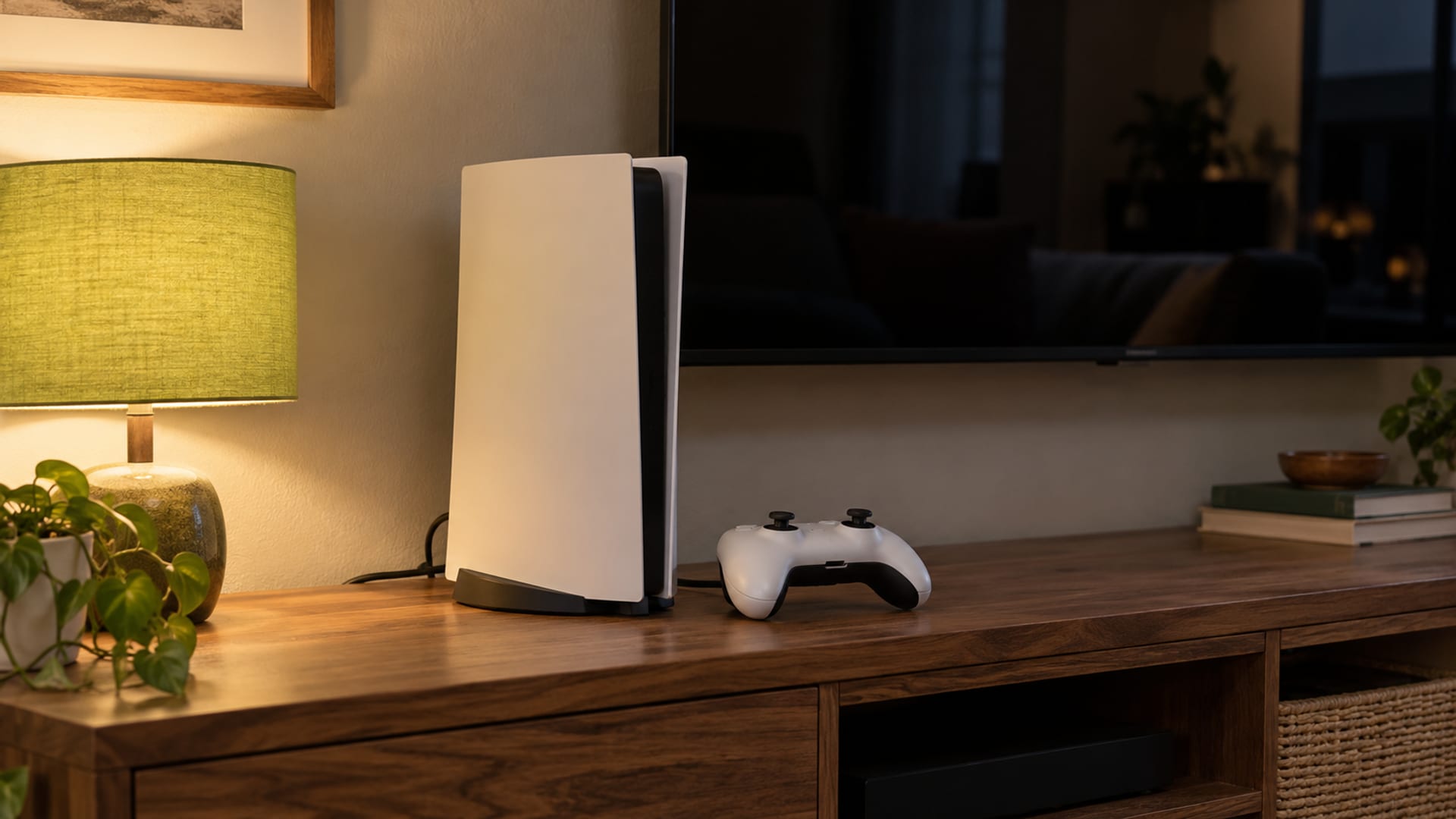
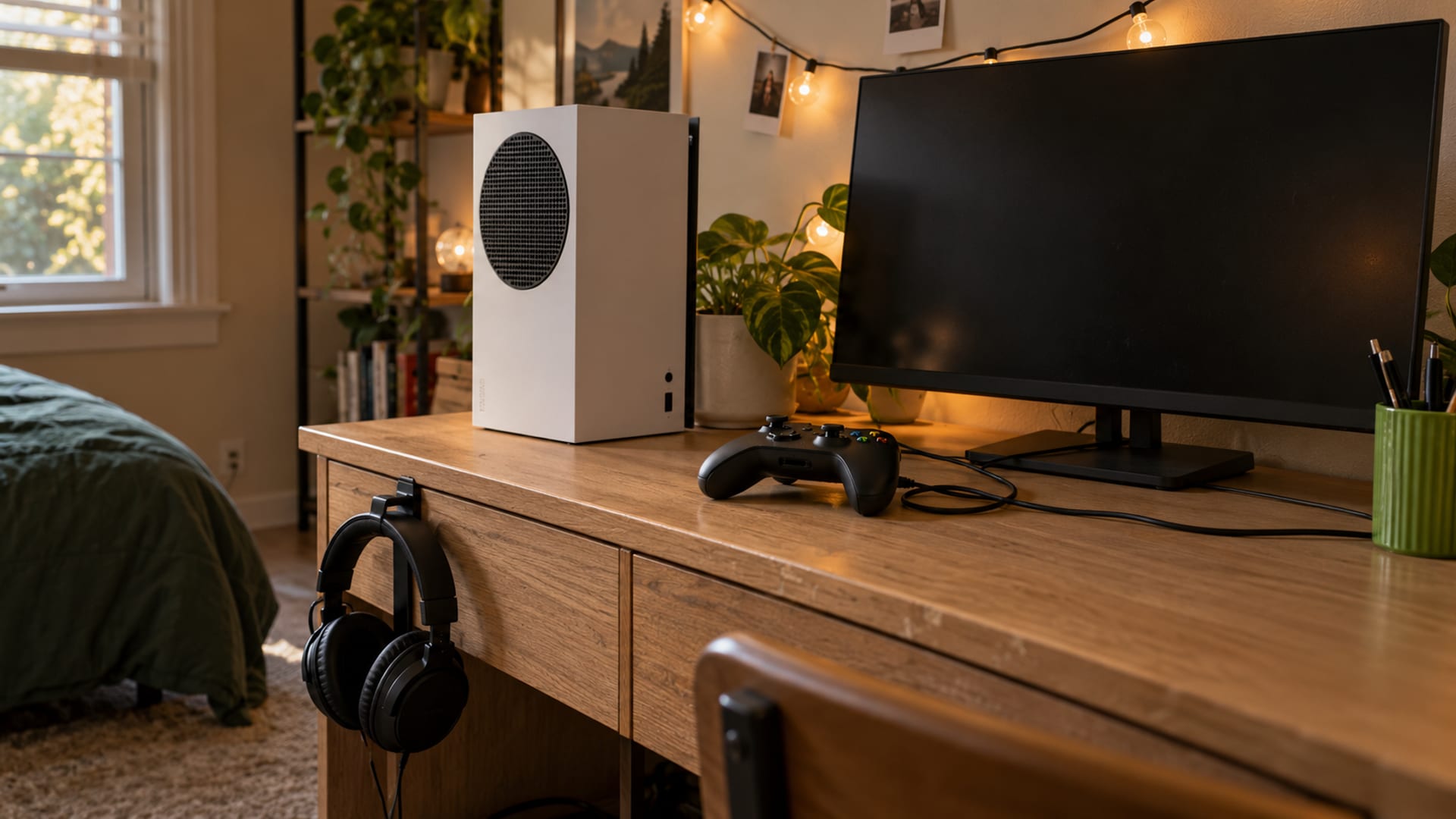
On a PC, the provider’s app is usually the simplest setup. On a PlayStation or Xbox, a VPN commonly requires a VPN-enabled router or a shared connection through a computer. A console cannot simply install every provider’s desktop or phone app. Confirm the router model, console, NAT behavior, party-chat needs and incoming-connection requirements for the specific game before subscribing.
ExpressVPN says Xbox players may expose their IP through peer-to-peer party-chat connections and recommends protecting the home network with a router-based VPN. That is provider guidance, not Microsoft’s own technical documentation. NordVPN documents that it does not provide port forwarding, so it may not fit a game or hosting arrangement that requires incoming connections.
Protect the home network separately by using current router firmware, strong account passwords and restricted party-chat access where available. A VPN is one network layer, not a replacement for account security, updates or phishing protection.
What Are the VPN Rules for Riot, Activision, Epic, Steam, Sony and Xbox?
Using a VPN is not automatically unlawful in the United States, but the game, store and platform rules still apply. Use the law where you are as well as the current agreement for the service. Do not use a VPN to evade a ban, defeat anti-cheat systems, manipulate matchmaking, obtain regional pricing or bypass a region lock.
Riot said in a November 6, 2020 notice that most players using a VPN should not notice a change, but it blocked some high-volume VPN services for cross-region access after observing game-breaking lag spikes. Riot’s current Terms of Service allow account suspension or termination under the agreement and user rules, so VPN use is not covered by a general acceptance guarantee.
Activision’s Call of Duty enforcement policy allows penalties for security circumvention, boosting and other prohibited conduct. Epic’s Store EULA prohibits bypassing security technology and using unauthorized software to gain an advantage in online games.
Steam’s Subscriber Agreement prohibits disguising residence with IP proxying to bypass geographic restrictions, obtain region-specific pricing or for any other purpose. Valve says it may terminate account access. Steam support also says using a VPN or proxy to redeem a region-restricted gift may restrict the account.
Sony’s PlayStation terms prohibit bypassing encryption, security, digital rights management or authentication mechanisms, and allow suspension or termination for agreement violations. Microsoft’s Services Agreement prohibits bypassing technological protection measures and unauthorized access. Xbox Community Standards specifically prohibit using a VPN to disguise location for regional pricing, out-of-region content or purchase restrictions.
Read the current game, platform and store terms immediately before using a VPN for that service. A privacy or routing use is different from changing location to obtain a cheaper price or access content sold for another region.
Are Free VPNs Worth It Compared With Paid Plans?
A free tier, a free trial and a money-back window are separate offers. A free tier may have fewer locations, data limits or more congestion. A free trial usually gives temporary paid-plan access under specific signup conditions. A money-back window requires payment first and depends on the provider’s terms, billing channel and exclusions.
As of October 29, 2026, ExpressVPN’s gaming page advertises a 30-day money-back guarantee for first-time users subscribing directly through its website. NordVPN’s gaming page advertises a 30-day money-back guarantee. Proton VPN’s gaming page directs readers to Proton VPN Plus or Proton Unlimited, while the complete United States renewal and refund schedule should be confirmed at checkout.
Before payment, open the provider’s United States checkout and refund terms. Record the amount due upfront separately from the introductory effective monthly figure and the renewal price. The billing term, bonus time, taxes, app-store billing and refund rules can change the real cost. If the checkout does not clearly show the renewal amount, confirm it before completing payment.
The FTC says a VPN app can see the internet traffic routed through it and may share information with third parties depending on its terms and privacy policy. A paid plan can be the better fit when you need more locations, router support or a specific platform, but price alone does not prove better gaming performance.
How Do You Choose and Test a Gaming VPN Safely?
Start with the device. Check the provider’s documentation for your exact operating system, console setup, router model and battery behavior. Confirm PC app support or router support for the console, protocol options, split tunneling and whether the service supports incoming connections or port forwarding.

Then compare the direct route with a nearby VPN server on the specific game and connection. Write down ping, jitter, packet loss, matchmaking behavior and voice-chat behavior. Run the comparison at the times you normally play, because congestion can change the result. Keep the VPN location close to both you and the game server.
Check the provider’s IP-masking and router behavior before paying. If a console needs an open NAT or peer-to-peer connections, confirm that the VPN setup will not block the required traffic. If you need to check for traffic escaping outside the tunnel, use How to Run a DNS Leak Test and Fix a Leak.
Finally, read the current rules for the game, platform and store. Open the United States checkout and refund terms immediately before payment, record the renewal amount separately from the introductory amount, and confirm the billing channel. If the VPN worsens the game or interferes with matchmaking, a refund window is useful only if the provider’s terms cover your purchase.
Frequently asked questions
These answers address the common decisions that remain after you identify the game, device and network problem.
Is a VPN good for gaming?
Sometimes. It can help with a poor ISP route, unstable congestion, IP exposure or untrusted public Wi-Fi, but it can also add latency and create NAT or matchmaking problems. Compare the direct route with a nearby VPN server before deciding.
Will a VPN slow down my gaming?
It can reduce throughput or increase latency because traffic is encrypted and sent through another server. A lower download speed does not automatically make a game worse, but higher jitter or packet loss can make play less stable.
Does a VPN make you laggy?
Not automatically. A nearby, lightly loaded server may be stable, while a distant or congested server can raise ping and jitter. The specific game route matters more than the provider’s general speed claim.
Can games ban you for using a VPN?
Rules vary by game and by the reason for using the VPN. Riot may block some VPN services for cross-region access, while Activision, Epic, Sony, Steam and Xbox prohibit forms of security circumvention, regional abuse or unauthorized access.
Is it illegal to use a VPN for gaming?
Using a VPN for gaming is not automatically illegal in the United States. It can still breach the rules of a game, store or platform, especially when used to bypass regional pricing, anti-cheat systems, account sanctions or access restrictions.
Will Steam ban me if I use a VPN?
Steam’s Subscriber Agreement prohibits disguising residence with IP proxying to bypass geographic restrictions, obtain region-specific pricing or for other purposes, and Valve says it may terminate account access. Using a VPN for ordinary privacy does not remove the need to follow Steam’s current agreement.
Is a VPN worth it for gaming?
It is most defensible when you want to mask your home IP address, use untrusted public Wi-Fi, have a documented routing problem or need a router-based console connection. It is less useful when your existing route is stable, low-latency and free of packet loss.
Is a gaming VPN free?
Some VPNs have free tiers, but they may include fewer locations, data limits or more congestion. Review the app’s permissions, privacy policy and terms because the FTC says a VPN can see routed traffic and may share information under its policies.
Do VPNs slow down the internet?
They can. Server distance, encryption, protocol choice and congestion may reduce speed or increase latency, while a different route can sometimes avoid ISP congestion. Test the route you intend to use instead of relying on a general speed figure.
Does a VPN protect a console from DDoS attacks?
A VPN can hide the home IP address from some peers and game services, which may make direct targeting harder. It does not block every attack, protect the game server or replace router and account security, and console NAT and party-chat behavior still need checking.
If you use a PlayStation or Xbox, continue with How to Use a VPN on a PS5 or the console-specific setup that matches your device. If the comparison shows higher ping or lower throughput, use Why Your VPN Slows Down Your Internet and What Helps to separate VPN overhead from Wi-Fi, router, ISP and server-distance problems.
Glossary
Find more VPN guides on Tunnel Verdict. Have a question about your own setup? Contact us and include your device and the VPN you use.