
If you downloaded a supposed PS5 emulator for Windows from GitHub, do not open it or disable antivirus protection. If you already ran the file, disconnect that computer from the internet, scan it, and change passwords from a separate clean device, starting with your email account.
NordVPN’s Threat Intelligence team reported the campaign on October 28, 2026. Tom’s Hardware and Engadget reported on October 28 and 29, 2026, that lookalike GitHub repositories linked to ZIP files containing Windows executables. The suspected infostealer was designed to collect passwords and other sensitive information. The reports apply to people worldwide who downloaded the files, while PlayStation’s account terms and local laws vary by country or region.
Key takeaways
- Do not run a Windows file from a lookalike AnyPS5 or Kyttyps5 repository.
- If you ran it, disconnect the computer and change passwords from a separate clean device.
- Start with email, then reused passwords, banking, payment, gaming, and password-manager accounts.
- Run a full Microsoft Defender scan, followed by Defender Offline when exposure is suspected.
- A VPN encrypts traffic to its server and changes the IP address websites see, but it cannot remove malware or reverse stolen credentials.
What You Downloaded May Not Be an Emulator
None of these downloads is a working PS5 emulator. NordVPN’s Threat Intelligence team said on October 28, 2026, that malicious GitHub repositories were impersonating AnyPS5 and Kyttyps5. Tom’s Hardware reported on October 29, 2026, that the download path led to ZIP archives containing Windows executables.

The reporting identifies AnyPS5’s official GitHub repository as boykopovar/AnyPS5. That name alone does not make another repository genuine. The campaign rapidly rotated repositories, and a familiar project name or copied README was not enough to establish who controlled a download.
NordVPN assessed the payload as a suspected infostealer. In ordinary terms, that means malware intended to collect passwords and other sensitive information from a computer. Passwords and sensitive data are the named targets, so treat every saved password, browser session and wallet on that computer as exposed.
The affected audience is worldwide, but the described files targeted Windows computers. A person who only viewed a repository page is in a different position from someone who opened the ZIP archive or executed its Windows file. If you downloaded the archive but did not open it, delete the archive and any extracted files, then scan the computer.
If you have not downloaded anything, verify the project owner, repository identity, release history, file details, and download path through the project’s established channels. Do not enter a password to extract a file, and do not turn off Windows security features to make a download run.
How the Fake GitHub Repositories Worked
The reported chain began with a lookalike GitHub repository. The repository directed visitors to a ZIP archive that contained a Windows executable. The executable unpacked a hidden application and started a multistage loader.
NordVPN reported that the loader checked whether the computer had less than 2 GB of RAM, was running inside a virtual machine, was hosted in a cloud environment, or lacked a physical graphics card. Those checks can help malware avoid analysis systems and automated security research environments. If the computer looked like a normal target, the loader continued.
The loader then attempted to add exclusions to Microsoft Defender. An exclusion tells Defender not to scan a selected file, folder, process, or location. Adding an exclusion can make it easier for malware to run without being stopped. The loader decrypted and launched the suspected infostealer, then ran a cleanup script that deleted malware files approximately two minutes after infection.
The two-minute cleanup matters because the absence of an obvious file later does not show that the computer was safe. It may instead mean that the malware removed parts of itself after starting. NordVPN’s described samples were distributed through repositories imitating AnyPS5 and Kyttyps5, but a repository using one of those names is not automatically malicious or genuine. The owner and download path still need to match the project’s established identity.
Tom’s Hardware and Engadget reported these technical findings as NordVPN’s Threat Intelligence assessment on October 28 and 29, 2026. Treat the technical description as an attributed report, not as a complete inventory of what every sample collected.
GitHub’s rules in effect in October 2026 prohibit using the service to deliver malicious executables or support active malware campaigns causing technical harm. GitHub may restrict content, suspend accounts, or remove repositories when needed to disrupt an unlawful malware campaign. A removed repository does not prove that every copy, mirror, archive, or replacement is safe.
Signs You May Have Run the Malware
The clearest sign is that you opened or executed a Windows file from a ZIP archive downloaded through a lookalike AnyPS5 or Kyttyps5 repository. If the repository disappeared afterward, that does not settle the question. The reported campaign rotated repositories, and a cleanup script could delete malware files after approximately two minutes.
Other signs can include Microsoft Defender exclusions that you did not create, an unexpected security warning, unexplained account activity, password-reset emails, new-device alerts, purchases, messages, or changes to account settings. These signs do not prove that this specific malware ran, but they justify the same response if the file was executed.
Check whether the download was a Windows executable rather than a document, image, or ordinary project file. Review your browser’s saved-password area and account-security pages from a clean device. A person who ran the file should treat browser passwords and active account sessions as exposed until the computer and accounts have been secured.
If you only downloaded the ZIP file and never opened it, delete the archive and extracted files, then run a current security scan. If you opened the executable, disconnect the computer before using it for banking, shopping, password entry, or account recovery.
What To Do Today If You Opened the File
Start with the affected Windows computer. Disconnect it from the internet by turning off Wi-Fi and unplugging Ethernet. Do not sign in to accounts, enter payment details, or continue using the computer for sensitive tasks while it is disconnected and awaiting scans.

Use a separate clean device, such as a phone or another computer that did not run the file. Change the password for your primary email account first. Email access can provide a path to password resets for other accounts, so it should come before less important services.
Next, change reused passwords and high-value passwords. Prioritize Google, Microsoft, Apple, PlayStation, Steam, banking, payment, password-manager, and social-media accounts. Use a new password for every service. If the same password was used on several accounts, changing it in one place does not protect the others.
Review account security pages and revoke unfamiliar sessions and devices. Changing a password does not automatically remove every browser cookie or active session. Sign out unknown devices separately, and check whether recovery email addresses, phone numbers, payment methods, or two-factor settings changed.
Enable two-factor authentication or a passkey wherever the service supports it. Two-factor authentication can limit damage when a password is stolen, but it does not remove malware from the computer. Keep watching for password-reset emails, new-device alerts, purchases, messages, and account changes.
On the affected Windows computer, update Windows and browser software, then run a full Microsoft Defender scan. Microsoft describes a full scan as checking every file and program. If exposure is suspected, run Microsoft Defender Offline as well. It restarts the computer and scans without loading Windows in the usual way, which can make malware harder to hide.
If a scan finds malware, follow Microsoft’s removal instructions and avoid restoring unknown files. If malware remains, account takeover continues, or you cannot trust the computer, contact the computer manufacturer or a trusted security professional. Contact banks and payment providers promptly if financial details may have been exposed.
Before paying for another security product, use the protections already included with Windows and compare any optional product’s current features and limits in your country or region. A paid VPN is not required to respond to this incident. A VPN cannot remove malware, repair Defender exclusions, or reverse credential theft.
Protecting Accounts After Browser Password Theft
Treat saved browser passwords as exposed when you executed a suspected infostealer. Start with the email account that controls password resets, then work through reused passwords and accounts that could cause financial, identity, or personal harm.

Google recommends changing compromised passwords and avoiding reuse. Google Password Manager’s Password Checkup can identify compromised, weak, and reused passwords. Use it from a clean device after changing the email password, and repeat the review for other browsers or password stores you use.
Account recovery is separate from password replacement. Review signed-in devices, active sessions, recovery email addresses, recovery phone numbers, two-factor methods, connected applications, forwarding rules, and recent account activity. Remove anything you do not recognize. For payment and banking accounts, contact the provider if account details or saved payment information may have been exposed.
Do not assume that a new password cancels an old browser session. Services handle cookies, tokens, and sessions differently, so use each provider’s sign-out-all-devices or session-revocation control where available. Watch the accounts for at least the next several days, including after you believe the computer is clean.
If you use a VPN, keep its role separate. A VPN encrypts the connection between your device and the VPN server and changes the IP address websites see. Accounts, cookies, and device fingerprints can still identify you, and a VPN does not stop a local executable from reading data after it runs.
For the difference between network privacy and malware protection, use What Is a VPN and What Does It Do. If your priority is safer account recovery, focus first on device scanning, unique passwords, session revocation, and two-factor sign-in.
What Password Managers And Passkeys Can Prevent
A password manager can limit damage by generating and storing a different password for each account. If malware steals one browser password, unique passwords prevent that same password from opening other accounts. The manager still needs a strong account password and its own security controls.
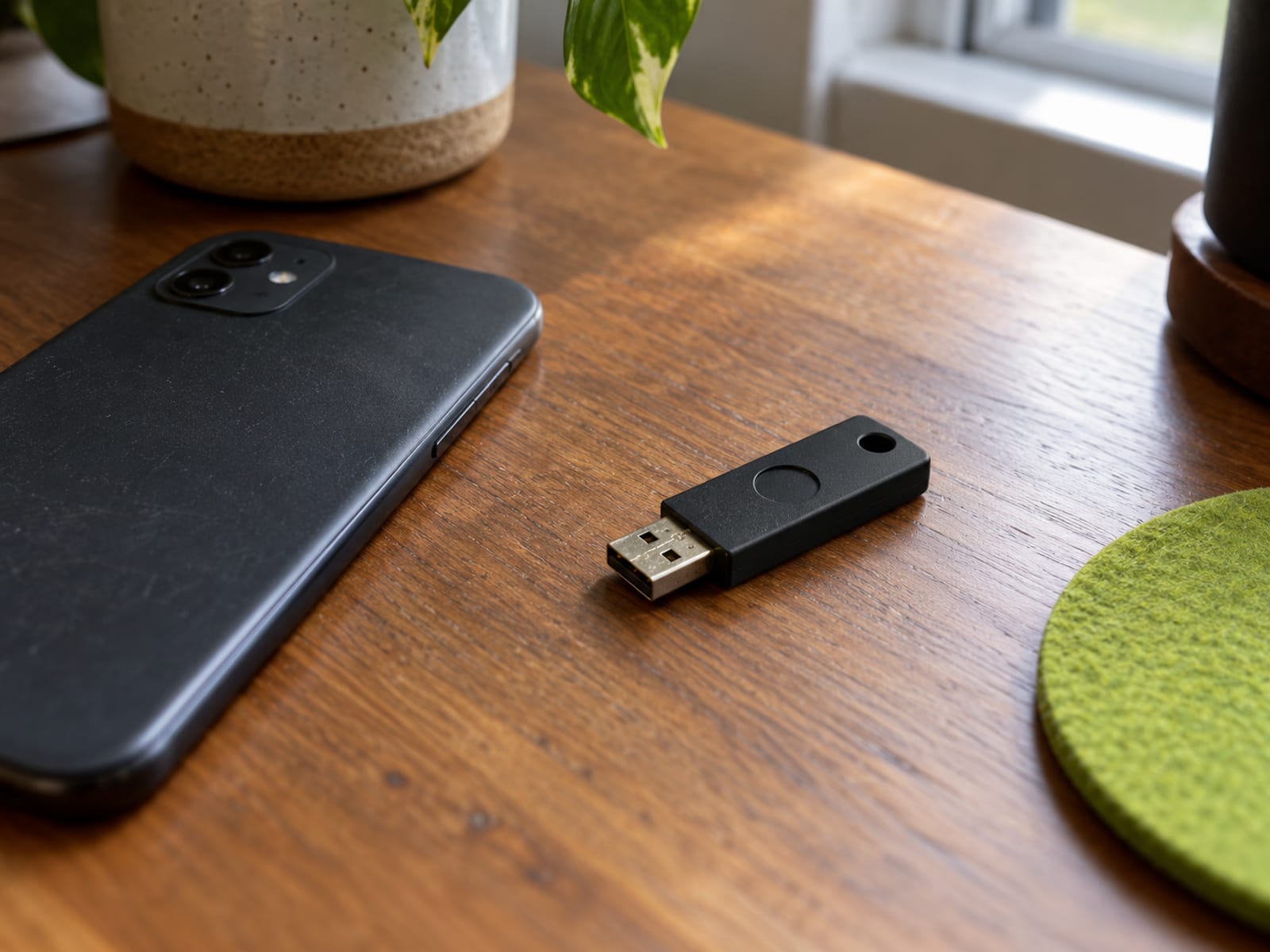
Passkeys reduce a different risk. Google says passkeys are unique to the site or app where they were created, cannot be copied or accidentally disclosed like ordinary passwords, and are designed to resist phishing. FIDO classifies both synced and device-bound passkeys as phishing-resistant.
Passkeys and password managers do not clean an infected computer. They also do not automatically revoke stolen browser sessions, repair recovery settings, or protect an email account whose password was already exposed. Secure the device, review account activity, and protect the account used to manage passkeys or passwords.
For a phone, TV, router, Fire Stick, or PS5, a VPN setup question is separate from the malware response. Choose an app, router setup, or supported network method based on the device and service terms. If you need the phone steps, use How to Set Up and Use a VPN on an iPhone. For a PS5, use How to Use a VPN on a PS5, then confirm the current console, router, and platform requirements in your region.
GitHub Rules And PlayStation Account Terms
GitHub’s rules for October 2026 prohibit malicious executables, active malware campaigns causing technical harm, impersonation, and fraudulent misrepresentation. GitHub can restrict content, suspend accounts, terminate accounts, or remove repositories. Restrictions may be temporary where feasible, but a repository disappearing does not make every replacement or mirror safe.
PlayStation’s U.S. terms require users to safeguard account credentials. Sony may reset passwords, revoke passkeys, suspend accounts, restrict access, or update devices if it believes an account has been compromised. PlayStation services and content can vary by country or region.
The legal position of emulation, game copying, bypassing protection, and downloading game files varies by country. Check the law where the device and account are used, the project license, the game license, and the platform terms. Do not treat an alleged emulator download as legally permitted worldwide.
Frequently asked questions
Do I need a VPN because of this malware?
No. A VPN is not required to scan the computer, change passwords, revoke sessions, or recover accounts. It can encrypt traffic between your device and a VPN server and change the IP address websites see, but it cannot remove malware or undo stolen credentials.
Is the official AnyPS5 repository safe to download from?
The official AnyPS5 repository identified in the reporting is boykopovar/AnyPS5, but a matching name alone is not proof that a file is safe. Verify the owner, release history, file details, and download path through established project channels before opening anything.
What if I downloaded the ZIP but never opened it?
Delete the ZIP archive and any extracted files, then scan the Windows computer. Do not disable antivirus protection or enter a password to extract the archive.
What should you do if you already opened the Windows file?
Treat the computer and its browser passwords as potentially exposed. Disconnect it, use a separate clean device to change passwords, revoke unfamiliar sessions, enable two-factor sign-in, and run full and Offline Microsoft Defender scans.
Can a VPN stop an infostealer?
No. A VPN protects network traffic to its server, not local files, browser storage, or executable behavior. It works alongside updates, account security, and phishing protection.
Does changing my password remove the attacker?
Not always. Password changes should be followed by session and device review because active cookies or tokens may remain valid.
Are passkeys safe after a suspected infection?
Passkeys reduce password and phishing exposure, but they do not clean an infected computer or secure an account whose recovery methods were changed. Create or manage them from a clean device and review account sessions.
Can Microsoft Defender find this malware?
Microsoft Defender can scan for malware, and Microsoft says a full scan checks every file and program. Defender Offline can help when malware may hide while Windows is running, but a clean result does not prove that previously stolen credentials were unused.
Should I report the GitHub repository?
Yes, report a repository that appears to deliver malicious files through GitHub’s abuse-reporting process. Do not download the repository again to collect evidence, and do not assume removal means related copies are safe.
Does this affect my PlayStation console?
The described download path targeted Windows computers, not a PS5 console directly. Your PlayStation account could still matter if its password or active session was stored on the affected computer or reused elsewhere.
The practical decision this week is simple: do not run an unverified Windows emulator file, and treat an executed lookalike download as a possible credential exposure. Secure the computer and accounts first, then decide whether a VPN fits your phone, router, TV, Fire Stick, or console use. Check the current local law and service terms before downloading software or game content.
Glossary
Find more VPN guides on Tunnel Verdict. Have a question about your own setup? Contact us and include your device and the VPN you use.