If you want one password manager for Windows, Mac, iPhone, Android and Linux, start with Bitwarden or Proton Pass. Bitwarden fits best when free unlimited devices, open-source code and broad browser support matter. Proton Pass fits when you also want passkeys and hide-my-email aliases. Choose 1Password when you prefer a paid service with polished family sharing.
Google Password Manager and Apple Passwords are sensible free choices when your household stays inside Chrome and Android, or Apple devices. KeePass fits if you want to keep an encrypted database under your own control and can manage backups and synchronization yourself.
Before paying, list the devices and browsers that must share credentials. Then compare the free limits, family seats, passkeys, recovery options, export tools and regular renewal price, not only the introductory amount.
Key takeaways
- Choose Bitwarden for a broad free plan and mixed-device households.
- Choose Proton Pass for unlimited free devices, passkeys and email aliases.
- Choose 1Password for paid family sharing and a polished cross-platform setup.
- Use Google Password Manager or Apple Passwords when one platform already covers the household.
- Create a strong primary password, enable two-step verification and review recovery options before importing everything.
Which Password Manager Fits Your Situation?
Your device mix should decide the shortlist. Bitwarden, Proton Pass, 1Password, NordPass and Keeper support Windows, macOS, iOS, Android and Linux in the documented product plans. That makes a standalone manager more suitable for a household that combines an iPhone with Android, or a Mac with Windows and Linux.

Bitwarden is the clearest free starting point. Its free individual plan includes unlimited passwords, unlimited devices and passkey management. It also has browser extensions, desktop applications and mobile apps. Bitwarden's family plan supports six users, so it can work for a household that needs shared vaults without moving to a separate ecosystem.
Proton Pass Free includes unlimited logins, notes, credit cards, devices and passkeys, plus 10 hide-my-email aliases. Its paid plans add unlimited aliases, sharing, monitoring, file attachments and emergency access. That makes Proton Pass a good fit if alias creation and recovery features matter as much as password storage.
1Password has no permanent free tier, but its 14-day trial, unlimited devices and family model suit readers who are willing to pay for a managed service. Families supports the account owner and up to five invited members. If you need a free service, Bitwarden or Proton Pass is a better first choice.
Google Password Manager works best for an Android and Chrome household. Apple Passwords works best for people using iPhone, iPad, Mac and Apple Vision Pro. KeePass is the local-control option. It stores an encrypted database that you must back up, synchronize and protect yourself.
Bitwarden, 1Password, Proton Pass And The Other Main Choices
Bitwarden combines a free plan, open-source code, cloud synchronization and broad platform coverage. Its browser extensions list Chrome, Edge, Safari, Firefox, Opera, Brave, Vivaldi, DuckDuckGo and Tor. The free plan is enough for many individual users who want unlimited storage and devices. The tradeoff is that the interface and recovery choices may require more attention than a tightly integrated device manager.
1Password is a paid-only service after its 14-day trial. Individual supports one person, while Families supports up to five invited members. Both plans provide unlimited devices. The main reason to choose it is a managed, family-oriented experience. The cost matters more when several people need separate private vaults.
Proton Pass offers one of the broadest free plans. Free users receive unlimited devices and passkeys, along with 10 hide-my-email aliases. Pass Plus adds unlimited aliases, sharing, monitoring, attachments and emergency access. It fits readers who want privacy features connected to their login manager, but paid features are needed for the full set.
NordPass Free is more limited because it supports one user and does not include multiple-device access. Premium adds multi-device access, Password Health, Data Breach Scanner and file attachments. Family supports six encrypted vaults. Dashlane no longer sells a new free plan. Its Premium plan serves one member, while Friends & Family supports 10 members, with the VPN available only to the plan manager.
Keeper Unlimited includes unlimited password, identity and payment storage, devices and synchronization. Keeper Family includes five private vaults and 10 GB of secure file storage. Google Password Manager and Apple Passwords cost nothing as personal subscriptions, but each is more dependent on its own operating system and browser.
If the direct choice is Bitwarden or 1Password, use the Bitwarden vs 1Password comparison after checking your family size and device list. The practical decision is free breadth versus a paid family experience.
What Do The Free Plans Include?
Bitwarden Free and Proton Pass Free are the strongest free standalone choices for unlimited-device use. Bitwarden includes unlimited passwords, unlimited devices and passkey management. Proton Pass adds unlimited logins, notes, credit cards, devices and passkeys, plus 10 hide-my-email aliases.

Google Password Manager is free with a Google Account, Android and Chrome. Google documents password and passkey synchronization across Android, Chrome on Windows, macOS, Linux and ChromeOS. Chrome on iPhone and iPad can use Google Password Manager after you enable it in system settings.
Apple Passwords is free on supported Apple devices through iCloud Keychain. It stores passwords, passkeys, Wi-Fi credentials and verification codes on iPhone, iPad, Mac and Apple Vision Pro. iCloud for Windows can provide access on Windows and integrate with Chrome or Edge.
KeePass is free and open source. Its encrypted database supports AES-256, ChaCha20 and Twofish. You control the file and its backups, but KeePass does not automatically synchronize the database unless you arrange safe storage and synchronization.
A free trial is different from a free plan. 1Password provides a 14-day free trial, Keeper provides a 30-day free trial and Dashlane provides a 14-day Premium trial. Proton Pass provides a 30-day money-back guarantee for Pass Plus and Proton Unlimited, which is a paid refund window rather than a free tier.
What Do The Paid Plans Cost And Renew At?
The following are U.S. prices checked October 29, 2026. Promotional pricing is separated from the regular renewal price. Bonus time, when included by a provider, should not be counted as paid subscription time.
1Password's annual promotional price applies to new customers for the first year. Its 14-day free trial is separate from the paid subscription. Families includes the account owner plus up to five invited members, so check whether every household member needs a paid seat before subscribing.
Keeper's stated annual prices are $42.99 for Unlimited and $91.99 for Family after the trial. Keeper Family includes five private vaults. Keeper's pricing and billing channel can affect the amount shown at checkout, so confirm the exact charge and regular renewal price before paying.
Dashlane confirms annual billing for its current personal plans and says it no longer accepts new monthly subscriptions. Its 14-day Premium trial is separate from a paid plan. NordPass lists a 30-day money-back guarantee for paid plans. Proton Pass lists a 30-day money-back guarantee for Pass Plus and Proton Unlimited. Read the provider's refund and billing terms for the channel you use, especially if payment goes through an app store.
What Do Security Audits, Encryption And Breach History Show?
A password manager stores credentials in an encrypted vault protected by a primary password, device unlock or passkey. Its main security benefit is practical: it makes unique passwords easier to use, which reduces reuse. The UK National Cyber Security Centre says password managers improve security overall while warning that they remain software with vulnerabilities and can become valuable targets.
Bitwarden publishes open-source code and a list of security assessments. Its 2025 list includes Cure53 assessments of the browser extension, core application, desktop application, RustCrypto components and web vault. Unit 42 assessed mobile applications, Fracture Labs assessed web application and network components, and ETH Zurich assessed core cryptography under a fully malicious-server assumption. These assessments apply to their stated scopes and dates, not to every future version.
1Password says it is SOC 2 Type 2 certified and publishes penetration-test and assessment information. Its published material identifies an ISE penetration test and code review performed in April and June 2020, along with an Onica assessment of AWS security architecture and infrastructure.
Proton says its code is open source and that Proton Pass passed a Cure53 audit announced in July 2023. Proton describes its vault data as end-to-end encrypted. NordPass says Cure53 audited its cryptographic premise, source code, background application and codebase. A separate 2021 NordPass Business audit covered mobile and desktop apps, browser extensions, Admin Panel and Nord Account, and reported 15 security-relevant issues, including one high-severity issue that NordPass says was fixed and verified.
Dashlane documents a zero-knowledge design using Argon2, AES-256-CBC and HMAC-SHA256 in its 2026 incident advisory. Dashlane disclosed a brute-force attack against device-registration endpoints in which fewer than 20 personal-plan customers had encrypted vault copies downloaded. Dashlane said the vaults required each customer's primary password to decrypt and that its internal systems were not compromised.
Keeper says its consumer products use zero-knowledge encryption and that it has never been hacked or breached. That is Keeper's provider statement, not an independent finding. No provider statement can prove that a product can never be breached. Google says synced passkeys in Google Password Manager are end-to-end encrypted, while Apple says Passwords uses iCloud Keychain and alerts users to weak, reused or leaked credentials.
The useful question is what happened, what data was exposed, whether the vault remained encrypted and what account protections were available. A security audit describes a defined system, auditor and date. A privacy policy describes the provider's stated practices. Neither removes the need for updates, two-step verification and a recovery plan.
Which Devices, Browsers And Passkeys Work?
Bitwarden, 1Password and Proton Pass support Windows, macOS, iOS, Android and Linux. Bitwarden lists extensions for major browsers, including Chrome, Edge, Safari, Firefox, Opera, Brave, Vivaldi, DuckDuckGo and Tor. Proton Pass lists Chrome, Safari, Firefox, Edge and Brave. Confirm the exact operating-system and browser combination before importing a vault.
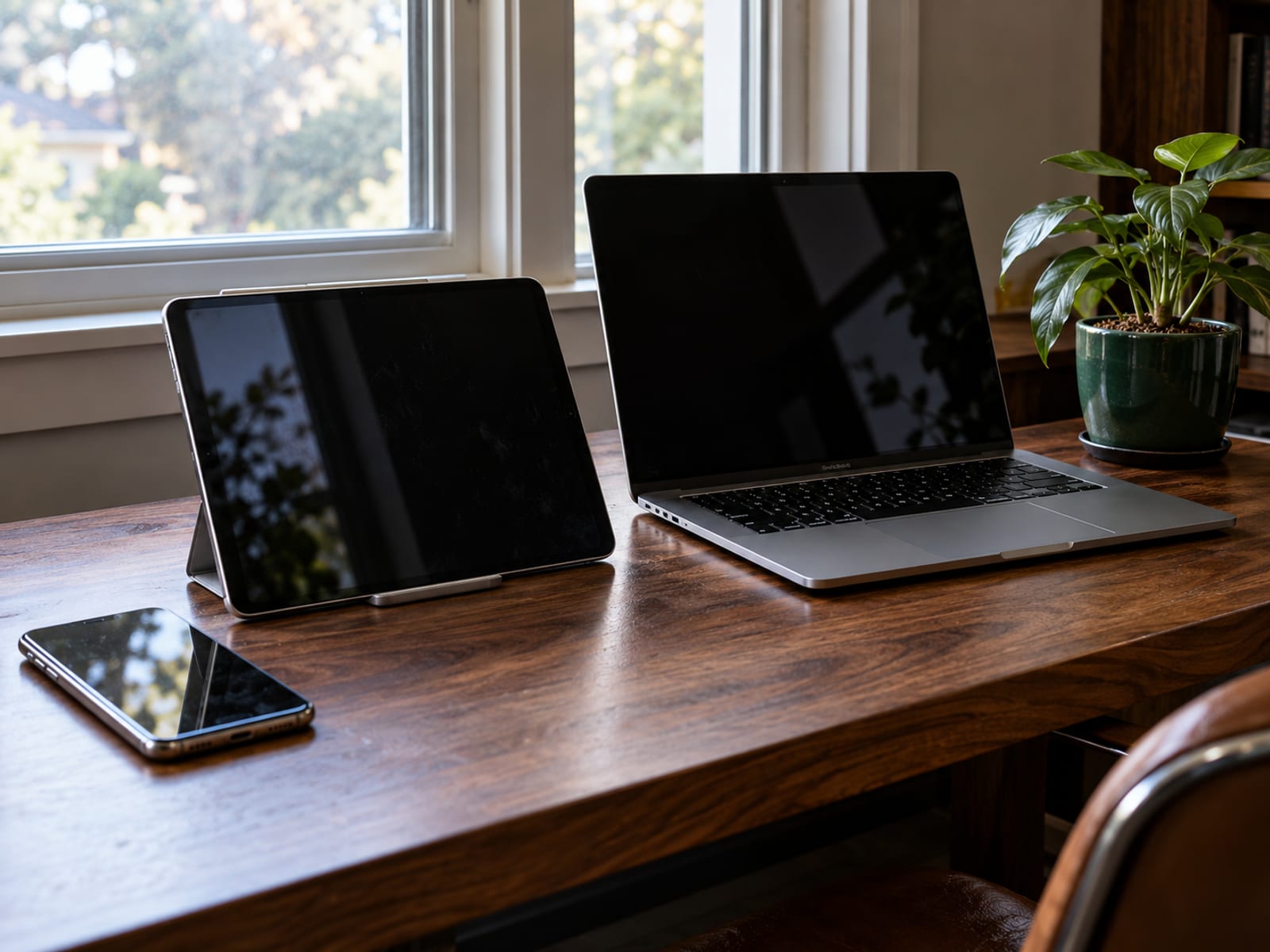
Google Password Manager covers Chrome on Windows, macOS, Linux and ChromeOS, as well as native Android. Chrome on iOS and iPadOS can use it after you enable the required settings. Apple Passwords works on iOS 18, iPadOS 18, macOS Sequoia and visionOS 2, with iCloud for Windows providing Windows access and Chrome or Edge integration.
Passkeys are supported by Bitwarden, Proton Pass, 1Password, NordPass, Dashlane, Keeper, Google Password Manager and Apple Passwords, but the sign-in flow still depends on the website, browser and device. Google and Apple are especially convenient inside their own platforms. A standalone manager is more suitable when a household needs mixed-device access, shared vaults, secure notes, emergency access or provider-neutral exports.
Dashlane's current access is web and browser based alongside its mobile apps, and its exact desktop arrangement should be confirmed before purchase. Check the provider's current support page for the precise browser extension and operating-system combination you plan to use.
What Drawbacks Do You Need To Accept?
The main drawback is concentration of risk. One vault is convenient, but it contains many credentials. If your primary password, device or recovery method is compromised, the manager cannot protect accounts that an attacker can access through an unlocked session.
A password manager does not make phishing impossible. Autofill can help match credentials to the correct website domain, but you still need to inspect links and sign-in pages. It also does not stop malware, keyloggers, screen capture or an attacker using an unlocked device.
Cloud synchronization adds dependence on the provider, internet access and account recovery process. Browser and device managers add platform dependence. Apple Passwords is less suitable for Android households, while Google Password Manager is less suitable when the household needs a broad family vault outside Chrome and Android.
KeePass gives you more direct control over the database file, but you must handle backups, synchronization and safe access on each device. Losing the database or its key can prevent recovery. Export files from any manager can expose credentials, so treat them as sensitive and delete them securely after a controlled migration.
Follow the terms of the specific service, your employer policy and applicable law governing the account. Do not place work passwords in a personal vault without permission. Keep the operating system, browser and manager updated, and check recovery codes and emergency-access settings before you store the whole vault.
How Do You Move Your Passwords And Protect The New Vault?
Start with the email account that controls recovery, then add banking, cloud storage, your mobile carrier and social accounts. Import from the browser or old manager only after confirming the exact operating-system and browser combination. Browser imports can vary, and duplicate entries can appear, so review the vault before deleting the original records.

Create a strong, unique primary password that you do not reuse anywhere else. Enable two-step verification on the manager account, preferably with a passkey or security key where supported. Turn on passkeys for important services when they are available, and store recovery codes somewhere separate from the vault.
Generate new passwords for reused accounts as you update them. Review emergency access, export and account-recovery options before moving every login. If you use KeePass, keep more than one protected backup of the encrypted database and test that a backup can be opened.
For extra account protection after the migration, read Is a YubiKey Worth It? Security Keys Explained and choose the second-factor method that you can keep available without weakening recovery.
Frequently asked questions
Which password manager is the best in 2026?
Bitwarden is the best fit for a broad free plan, unlimited devices and mixed platforms. Proton Pass is a strong alternative when passkeys and hide-my-email aliases matter, while 1Password fits readers who prefer a paid family service.
Which password manager has never been breached?
Keeper says it has never been hacked or breached, but that is a provider statement and not proof that it can never be breached. Dashlane disclosed a 2026 brute-force incident involving encrypted vault copies for fewer than 20 personal-plan customers.
Which is safer, 1Password or Google Password Manager?
Both can protect credentials with encryption and account controls. Google Password Manager is tightly integrated with Android and Chrome, while 1Password provides standalone apps, family vaults and broader cross-platform password-management features. The safer practical choice is the one that covers every device, stays updated and has two-step protection enabled.
Why is Google Password Manager not safe?
Google Password Manager is not automatically unsafe. Its practical risks are platform dependence, shared browser profiles and compromise of the Google account or Android device. Google says synced passkeys receive end-to-end encryption, but the account and devices still need strong protection.
What is the most trustworthy password manager?
Trust depends on published security work, encryption design, vulnerability response, recovery controls, platform coverage and clear billing. Bitwarden, 1Password, Proton Pass and NordPass publish security information, while Keeper publishes a no-breach statement and Dashlane has published an incident advisory.
Which password manager was hacked?
Dashlane disclosed a 2026 brute-force attack against device-registration endpoints. Fewer than 20 personal-plan customers had encrypted vault copies downloaded, and Dashlane said the vaults required the customer's primary password to decrypt.
What is the downside of using a password manager?
The vault becomes a high-value target, and losing the primary password or recovery method can cause lockout. An attacker who gains access to an unlocked device or account may reach stored credentials, so device security, updates and two-step verification remain necessary.
Which is the safest free password manager?
Bitwarden Free and Proton Pass Free are the strongest documented free standalone choices here for unlimited-device use. Google Password Manager and Apple Passwords are also free, while KeePass is free and open source but requires you to manage the encrypted database and backups.
Do security experts recommend password managers?
Yes. The UK National Cyber Security Centre says password managers improve security overall because they make unique passwords easier to use. It also recommends a strong primary password, two-step verification and passkeys where available.
What has happened to 1Password?
1Password continues to provide Individual and Families subscriptions, a 14-day trial, cross-device access and family vault sharing. Its listed U.S. annual promotional prices are $2.99 per month for Individual and $4.49 per month for Families for the first year, with regular prices of $3.99 and $5.99 per month respectively. Prices checked October 29, 2026.
Is Bitwarden free, and how secure is it?
Bitwarden has a free individual plan with unlimited passwords, unlimited devices and passkey management. Bitwarden also publishes open-source code and multiple security assessments, but those assessments cover their stated systems and dates rather than every future version.
Which is better, KeePass or Bitwarden?
KeePass is better when you want direct control of a local encrypted database and can manage backups and synchronization. Bitwarden is better when you want automatic cloud synchronization, mobile apps, desktop apps and browser extensions across several devices.
Glossary
Find more VPN guides on Tunnel Verdict. Have a question about your own setup? Contact us and include your device and the VPN you use.