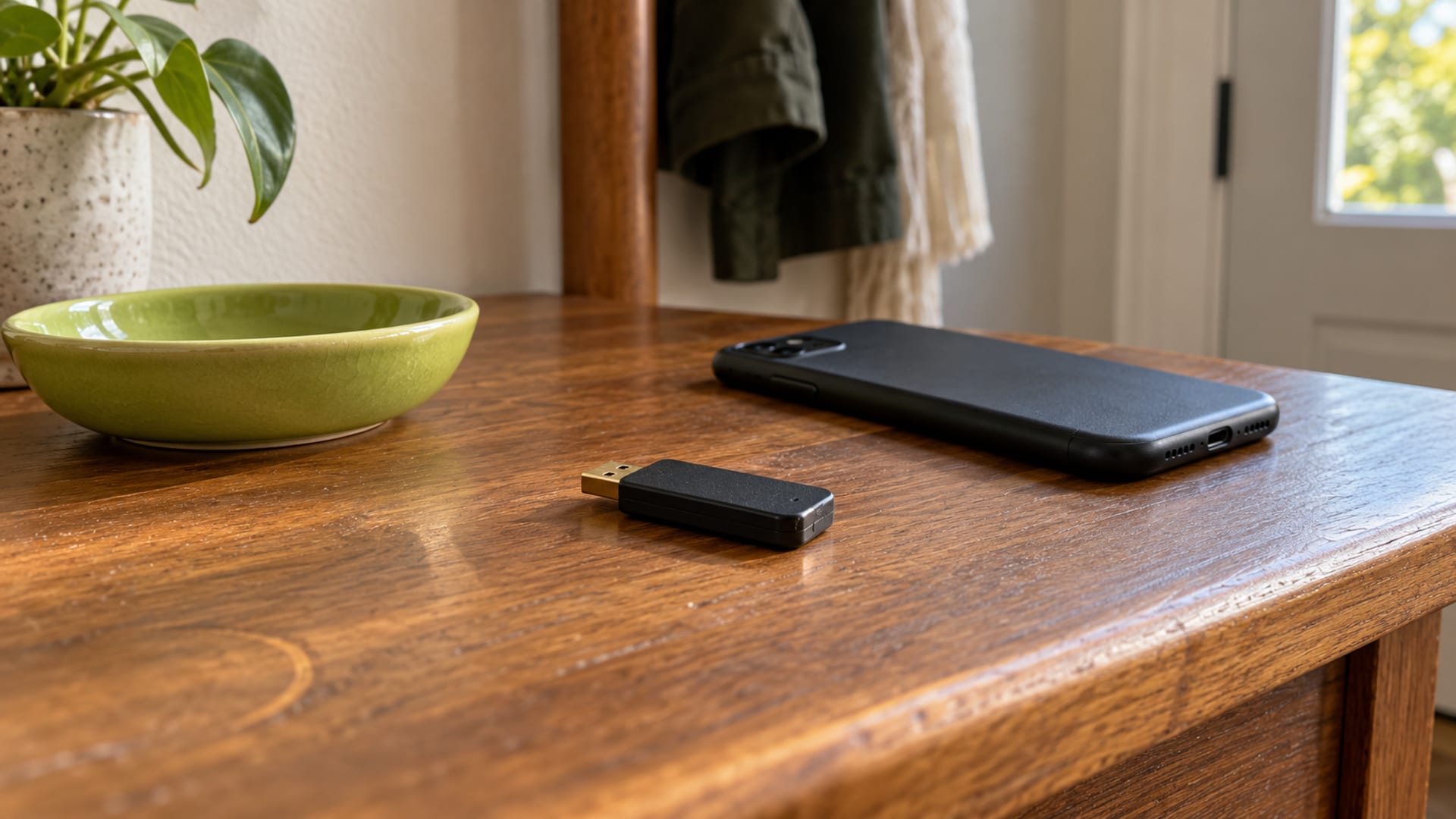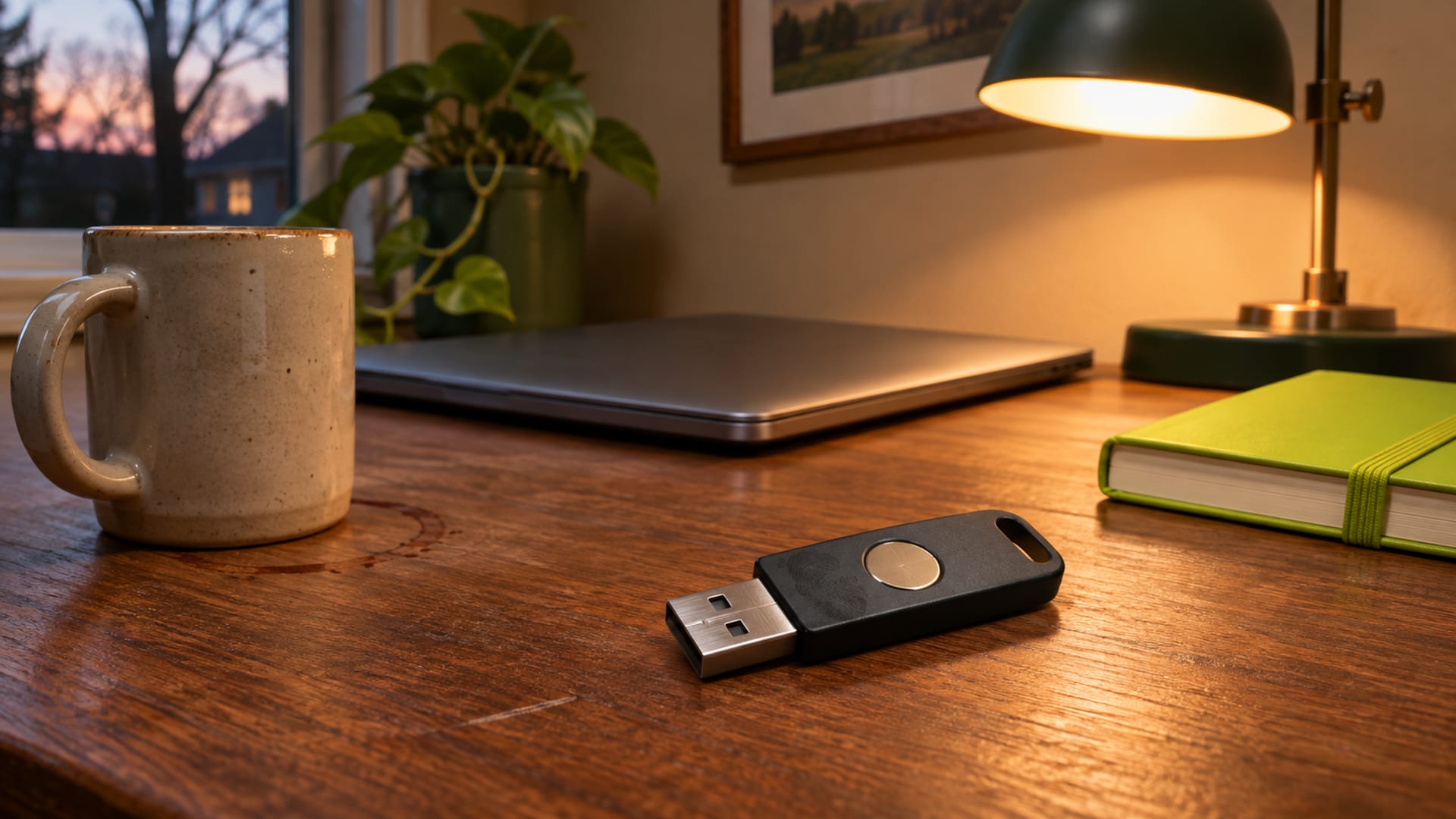
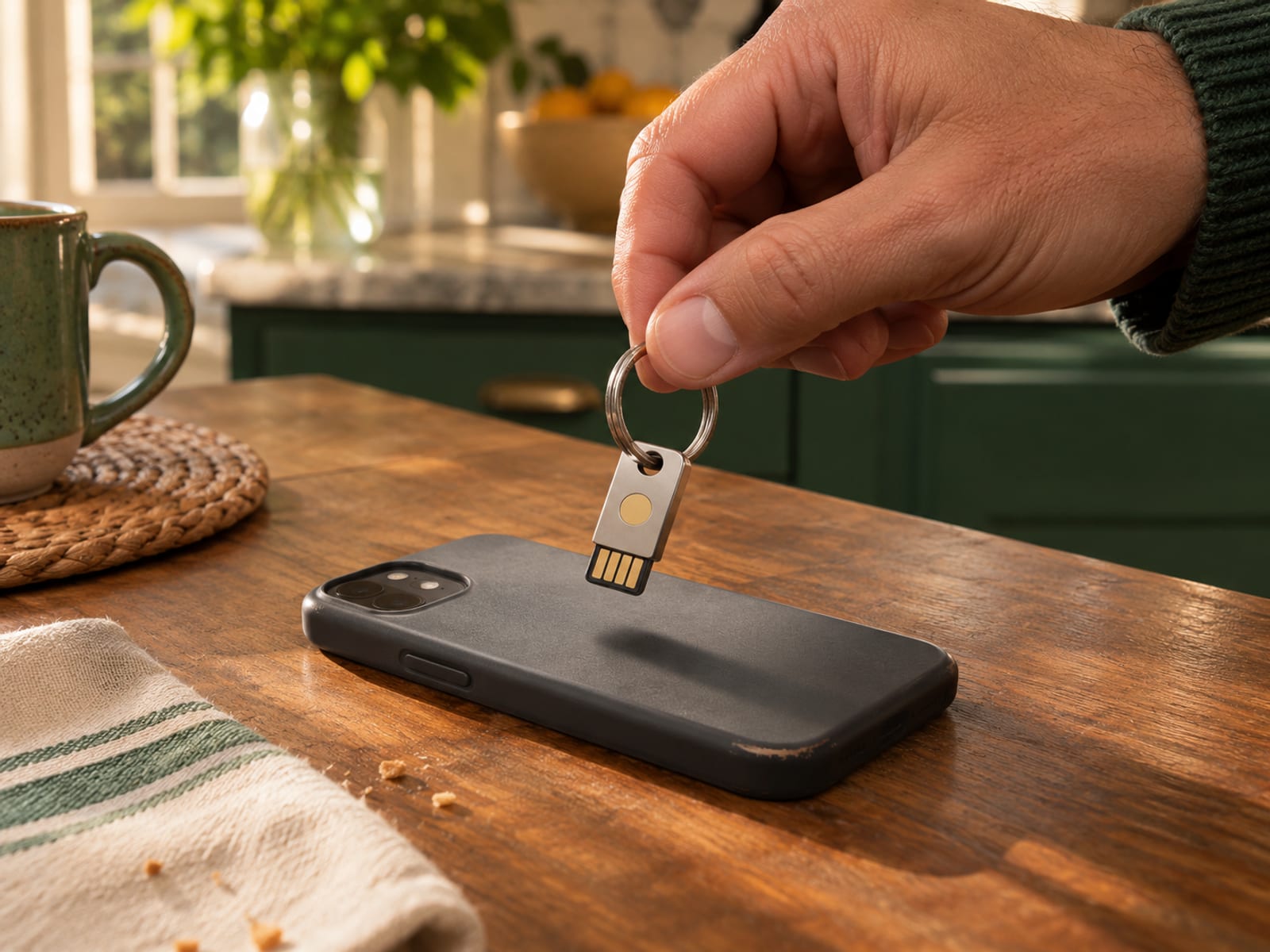
If an account asks for a security key, a YubiKey is the physical device it means. You connect it by USB, tap an NFC model to a phone, or touch it when the account requests approval. It does not need a battery, network connection or subscription.
Before buying, identify the account and sign-in method being requested. Look for “security key,” “passkey,” “FIDO2,” “WebAuthn,” “two-step verification” or “MFA” in its security settings. Then check the connector your devices use and register a spare key while you can still sign in normally.
Key takeaways
- A YubiKey stores a device-bound credential and proves your identity to supported accounts.
- FIDO2 and WebAuthn use cryptographic proof tied to the correct website.
- USB-C, USB-A, Lightning and NFC support varies by model.
- Consumer YubiKeys are one-time hardware purchases with no subscription.
- Register a second key and keep the account’s recovery methods available.
What Is a YubiKey and What Does It Do?
A YubiKey is a small hardware authenticator. It helps verify that you are allowed to sign in to an account, application or computer. Depending on the model and service, it can support FIDO2 and WebAuthn, FIDO U2F, one-time passwords, OATH codes, smart-card authentication through PIV and OpenPGP functions.
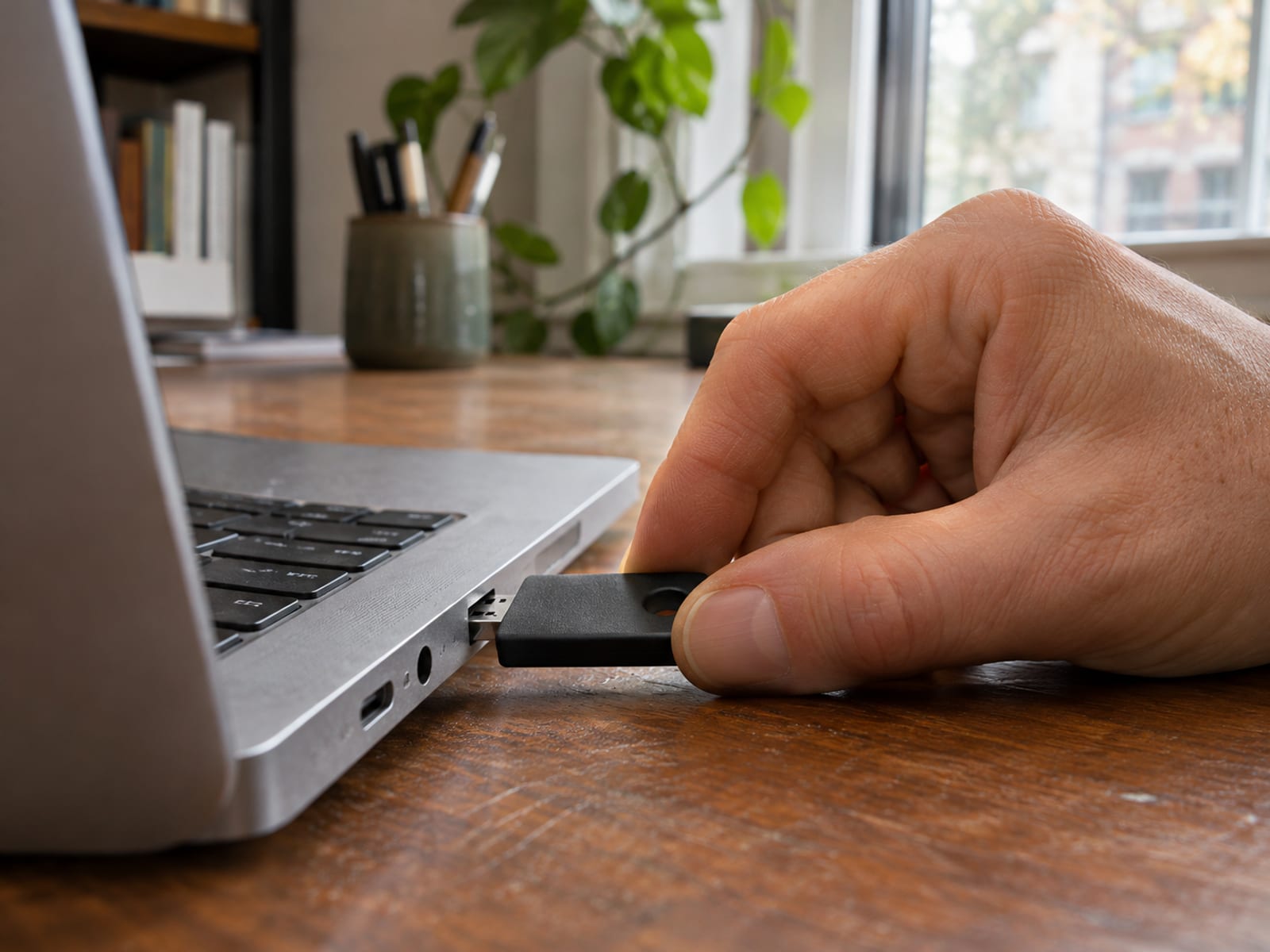
For most people, the useful feature is FIDO2. It lets a website register a credential on the key. The YubiKey creates a key pair for that account, keeping the private key on the device while the service receives the matching public key. The private key is not copied into the website’s database.
At sign-in, the account asks the browser to communicate with the YubiKey. The key proves that it has the registered credential, usually after you touch it, enter a PIN or use a fingerprint on a YubiKey Bio model. The account then lets you in if the proof matches.
This is different from typing a code from a text message or authenticator app. A code is information you read and enter, while a FIDO2 exchange lets the account check the website involved in the request.
A YubiKey does not secure every account automatically. The account must support the relevant method, the browser or operating system must work with the key, and you must register it with that account. A bank, employer or school can require a particular key type, browser or recovery process, so check its current security-key policy before paying.
A YubiKey fits you if you want a physical credential that stays separate from your phone and is supported by the accounts you use.
How Does Tapping or Plugging In Sign You In?
The sign-in process begins before you tap or plug in the key. During registration, the account identifies itself to the browser, and the YubiKey creates a credential for that specific account. The account stores the public part of the credential. The private part stays on the key.
At a later login, the website sends a one-time challenge through the browser. WebAuthn, the browser-facing part of FIDO2, identifies the requesting website. CTAP2, the communication protocol between the browser and authenticator, passes the request to the YubiKey.
The YubiKey signs the challenge and related authenticator information. A touch confirms that the person holding the key approves the request. Some accounts also ask for a PIN, and YubiKey Bio models can use fingerprint verification. The service checks the signature with the public key it saved during registration. If the signature matches the challenge and the website context, the login continues.
This website check is why FIDO2 is designed to resist common phishing attempts. A credential registered for one website is scoped to that relying party, meaning the service that uses it. A lookalike site cannot simply reuse the credential as if it belonged to the real site.
FIDO U2F, now called CTAP1 in FIDO documentation, uses a similar public-key approach with a physical touch. FIDO2 adds support for passwordless sign-in, PIN-based verification and discoverable credentials, sometimes called passkeys stored on the authenticator.
Not every YubiKey function works this way. Yubico OTP makes the key act like a keyboard and type a one-time code into a login field. OATH-TOTP codes are generated through Yubico Authenticator and resemble codes from an authenticator app. Smart-card or PIV authentication uses certificates, while OpenPGP functions support encryption, decryption and signing.
For everyday use, the account determines what you see: a plug-in and touch, a PIN first, or an NFC model held near a phone. If the account offers only an authenticator-app code and not a physical security-key option, a YubiKey cannot replace that method without provider support.
Which YubiKey Model, Connector and Price Fit Your Devices?
Choose the model from your devices first. A USB-C computer generally fits a USB-C key, while a USB-A computer needs a USB-A model or an adapter. NFC can help with compatible phones, and the 5Ci combines USB-C and Lightning for devices that support those connectors.
Yubico’s U.S. store listed these consumer prices, checked November 12, 2026. These are one-time hardware purchases, not monthly plans, so no effective monthly figure or renewal price applies.
The 5 NFC and 5C NFC are keychain models with wireless NFC support. The Nano models are compact and designed to remain in a USB port. The 5Ci is the choice when USB-C and Lightning support both matter. YubiKey Bio models are FIDO-focused biometric products, not replacements for the full multi-protocol YubiKey 5 Series.
The listed prices are hardware prices. Shipping and taxes can vary, and Yubico’s U.S. YubiKey 5C NFC page displayed a 45-day consumer-return policy on November 12, 2026. Read the applicable return terms before ordering.
Yubico separately offers YubiEnterprise as a subscription service for organizations. Its billing and renewal terms depend on the enterprise agreement, so ask Yubico sales before committing. An individual consumer does not need it to use a personally purchased YubiKey.
Is a YubiKey Better Than a Phone Passkey or Authenticator App?
Neither option is better for everyone. A YubiKey stores a device-bound passkey on dedicated hardware. A phone can store a device-bound passkey locally or a synced passkey that becomes available through the phone platform’s supported devices.
The difference is portability and recovery. A YubiKey stays separate from the phone and is easy to move between supported computers, but you must have it with you. A synced phone passkey can be convenient across devices, but its availability depends on the platform’s synchronization system and account access.
An authenticator app generates a code that you read and type into the login form, while a FIDO2 login uses a cryptographic challenge-response exchange through the browser. Yubico’s setup material describes security-key MFA as more resistant to phishing than software-generated codes.
A phone passkey may be the better choice if you want fewer physical items and simple recovery through your device platform. A YubiKey fits better if you want a device-bound credential separate from your phone. Check which of these methods the account supports before choosing.
What Are the Tradeoffs for Compatibility, Loss, Recovery and Lifespan?
The main tradeoff is that a YubiKey is physical. You must carry it, protect it from damage and have it available when an account requests it. The account must support the key, and the connector or wireless interface must match your device.
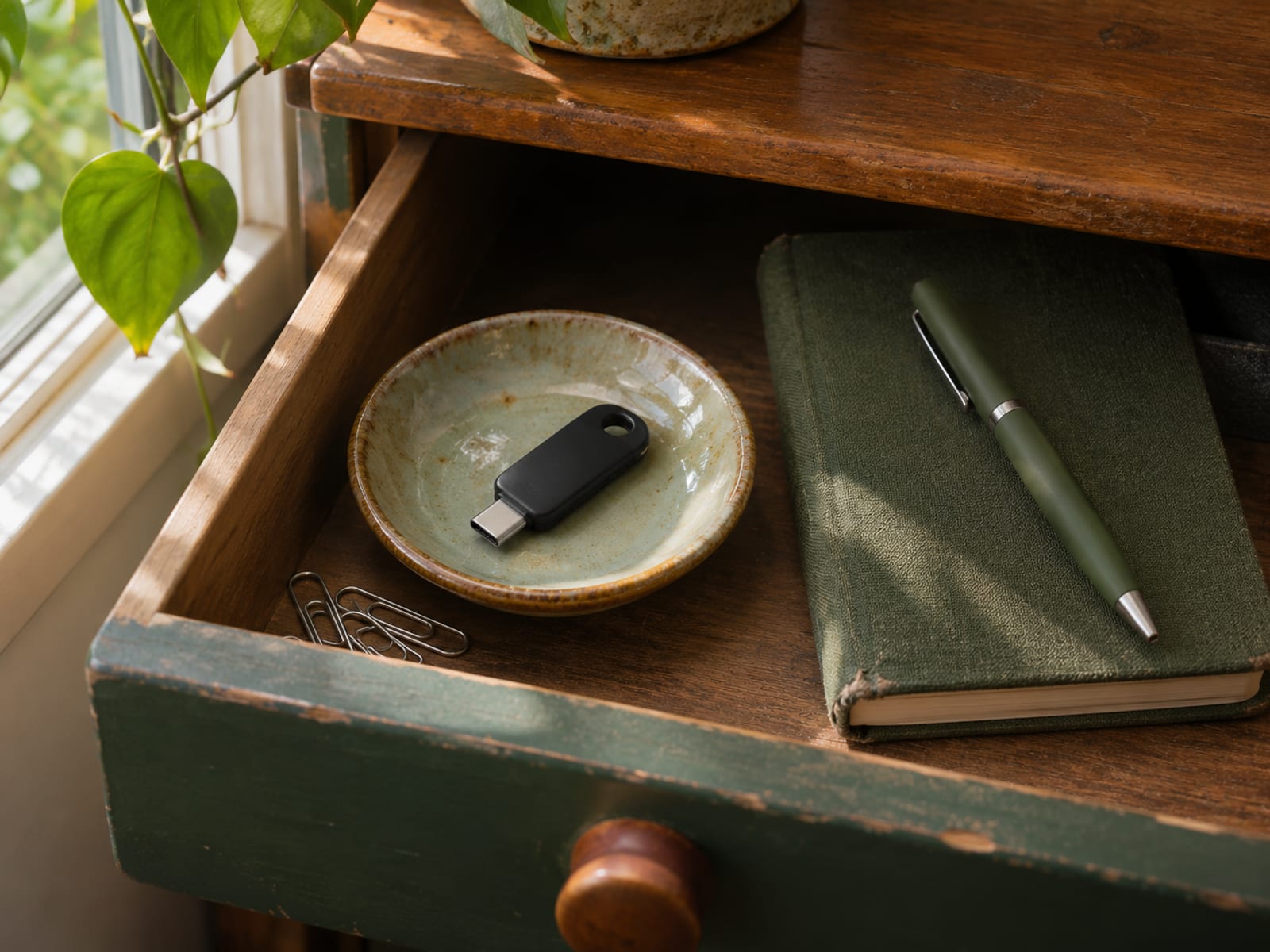
Loss is manageable when you plan for it. Register a second YubiKey before the first one is lost and store the spare separately. If a key disappears, remove it from important accounts as soon as you can sign in by another method.
Recovery depends on the provider. Google lists another security key, verification codes, Google prompts, backup codes or a previously trusted computer as possible alternatives. Google backup codes are one-time-use codes, and a new set contains 10 codes. Creating a new set deactivates the old set. Google says account recovery can take three to five business days when no other method is available. Advanced Protection users cannot download backup codes.
For Microsoft work or school accounts, recovery methods depend on the organization’s settings. Microsoft lists options such as a security key, Microsoft Authenticator, phone, email or security questions, and your employer may limit which are available.
Yubico’s technical data sheet lists at least 10,000 USB or Lightning insertions and at least 500,000 write and erase cycles as design estimates. It also lists a one-year warranty for perpetual purchases. These figures are not a promise that every key will last for a particular number of years. Physical wear, connector damage and continued service compatibility also affect practical lifespan.
Replace the key if its connector or authentication function fails, and keep the account’s backup method available while you register the replacement.
Does a YubiKey Need Batteries, Fingerprints, Subscriptions or Daily Maintenance?
Yubico states that its YubiKeys do not require batteries or network connectivity. A USB connection supplies power when the key is plugged in. NFC-capable models use the phone or reader’s NFC field.
Standard YubiKey 5 models use a touch, not fingerprint recognition. YubiKey Bio models have a fingerprint sensor, support up to five enrolled fingerprints and provide a PIN fallback. Bio models are mainly intended for desktop use.
A consumer YubiKey is a one-time hardware purchase with no monthly subscription.
Nano models are designed to remain in a USB port. A key can stay connected, but protect it from impact, bending and unauthorized use, and remove it before transporting the device if it could catch on something.
How Do You Choose and Set Up a YubiKey?
Start with the exact account. Open its security settings and look for security key, FIDO2, WebAuthn, passkey, two-step verification or MFA. Confirm that the service accepts a physical security key rather than only an authenticator-app code.

Then compare your hardware needs. Choose USB-C for USB-C devices, USB-A for USB-A ports, NFC for compatible phones, and the 5Ci if USB-C and Lightning both matter. An iPhone or older iPad may need Lightning or NFC support. A USB-A key will not directly fit a USB-C port without an adapter, and a USB-C-only model does not provide NFC.
Register the key while you can still sign in normally. Follow the account’s security-key setup flow, insert or tap the YubiKey when asked, and touch it if the prompt requests confirmation. Add a second key at the same time and store it separately. Keep the provider’s recovery method available, including backup codes where offered.
If the purchase decision itself is still open, read Is a YubiKey worth it? next, then choose the option that matches your accounts and recovery plan.
Frequently asked questions
These answers cover the practical questions that usually come up after identifying an account’s sign-in method.
What are the downsides of a YubiKey?
You need the physical key when the account requests it, and the account must support security keys. Losing the only registered key can make recovery inconvenient, so register a spare and keep another recovery method available.
Is a YubiKey better than a passkey?
A YubiKey holds a device-bound passkey on dedicated hardware, while a phone may hold a local or synced passkey. The better choice depends on whether you prefer a separate physical credential or easier phone-based access and recovery.
Can YubiKeys be hacked?
A YubiKey does not prevent every attack against an account, device or recovery process. FIDO2 is designed to resist phishing by tying the credential to the website origin, but attackers can still target malware, a PIN, an already authenticated session or a weak recovery route.
How long will a YubiKey last?
Yubico estimates at least 10,000 USB or Lightning insertions and at least 500,000 write and erase cycles. Physical damage, connector wear and service compatibility can shorten its practical lifespan.
How many passkeys can a YubiKey hold?
Capacity depends on the model, firmware and credential type. Yubico documents up to 100 discoverable FIDO2 credentials on YubiKey Bio firmware 5.7 and later, while older Bio firmware supports up to 25; the YubiKey 5 Series can have up to 100 discoverable passkeys and 64 OATH slots per application.
Can I leave my YubiKey plugged in all the time?
Yes, Nano models are designed to remain in a USB port. Protect the key from impact and unauthorized use, and remove it when transporting the device could bend or damage the connector.
Which banks accept YubiKey?
Each bank decides whether its current sign-in system supports security keys, FIDO2 or WebAuthn. Check the individual bank’s security-key documentation and account settings before buying.
Is it safe to buy a YubiKey from Amazon?
Buy from Yubico’s webstore or a seller Yubico identifies as an authorized reseller. Yubico also provides a genuine-device verification page, and you should read the seller’s return terms before ordering.
Which is better, Google Authenticator or a YubiKey?
Google Authenticator generates one-time codes in software, while a YubiKey can provide a physical FIDO security-key login. Yubico states that app-generated codes may be less resistant to phishing than physical security keys, but the account must support the YubiKey method.
Does a YubiKey use a fingerprint?
Standard YubiKey 5 models use touch. YubiKey Bio models use a fingerprint sensor, support up to five enrolled fingerprints and provide a PIN fallback.
Does a YubiKey require a subscription?
No. A consumer YubiKey is a one-time hardware purchase with no recurring subscription, while YubiEnterprise is a separate subscription service for business deployments.
The next step is to open the security settings for the exact account asking for the key. Confirm its supported method, match the connector to your devices, register the first key and add a spare before you need one.
Glossary
Find more VPN guides on Tunnel Verdict. Have a question about your own setup? Contact us and include your device and the VPN you use.