If your bank app stops loading or asks for extra verification while your VPN is on, first switch to the official app or the bank’s known website address. Then try a server in your usual country, cellular data, or split tunneling that leaves only the bank outside the VPN. You may not need to buy another service.
A VPN encrypts traffic between your device and its server and shows websites the server’s IP address. A bank can still identify your account, device, cookies, location signals or unusual login pattern, so a VPN can improve network privacy without guaranteeing access or anonymity.
Key takeaways
- Try the official bank app, a familiar-country server, cellular data or split tunneling first.
- A bank may challenge a VPN address without having a universal VPN block policy.
- Use a current personal device, screen lock, MFA, unique password and account alerts.
- Split tunneling sends excluded banking traffic through your ordinary connection.
- Check the exact billing term, upfront amount and renewal price before buying.
Why A Bank App May Stop Working With A VPN
A banking app may reject a VPN because the connection appears to come from a shared or unfamiliar IP address. Many VPN customers can use the same server address, and that address may also be associated with unusual traffic. The bank may respond with a loading error, extra verification, a temporary refusal or a request to reconnect.
The VPN changes the network path, not your bank account. It encrypts traffic between your device and the VPN provider, then presents the VPN server’s address to the bank. Your account login, cookies, device fingerprint, GPS permissions and other signals can still connect the session to you. The Electronic Frontier Foundation describes this as a shift in trust from the internet provider to the VPN provider, not a way to become anonymous.
Bank controls also differ. Bank of America says online banking is generally available from most locations worldwide through a supported browser, except locations restricted by U.S. sanctions. It also says browsers and third-party software may be blocked when they create possible security risks. That leaves room for a VPN connection to work at one time, trigger verification at another time, or fail on one device while working on another.
A location check can add another issue. A server in another country may conflict with the bank’s normal account pattern, travel rules or local requirements. Wells Fargo says its online service is intended for customers located in the United States, and access from outside the United States is at the customer’s risk and subject to local laws and regulations. Follow the law where you are physically located and the bank’s terms.
The useful interpretation is simple: the message usually means the bank does not trust the current connection enough for that session. It does not prove that your account is compromised or that every VPN will fail.
Is Banking With A VPN Safe?
Banking with a reputable VPN can be reasonable on hotel, airport or café Wi-Fi, but it is not a replacement for the bank’s security controls. Chase says public Wi-Fi may be less secure and that a VPN can add protection. Wells Fargo recommends a VPN when a customer must use unsecured public Wi-Fi, while U.S. Bank lists cellular data or a VPN as options.
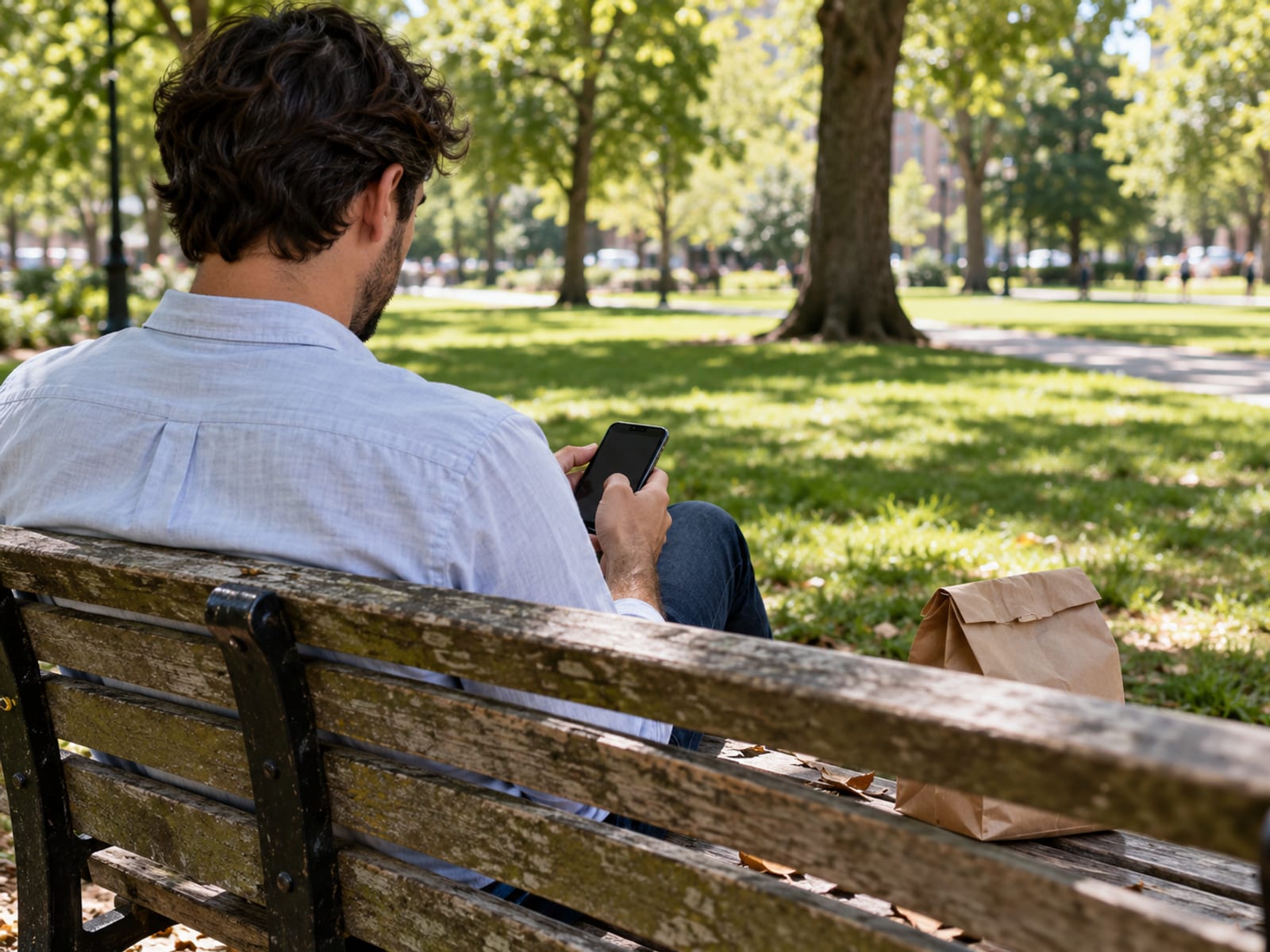
On trusted home Wi-Fi or cellular data, reliable access may matter more than keeping the VPN active for the banking session. Use the official bank app or manually enter the bank’s known address, check for HTTPS, keep the device updated and use multi-factor authentication. Account alerts and a unique bank password still matter when a VPN is connected.
The VPN protects the connection between your device and the VPN server. It does not identify a fake bank website, stop phishing, remove malware or repair a compromised phone. It also does not stop a fraudulent transfer after someone obtains your credentials. The Consumer Financial Protection Bureau advises checking URLs and contacting the bank promptly if an unauthorized transaction may have occurred.
A personally controlled, current device is the practical choice for banking. Use a screen lock or biometric protection, official operating-system updates and the bank’s official app. Avoid signing in on a shared device, and do not use a link from an unexpected email or message.
If a public network is the concern, cellular data is often the simplest alternative. If you keep the VPN active, use a normal server near your usual country or region and be ready to switch it off for the banking session. For more detail about hotel, airport and café connections, use the VPN on public Wi-Fi steps.
What To Try When The Bank Blocks The VPN
Start with the least disruptive fix. Open the official bank app, or manually enter the bank’s known website address instead of following a search ad or message link. If the app still fails, turn off the VPN briefly and try cellular data or a trusted private network. A successful sign-in after that comparison points to the connection path rather than the account itself.

Next, reconnect the VPN to a normal server in your usual country. A nearby server can reduce the distance and may look more consistent with your ordinary access, but it cannot guarantee acceptance. If you are traveling, follow the bank’s travel instructions and confirm the law and account terms for the country where you are physically located.
If the bank continues to reject the connection, exclude only the bank app or website from the VPN. The setting may be labelled “Split tunneling”. This leaves that traffic on the ordinary connection while other apps remain protected by the VPN. Confirm the result before assuming the whole device is covered.
Try the bank’s support channel if the official app still refuses the connection. Ask whether the specific app or account permits VPN connections, whether travel access needs to be enabled, and whether a recent security block is affecting the account. Ask the specific bank about VPN use and test the official app on your device.
Do not buy a dedicated IP solely to solve one banking error. A dedicated address may be more consistent, but no bank promise makes it automatically acceptable. If the bank works after the VPN is excluded, the practical fix is usually to keep that narrow exception rather than change providers.
If the error involves a website or other apps too, check the connection settings and DNS behavior with a DNS leak test and repair steps. A DNS leak does not explain every banking block, but it can reveal a mismatch between the VPN connection and the name-resolution path.
Split Tunneling On Android, Windows, Mac And iPhone
Split tunneling means selecting which apps or websites use the VPN and which use the ordinary connection. For a bank block, the usual choice is to exclude the banking app or bank website. The excluded traffic can then reach the bank without the VPN server’s IP address, while other selected traffic continues through the VPN.
On Android, NordVPN documents split tunneling under Profile, Settings and Split tunneling, where you select the banking app to exclude. Proton VPN describes a paid feature with Settings, Split Tunneling, Exclude mode and the bank app added to the excluded list. Menu names can vary by app version, so retain the English label “Split tunneling” when looking for the setting.
On Windows, NordVPN says to open Settings, choose Split tunneling, enable it and add the banking app to the excluded-app list. Proton VPN uses Exclude mode, followed by adding the app and applying the change or reconnecting. ExpressVPN documents both app and website bypass rules under Profile and Split Tunneling, with Bypass VPN selected for the chosen item.
On macOS, provider behavior differs. Proton VPN describes split tunneling as experimental and says it may not work correctly with WebKit-based apps such as Safari. ExpressVPN documents app and website bypass controls, but you should check whether the bank’s browser and app are supported on your macOS version before relying on the exception.
On iPhone, ExpressVPN documents website-based bypass rules rather than ordinary per-app routing. That means excluding a bank website may be possible while excluding the bank’s iOS app may not work in the same way. iOS also limits how VPN apps route traffic, so confirm the exact control in the provider’s current app.
After changing the rule, disconnect and reconnect the VPN, open the official bank app and check whether the problem is resolved. Remember that excluded traffic does not use the VPN tunnel. For a fuller decision about whether this arrangement fits your other apps, see Split Tunneling: What It Is and When to Use It.
Home-Country Servers, Dedicated IPs And Location Checks
A server in your usual country is the sensible first choice when traveling or when the bank treats a foreign connection differently. A nearby server may reduce routing distance, while a home-country server may better match the location pattern associated with the account. Neither option guarantees that the bank will accept the session.

A dedicated IP gives you a more consistent VPN address instead of sharing one with many customers. That can reduce some reputation changes, but it does not remove account checks, device checks, cookies, travel rules or extra verification. Ask the bank whether the app permits VPN connections before paying for this add-on.
A VPN also does not change every location signal. The bank or app may use account information, GPS permission, device settings and other signals alongside the IP address. Read what a VPN changes about your IP address and location before treating a country selection as a complete location change.
Use a VPN only in ways that comply with applicable law and the bank’s terms. Do not use it to misrepresent facts, bypass a legal sanction or evade an account restriction. Bank of America identifies U.S. sanctioned locations, including Cuba, Iran and North Korea, as restricted for online banking access.
Costs, Free Plans, Refunds And Renewal Prices
A paid VPN is not required solely to solve a banking-app block. Confirm operating-system support, split tunneling and the refund terms before paying. Promotional bonus months are bonus time, not additional paid months.
For ExpressVPN, the displayed 28-month totals include promotional bonus months within the billing period. Sales tax may apply at checkout. Read the final checkout screen for the exact plan, billing term, amount due and renewal price before paying.
A free tier is not the same as a free trial. A free tier continues under its stated limits without payment, while a free trial gives temporary paid-plan access. A money-back window is a refund period after payment, subject to the provider’s rules. Proton VPN lists a free plan and paid VPN Plus plans, but you should confirm the current U.S. checkout figures before purchase.
Treat provider performance statements as claims, then confirm compatibility on your own device during any eligible refund period. The best paid option is the one that supports your operating system and gives you the routing control you need. If the bank works only when excluded from the VPN, paying for a different plan may add cost without changing the bank’s policy.
VPN Limits, Bank Security And The Safer Setup
The safer setup uses layers that solve different problems. The VPN protects traffic between your device and the VPN server. HTTPS protects the connection to the bank website. MFA helps limit account access after a password is exposed. Updates, screen locks, unique passwords and alerts reduce other common account risks.
A VPN provider becomes able to handle connection information and traffic metadata that would otherwise be visible to the internet provider. The Electronic Frontier Foundation describes this as a change in who you trust. Read the provider’s privacy policy, but treat that policy as the provider’s own statement, not as proof that the VPN makes you anonymous.
Split tunneling creates a separate tradeoff. The bank app or website you exclude uses the ordinary connection, so it does not receive the VPN tunnel’s protection. That may be the right choice for access, especially on cellular data or a trusted home network, but it should be deliberate.
On public Wi-Fi, use cellular data when available, or use a VPN with the official bank app and MFA. Avoid fake networks, free charging stations and unfamiliar bank links. If anything looks wrong, stop the session and contact the bank through a known phone number or official app.
The practical verdict is conditional. A VPN fits you when you want added protection on an untrusted network and can accept occasional bank verification or a narrow split-tunneling rule. It fits less well when uninterrupted banking access matters more than VPN routing on a trusted connection. In either case, use a current personal device, official software, a lock screen, MFA, account alerts and a unique bank password.
Frequently asked questions
Can banks detect a VPN?
Banks can receive connection and device information and may restrict software or browsers they consider risky. A bank may allow one VPN server, challenge another or reject a connection temporarily, so there is no single result for every bank or server.
Should I use a VPN when online banking?
Use one when you need added protection on an untrusted public network, especially if cellular data is unavailable. On trusted home Wi-Fi or cellular data, the official bank app, HTTPS, MFA and current device software may provide the more reliable setup.
Which banks block VPNs?
There is no fixed list of U.S. banks that always block VPNs. Bank of America says it may block browsers or third-party software for security reasons, while other banks may allow one VPN connection and challenge another.
Is it safe to use Wi-Fi for online banking?
A trusted, password-protected private network is preferable, and encrypted websites are generally safer than unencrypted connections. On public Wi-Fi, use cellular data when possible, or use a VPN with HTTPS, MFA and the official bank app.
What is the safest way to do internet banking?
Use the official app or manually entered official website on a personally controlled, updated device. Add a screen lock, unique password, MFA, account alerts and a trusted network or cellular data.
What is the safest device to do online banking?
The safest practical choice is a personal device with current software, a lock screen or biometric protection, official apps and MFA. No single device type is safest for everyone; those habits matter more than the brand.
Is there any risk in using a VPN?
Yes. The bank may challenge the VPN address, excluded traffic may bypass the tunnel, and routing can affect speed or battery life. A VPN also shifts trust toward the provider and does not stop phishing, malware, fake bank websites or unauthorized transfers.
What are the risks of using a VPN for a bank app?
The main risks are a rejected or challenged connection, a location mismatch, slower routing and accidental use of split tunneling. The VPN does not replace checking the website address, protecting credentials or contacting the bank about suspicious activity.
Is it advisable to turn on a VPN?
It is advisable when you need protection on an untrusted network and the bank app works with the connection. If the bank refuses the session, use cellular data, exclude only the bank app or website, or disconnect temporarily while keeping the bank’s other security controls active.
If the banking app still rejects the connection, ask the bank whether its specific app or account permits VPN use and follow its travel instructions. For the next decision, use How to Use a VPN on an iPhone if the problem is on an iPhone, or Do You Need a VPN on Your Phone if you are deciding whether phone coverage is worth paying for.
Glossary
Find more VPN guides on Tunnel Verdict. Have a question about your own setup? Contact us and include your device and the VPN you use.