
Yes, a full-device VPN normally changes the public IP address that websites receive. They usually see the VPN server’s IP address and its approximate database location instead of the home, office, hotel, or mobile-network IP address.
It may make a website place your connection in another city or country, but it does not change GPS, account details, cookies, device fingerprints, or saved Google locations. First record your current IP, connect to the VPN on the specific device, then check the IP, DNS, WebRTC, IPv6, and the service that matters to you.
Key takeaways
- A VPN changes the public IP shown to websites when the relevant traffic uses its tunnel.
- IP-based location may shift, but GPS, accounts, cookies, and device signals can still show your usual region.
- A browser extension may cover only browser traffic, while a full-device app can cover more connections.
- Check DNS, WebRTC, and IPv6 exposure before relying on a VPN for location privacy.
- Confirm device support, service rules, renewal pricing, and the refund window before paying.
What a VPN changes about your public IP and apparent location
A VPN app creates an encrypted connection between your device and a VPN server. Websites then normally receive the server’s public IP address. If your normal connection uses an ISP address associated with Chicago and the VPN server is in New York, an IP lookup may place the connection near New York instead.

The location comes from an IP-geolocation database, not from a precise reading of the server’s physical position. Different databases can show different cities, and a provider’s server label may not match the city displayed by a website. The practical result is a changed apparent region, not a guarantee that every service will use that region.
The change applies only to traffic routed through the VPN. Proton VPN states that its full VPN apps change the public IP address and geolocation for device traffic, while its browser extension applies only to browser traffic. If you need a streaming app, banking app, game console, Fire Stick, or smart TV covered, check the device path and the app’s support rather than assuming a browser add-on covers it.
An IP address can indicate an ISP and a rough location, but it does not automatically identify a specific person. A VPN also does not make you anonymous. EFF notes that cookies, tracking pixels, browser fingerprinting, account logins, GPS, and device information can still connect activity to a person or place.
The VPN provider becomes another party through which your connection passes. The FTC says a VPN can obscure traffic from an ISP or public Wi-Fi operator, but VPN apps do not make users anonymous, and some apps share information with third parties. A suitable choice is therefore a provider with clear routing details, leak controls, privacy terms, supported device apps, and billing rules that match your use.
How to check your IP, DNS, WebRTC, and IPv6 exposure
Start with the exact device and connection you plan to use. Open an IP lookup page and record the public IP and approximate location. Then connect the VPN to the desired server and run the same lookup again. A different public IP usually means the VPN route is active, while a matching IP suggests that the relevant traffic is outside the tunnel or the connection failed.
Next, run a DNS leak test. DNS is the service that turns a website name into an address. If the result still shows your ordinary ISP’s DNS service or region, the VPN may not be handling those requests as expected. Proton VPN directs users to compare DNS results with the ordinary ISP connection and to clear cache and cookies before checking again.
Check WebRTC and IPv6 when the test service supports them. WebRTC can expose connection details through browser features, and IPv6 can sometimes use a path that the VPN does not cover. The result matters only for the browser and device path you are checking, so repeat it in the browser or app that caused the question.
After that, open the actual website or app. A successful IP change does not prove that a bank, streaming service, map, game, or work system will accept the connection. If the service still shows your usual region, review GPS permission, account status, saved places, cookies, location history, and the app’s own proxy rules. For a detailed DNS follow-up, use How to Run a DNS Leak Test and Fix a Leak.
Why Google Maps and other services can still see your real region
A VPN changes one location signal, the public IP address. Google Maps and other services can use several signals at once. Google says it can estimate location from an IP address, device location, home or work addresses, previous activity, and cookies. Google Maps can also use browser permission and device location signals for the blue-dot position.
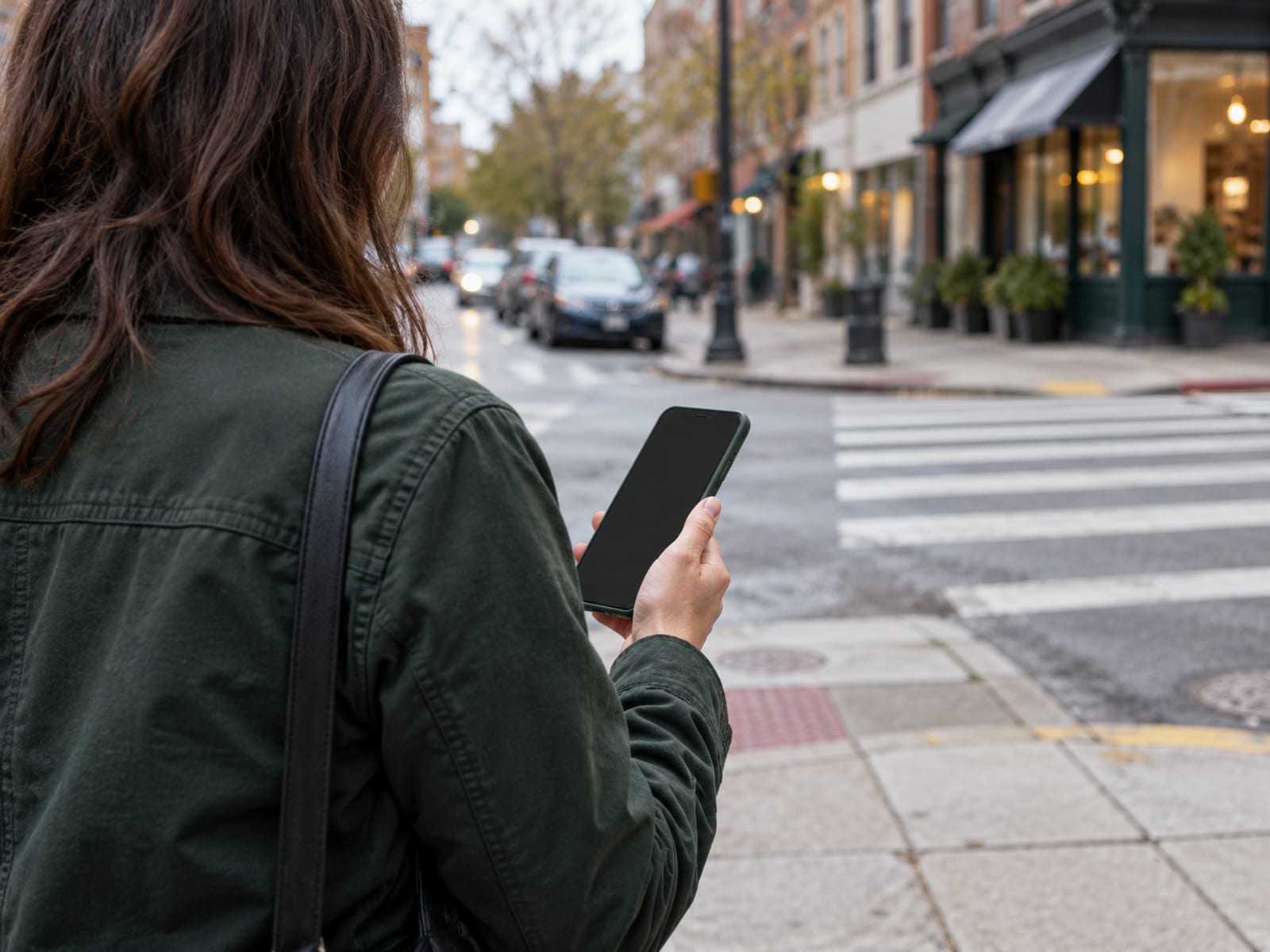
That is why a map can continue to show your real area after the VPN connects. If your phone has granted location permission, GPS and nearby Wi-Fi or cellular signals can give the app a position that is more precise than an IP database. A signed-in Google account can also retain home and work addresses, searches, and previous activity.
The same pattern applies to other platforms. A banking app may use account and device information. A streaming service may compare the VPN IP with known datacenter ranges, account country, payment details, and other signals. A social platform can connect the new IP to an existing account, cookies, device characteristics, or earlier activity.
Before changing settings, decide what you want to change. If you want to hide the ordinary ISP address from destination websites, a functioning full-device VPN may be enough. If you want an app to report a different physical position, an IP change alone is not enough, and changing location data may be restricted by the app or service.
Check the specific app’s permissions and the platform’s current terms. Clear stored browser data only when that fits your purpose, since doing so can sign you out or remove useful settings. A VPN can shift IP-based location, but it cannot make Google Maps forget every other location signal.
Which matters more, a shared IP or a dedicated IP?
A shared VPN IP is used by multiple customers. Providers can assign different addresses on later connections, even when you select the same server. NordVPN says its ordinary servers have multiple IP addresses and that users are likely to receive different addresses at different connections.

Shared addresses are useful when you want the ordinary ISP address hidden and do not need a stable address for an allowlist or remote work system. Their tradeoff is that websites may recognize the address as a VPN or datacenter IP. That can lead to more CAPTCHA prompts, login checks, or blocked services.
A dedicated IP is assigned for one customer’s use. It can provide a consistent address for a work system, server allowlist, or service that needs a known source. It still belongs to the VPN provider’s network, and a stable address can make activity easier to associate with the same IP over time. It does not provide anonymity.
Test the specific app, browser, and device path before buying a dedicated address. Then confirm the provider’s VPN or proxy policy for the service you need. If the service blocks the provider’s network, a dedicated IP may not solve the problem. The provider’s own documentation should state whether the address is shared, dedicated, or subject to separate limits.
What a VPN does not protect against
A VPN can encrypt the connection between your device and the VPN server and replace the public IP shown to destinations. It does not protect you from every form of tracking or every unsafe action online.
It does not change GPS coordinates, nearby Wi-Fi or cellular location signals, Google home and work addresses, signed-in account details, cookies, browser storage, browser fingerprinting, or information you give directly to a website. It also does not correct an IP database that assigns the VPN address to the wrong city.
A VPN does not replace software updates, account security, phishing protection, or careful handling of links and downloads. HTTPS already encrypts the connection between your browser and many websites. EFF says a VPN is not necessary for everyone on public Wi-Fi, though it can protect local-network metadata when the provider is trusted. See Does a VPN Protect You on Public Wi-Fi if that is your main reason for connecting.
Speed can decrease because traffic takes an additional route and is encrypted. A distant server can add latency, which matters for calls, games, and remote work. Check published measurements for the exact provider, protocol, device, and server use case, or use the refund period to assess whether the service fits.
A browser extension may cover only browser traffic. DNS, WebRTC, or IPv6 leakage can expose information if the device or VPN is misconfigured. A kill switch can interrupt internet access when the VPN disconnects. That interruption is the intended tradeoff for stopping ordinary traffic from leaving outside the tunnel.
The VPN provider also becomes a party with technical access to traffic passing through its service. NordVPN says Deloitte Audit Lithuania assessed its IT systems, supporting infrastructure, and no-logs claims at the end of 2024, including standard VPN, Double VPN, Onion Over VPN, obfuscated, and P2P servers. Proton VPN says Securitum assessed VPN server-side operations and its no-logs policy in its 2026 audit. Those audits address the described systems and policies, not whether every website accepts a VPN location.
Free VPNs, paid plans, refunds, and renewal prices
A free tier, free trial, and money-back guarantee are different. A free tier continues without payment but may limit locations, speed, servers, features, or availability. A free trial allows use for a stated period and may convert to a paid subscription. A money-back guarantee requires an initial purchase and a refund request within the provider’s stated window.
Before paying, read the checkout page for sales tax, the automatic renewal date and the renewal price, which is often higher than the first-term price. A money-back guarantee only helps if you request the refund through the provider within its stated window. To compare refund windows by provider, read VPN Money-Back Guarantees.
The effective monthly figure is an introductory calculation for the paid term. It is not the renewal amount. Read the renewal amount shown at checkout, save the billing terms, and confirm the current offer before paying. The best choice is a free tier for light, non-sensitive use when its limits fit, or a paid plan when you need more locations, device coverage, support, or a stated refund window.
How to choose and use a VPN without breaking service rules
Begin with the goal. ISP privacy, protection on an untrusted network, a different apparent country, and access to one particular service require different checks. Choose a full-device app when the relevant traffic comes from a phone, computer, TV, Fire Stick, or console. Choose a router setup only when you understand which devices and apps the router route will cover.

Confirm supported devices, operating-system versions, simultaneous connection limits, kill-switch behavior, DNS, WebRTC and IPv6 handling, account terms, renewal pricing, and refund rules. Prefer the terms used in the provider and device interface you are actually using. If the provider supports several protocols, WireGuard vs OpenVPN: Which Protocol to Pick can help you choose based on the device and connection.
A VPN does not authorize unlawful activity, unauthorized access, fraud, harassment, copyright infringement, or evasion of a service’s rules. A platform may prohibit VPN or proxy use, restrict region changes, require the account country and payment information to match, or ask for extra verification.
Check the law where the device is used and the particular service’s current terms before connecting. That includes employer, school, bank, government, gaming, and streaming requirements. If Netflix shows a proxy message, work through the Netflix proxy error fixes before purchasing a dedicated address.
Test the specific service on the specific device during the refund period. Confirm that the VPN covers the app rather than only a browser, and read the renewal amount and billing terms at checkout. A conditional pick is simple: choose a full-device paid plan when device coverage, support, and a refund window matter; use a free tier only when its limits and privacy terms suit the traffic involved.
What to read next after checking your IP
If the IP changed but the result still exposes your ordinary network, follow How to Run a DNS Leak Test and Fix a Leak. If the IP changed and you are asking whether accounts, cookies, GPS, fingerprints, or provider records can still connect activity to you, read Can a VPN Be Tracked. If the question is mainly whether your phone needs a VPN, use Do You Need a VPN on Your Phone. Then test the service that caused the question and decide whether the VPN solves that specific task.
Frequently asked questions
How often does a VPN change your IP address?
A VPN changes the visible IP when you connect through its tunnel, but the address may stay the same during a session. Shared services can assign a different address on later connections, while a dedicated IP is intended to remain consistent.
Does a VPN disguise or hide your IP address from websites?
Yes. Websites normally receive the VPN server’s public IP instead of the ordinary ISP address for traffic routed through the VPN. Accounts, cookies, GPS, device details, and other identifiers can still connect activity to you.
Can you change your public IP address without a VPN?
Yes. A different Wi-Fi network, mobile-data connection, proxy, Tor, or an ISP-assigned dynamic address can produce a different public IP. A private router address such as 192.168.1.10 is not the public address websites see.
Does a VPN hide your IP address from your ISP?
Your ISP can see that your device is connected to a VPN server, but a functioning VPN encrypts traffic inside the tunnel and presents the VPN server’s address to the destination. The VPN provider becomes a party through which that traffic passes.
Does a VPN change your location on Google Maps?
It may change the location inferred from the IP address, but it does not necessarily change GPS or the device’s location permission. Google Maps can also use account places, cookies, previous activity, cellular signals, and nearby Wi-Fi.
Can police track someone using a VPN?
A VPN does not make a person untrackable. Investigators may use account records, device evidence, payment information, platform data, provider records, browser history, or other evidence, subject to applicable law and legal requests.
Which VPN can you use to hide your IP address?
Use a full-device VPN from a provider that documents its routing, leak controls, privacy policy, supported devices, and billing terms. A “no-logs” label is a provider statement, not a promise of anonymity or acceptance by every website.
How do you stop your IP address from being tracked?
Use a functioning VPN or Tor when appropriate, enable a kill switch, and check DNS, WebRTC, and IPv6 results. Also review location permissions, cookies, account activity, and device identifiers because an IP address is only one tracking signal.
When should you not use a VPN?
Do not use one when it prevents a required work, school, banking, government, device, emergency, or other service from functioning unless the operator permits it. Avoid a free VPN with unclear ownership, permissions, privacy terms, or data-sharing practices.
Is it legal to change your VPN location?
Changing an IP address or VPN location is not a universal permission to ignore local law or a service’s terms. Check the law where you and the device are located, plus the VPN provider’s rules and the particular platform’s location, account, copyright, fraud, and circumvention terms.
What happens when you browse with a VPN?
Your device creates an encrypted tunnel to the VPN server, websites normally see the server’s IP, and the ISP sees the VPN connection rather than the destination traffic inside the tunnel. Speed, latency, service access, and location results can change, while accounts and device signals remain.
Glossary
Find more VPN guides on Tunnel Verdict. Have a question about your own setup? Contact us and include your device and the VPN you use.