If your VPN says “Connecting,” first disconnect it and open an ordinary website. If the website does not load, fix Wi-Fi or mobile data before changing VPN settings. If the internet works, try another server, change the protocol, and restart the app and device.
The message usually means the VPN app cannot create a working connection to its server. The cause may be one unavailable server, an incompatible protocol, a firewall or antivirus setting, an expired subscription, an incorrect device clock, or a Wi-Fi network that restricts VPN traffic.
Key takeaways
- Confirm ordinary internet access before troubleshooting the VPN.
- Try another server, then change the VPN protocol.
- Compare Wi-Fi with mobile data to identify network restrictions.
- Check the kill switch, firewall, antivirus, app version and subscription.
- Reset the VPN profile or network settings only after smaller fixes.
- A VPN changes your connection path and visible IP address, but it does not make you anonymous.
The Fastest Checks When Your VPN Won’t Connect
Start with the smallest possible change. Disconnect the VPN and load a normal website. If that fails, restart the router or switch between Wi-Fi and mobile data. A VPN cannot repair an internet connection that is already offline.
If ordinary internet works, reconnect the VPN using a different server. A server may be unavailable or under maintenance, and both Proton VPN and ExpressVPN recommend trying another location when a connection stays pending.
Close the VPN app completely and open it again. Restart the phone or computer if the app continues to show “Connecting.” Then check the device date and time. An incorrect clock can prevent the secure connection from being established.
Check whether the app is current and whether the subscription is active. An expired paid plan can stop access to paid servers. Also look for another VPN, proxy, firewall, antivirus product or file-sharing app that may be controlling the same connection.
A kill switch can make the problem look like an internet outage. When the VPN tunnel fails, the kill switch blocks ordinary traffic to prevent an unprotected connection. If privacy is your priority, leave it enabled while you troubleshoot. If you need ordinary internet and your network rules allow it, turn it off temporarily.
Write down what happens on each test. Note whether the failure affects one device, every device, one Wi-Fi network or every network. That pattern will tell you whether to focus on the app, the device or the network.
Change the Server or VPN Protocol
Changing the server is usually the quickest VPN-specific fix. Open the location list and choose a different city or country. If one location fails while another connects, the first server or its route is the likely problem.
The protocol controls how the VPN creates its encrypted connection. Some networks reject a particular protocol or port even though ordinary websites work. In the app settings, choose the automatic protocol option if one exists. Automatic selection lets the provider choose a compatible method.
If automatic selection does not help, try the alternatives shown by the provider. ExpressVPN lists Lightway UDP, Lightway TCP, WireGuard, OpenVPN TCP, OpenVPN UDP and IKEv2 on iOS. Proton supports Smart Protocol, Stealth, WireGuard and other choices that vary by platform. Surfshark’s Android instructions recommend moving from Automatic to OpenVPN UDP, then OpenVPN TCP and other available protocols.
The tradeoff is simple. Some protocols prioritize speed, while others are more likely to connect on restricted networks. A TCP option can work where UDP is rejected, though it may feel slower. The exact names and choices depend on the provider, app version and device.
If the VPN works on mobile data but not on home, hotel, school or workplace Wi-Fi, the protocol may be blocked by that network. EFF explains that networks can identify and restrict VPN technologies by their protocols or ports. Ask the network operator whether VPN use is permitted before changing managed settings or trying to bypass a rule.
A server change also helps with website access problems. Some sites block known VPN addresses, so a connection may succeed while a particular website refuses to load. That is a website policy issue, not proof that the VPN is broken.
Fixes for iPhone, Android and Windows 11
The core sequence is the same on each platform, but the settings are in different places. Try another server and protocol first, then check the device-specific controls.
On iPhone, open the VPN app and update or restart it. Check Settings > General > VPN & Device Management for old VPN configurations or a work or school profile. A managed profile may control the VPN and may not be removable by you. Ask the organization before deleting it.
If the smaller fixes fail, use Settings > General > Transfer or Reset iPhone > Reset > Reset Network Settings. This removes saved Wi-Fi networks and non-managed VPN settings, so you will need to reconnect to networks afterward. The reset is useful when the phone’s network configuration is damaged, but it should not be the first step.
On Android, open Settings > Network & internet > VPN. Select the settings icon beside the VPN profile to inspect or edit it. Check whether Always-on VPN is enabled. When Always-on is active, Android may leave ordinary traffic unavailable until the VPN reconnects or the setting is disabled.
Android battery-saving settings can also interrupt VPN networking. Allow the VPN app to run normally while troubleshooting, then compare Wi-Fi with mobile data. If the VPN works on mobile data but not Wi-Fi, the network is a stronger suspect than the phone.
For Windows 11, built-in VPN profiles are under Settings > Network & internet > VPN. Check the VPN app separately if you use a provider’s desktop software. Microsoft’s network troubleshooting steps should come before Network reset when the wider connection is failing.
Network reset is under Settings > Network & internet > Advanced network settings > Network reset. It removes network adapters and settings. VPN software, virtual switches and other network tools may need to be installed or configured again afterward, so save it for the end of the sequence.
On a Fire TV Stick, use the provider’s Fire TV instructions, check the underlying Wi-Fi, restart the device and try another server or protocol where the app allows it. For a router, TV, iPad or PS5, confirm that the provider supports that device or use a supported router setup. If the VPN works on your phone but not on a television, the device app, operating system or router configuration may be the limiting factor.
When Wi-Fi, Work or Public Networks Block the VPN
A hotel, airport, café, school or workplace may restrict VPN traffic through a firewall, proxy or network policy. Complete any captive-portal sign-in first. A captive portal is the web page that asks you to accept terms or enter a room, account or access code before ordinary internet works.
Then compare the same VPN on another permitted connection. Disconnect the VPN and confirm that the original Wi-Fi works. Test the VPN on mobile data or another authorized Wi-Fi network. If it connects elsewhere but not on the original network, the restriction is probably network-specific.
Ask the operator or administrator whether VPN use is allowed. Do not remove a work or school profile, change a required proxy or attempt to evade a workplace, school, hotel or public-network rule. The law where you are and the terms of the network or service apply to your use.
A network-specific failure does not necessarily mean you need a different paid VPN. Providers may support several protocols, but no provider can guarantee access through every firewall or network policy. Try the provider’s automatic protocol setting, then one of its permitted alternatives.
If your VPN works on every network except one, record that result before contacting support. Give support the device, operating system, network type, server, protocol and exact error message. That information usually points to a restriction faster than repeatedly reinstalling the app.
Kill Switch, Firewall and Antivirus Problems
A kill switch blocks ordinary internet traffic when the VPN tunnel drops. Proton documents its kill switch as blocking all network traffic after a connection loss. Android’s Always-on VPN can create a similar result when the VPN stops.
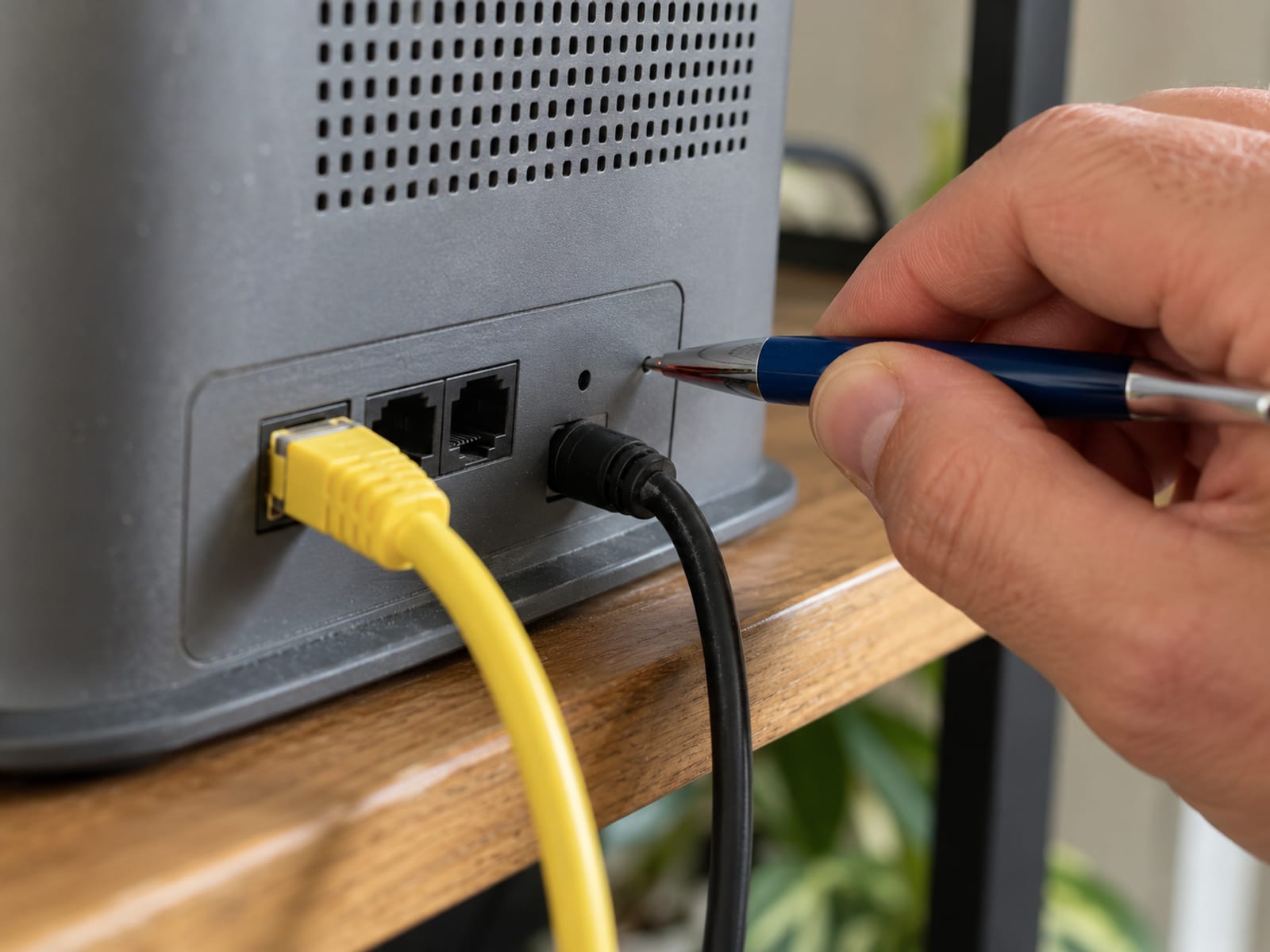
Check the kill-switch setting in the VPN app and the Always-on setting in Android. On iPhone, also check for a managed VPN profile. If you disable a protection feature to identify the cause, restore it after the test.
Firewall and antivirus software can block the VPN’s incoming or outgoing connections. Proton recommends temporarily disabling the relevant control only to identify the conflict, then re-enabling it and allowing the VPN app through. ExpressVPN also recommends adding the app as an exception where the security software supports that option.
Before testing, close other VPNs, proxies and file-sharing apps. Two network-control tools may compete for the same connection. Surfshark lists antivirus software, firewalls, other VPNs and file-sharing apps as possible conflicts.
If ordinary internet returns when the kill switch is off, the Wi-Fi may be fine and the VPN tunnel is the part that needs attention. If the VPN still will not connect, try another server and protocol before changing security software permanently.
Reinstalling, Resetting and Escalating the Fix
Reinstalling the VPN app can repair a damaged app installation or profile. First sign out if the app provides that option, then remove and reinstall it from the official app store or provider source. Confirm the subscription account before removing anything.

On iPhone, Surfshark’s app includes a “Reset VPN profile” option. That is a smaller change than resetting all network settings. On Android, inspect the VPN profile under Settings > Network & internet > VPN before deleting it. A work or school profile may be managed and should stay in place unless the administrator tells you otherwise.
Windows 11 Network reset is a late-stage fix because it removes network adapters and settings. VPN software and virtual switches may need to be set up again. On iPhone, Reset Network Settings removes saved Wi-Fi networks and non-managed VPN settings.
Contact provider support when the VPN fails on several devices and several permitted networks, or when the subscription is active but every server and protocol fails. Include the operating system, app version, server, protocol, network type and the point where the connection stops.
Before paying for a service, confirm that it supports the device and network you use. Check the NordVPN checkout and subscription-renewal page, the Surfshark checkout and subscription page, or the PIA checkout and subscription page immediately before purchase. Review the United States checkout page, the refund terms and automatic renewal price before submitting payment.
What a VPN Can’t Fix, and What to Check Before Paying
A VPN encrypts the connection between your device and the VPN server and changes the IP address websites see. It does not repair broken Wi-Fi, guarantee faster service or make every website accept the connection.
A VPN also does not make you anonymous. Accounts, cookies, GPS data, device fingerprints and other tracking methods can still identify you. The FTC describes a VPN as shifting trust from the local network or ISP to the VPN provider, while EFF explains that a VPN does not prevent tracking through accounts and device-level signals.
A VPN can add distance and processing to a connection. Proton says server distance, server load, the ISP connection and network infrastructure affect speed and latency. If the service works but feels slow, a nearby server may help. A separate explanation appears in Why Your VPN Slows Down Your Internet and What Helps.
A free tier, a free trial and a money-back window are different things. Proton Free costs $0 per month, allows one device at a time and uses servers in randomly selected countries. That is a free tier, not a temporary paid trial. A money-back guarantee refunds an eligible paid purchase under stated conditions.
Proton VPN Plus pricing in the United States, checked October 28, 2026, lists a two-year term at $3.49 per month effective, with $83.76 due upfront for the first 24 months. The listed renewal price is $83.88 every 12 months, equal to $6.99 per month when averaged across the renewal year. Proton lists a 30-day money-back guarantee. For a one-month or one-year term, confirm the amount shown at checkout.
This plan fits someone who wants a paid service with a free tier available for initial use, but the renewal increase matters. Before paying, check the current United States checkout and subscription page, the renewal date, the refund terms and the devices supported by the plan. For broader plan comparisons, read Free vs Paid VPN: What You Give Up and What You Pay.
If your goal is simply to connect on a phone, the provider’s app and device support matter more than a headline price. If you need a router, Fire TV Stick, PS5 or several household devices, confirm the installation method and simultaneous-device rules before purchase.
The Right Next Guide for Your Device
If the problem is limited to an iPhone or iPad, continue with How to Set Up and Use a VPN on an iPhone. It covers iOS profiles, network settings, App Store billing and managed-device controls.
For Android, focus on the VPN profile, Always-on VPN, battery-saving behavior and the Wi-Fi versus mobile-data comparison. If the VPN works but ordinary internet disappears, What a VPN Kill Switch Does and How to Turn It On is the next useful topic.
If the failure happens only on hotel, café or airport Wi-Fi, ask whether VPN use is allowed and complete the network sign-in first. If you are choosing between a device app and a router setup, compare a VPN on your router or on each device before you change the setup.
Frequently asked questions
The short answers below match the most common connection problems and point to the next setting to check.
How do I reset my VPN?
Use the VPN app’s own reset or profile option when available. On iPhone, Reset Network Settings is under Settings > General > Transfer or Reset iPhone > Reset, while Windows 11 places Network reset under Settings > Network & internet > Advanced network settings > Network reset.
Why is my private VPN not connecting?
Check ordinary internet first, then try another server and protocol. Firewall, antivirus, proxy settings, another VPN, an incorrect system clock, an expired subscription and network restrictions can all stop a private VPN from connecting.
Why isn’t NordVPN connecting?
Confirm that ordinary internet works, try another server or protocol, restart the app and device, and check the subscription status. NordVPN publishes separate troubleshooting paths for Windows, macOS, iOS, Android, Linux, browser extensions, tvOS and Android TV.
Why is NordVPN blocking my internet?
A kill switch or Always-on VPN can block traffic while the VPN tunnel is unavailable. Check that setting and reconnect the VPN, or disable it only when ordinary internet access is permitted and privacy protection is not required.
What is blocking my VPN connection?
Possible blockers include a hotel, workplace, school or public-network firewall, a proxy, antivirus, another VPN, a file-sharing app or a protocol the network rejects. Compare Wi-Fi with mobile data or another authorized network to see whether the failure follows the network.
Why did my VPN stop working all of a sudden?
The server may be under maintenance, the app may need an update, the subscription may have expired, the device clock may be wrong or a security application may have changed. A new Wi-Fi network policy can also block a connection that worked earlier.
What if my VPN is not connected?
If the kill switch is enabled, the device may have no ordinary internet until the VPN reconnects or the setting is disabled. If privacy is required, keep the kill switch on and troubleshoot the server, protocol and network.
Why does my VPN keep saying “Connecting”?
Try another server and protocol, then restart the app and device. If the problem occurs only on one Wi-Fi network, compare it with mobile data or another authorized network. A failure everywhere points more toward the app, account, device or provider.
Why isn’t my VPN connecting to my iPhone?
Check Settings > General > VPN & Device Management for an old or managed profile, update or restart the app, and try another server and protocol. Reset network settings only after those steps, and do not remove a school or work profile without approval.
Can a VPN fix a broken Wi-Fi connection?
No. Disconnect the VPN and confirm that an ordinary website loads first. If it does not, repair Wi-Fi or mobile data before troubleshooting the VPN.
Does a VPN make me anonymous?
No. A VPN encrypts the connection to its server and changes the IP address websites see, but accounts, cookies, GPS, device fingerprints and other tracking methods can still identify you.
Glossary
Find more VPN guides on Tunnel Verdict. Have a question about your own setup? Contact us and include your device and the VPN you use.