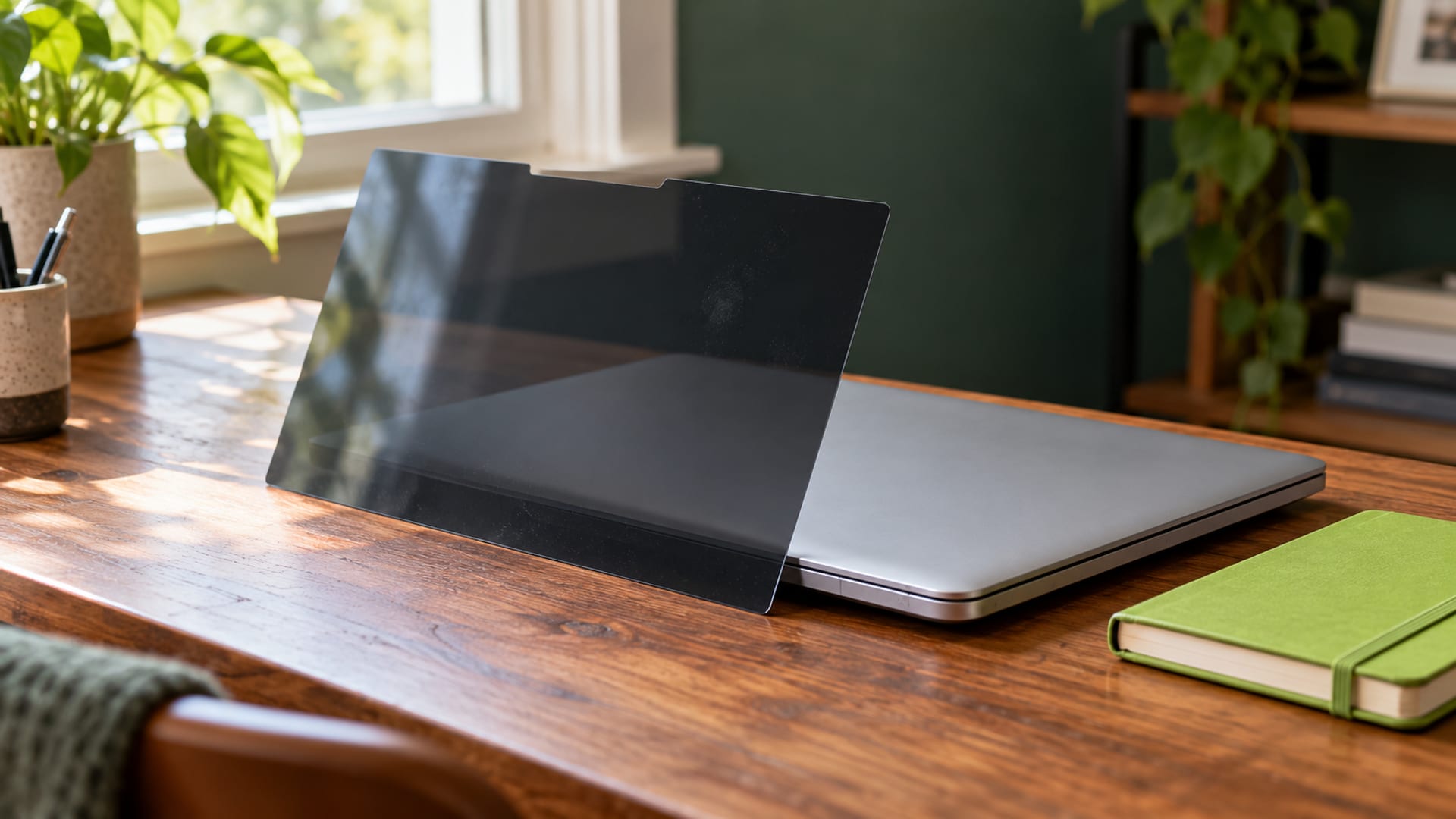
A laptop or phone privacy screen can make side views darker or unreadable, which helps reduce shoulder-surfing in cafés, planes, trains and shared offices. It does not hide the display from someone directly in front of you, protect files or encrypt network traffic.
Start by identifying the exact device model, screen size, aspect ratio and touch support. Occasional public use usually fits a removable magnetic, tab-mounted or slide-on filter. Frequent privacy needs may justify a laptop with built-in HP Sure View or Lenovo PrivacyGuard.
Key takeaways
- Match the filter to the exact device model, aspect ratio, camera cutouts and touch features.
- A filter reduces side-angle visibility, but it does not protect Wi-Fi traffic, files, passwords or accounts.
- Test the intended seating position and lighting before relying on the filter for sensitive work.
- Removable filters fit occasional privacy needs; built-in privacy displays suit frequent use.
- Treat comfort as dependent on brightness, glare, distance and breaks.
Do Laptop and Phone Privacy Screens Work?
Privacy screens work as a visual barrier. They use a narrow viewing angle so the person sitting directly in front of the display can read it while someone farther to the side sees a darker or obscured image. The effect is useful when your concern is a nearby person reading a document, message or account screen.
The specification varies by product. 3M lists blackout privacy outside a 60-degree viewing angle for its PF140W1B laptop filter. Kensington describes its Eyesafe filters as having a limited viewing angle of plus or minus 30 degrees. HP says Sure View can reduce visible light by up to 95% outside the user’s 70-degree viewing cone.
Those figures describe the intended viewing geometry, not a guarantee that every observer outside the angle will see nothing. Screen brightness, tilt, reflections, ambient light, the observer’s height and distance all affect what remains visible. Someone directly behind you may still see the display, especially if the laptop is tilted upward.
The Ponemon Institute’s February 2015 Visual Hacking Experiment, sponsored by 3M and the Visual Privacy Advisory Council, recorded 168 instances of visually captured information across 43 workplace trials. The report said 88% of visual-hacking attempts succeeded, but it did not test consumer privacy filters or public transport. It documents the exposure of visible screens, not the performance of every filter.
The practical verdict is straightforward: a privacy screen fits people who need to reduce side views in shared spaces. It is not a substitute for locking the screen, protecting accounts or handling confidential information according to workplace and venue rules.
How Privacy Filters Block Side Views
Most removable filters use a micro-louver, or light-control-film, structure. Tiny vertical sections direct more light toward the person facing the display and restrict light traveling toward side viewers. From the center, the image remains readable. Outside the designed angle, it becomes darker or appears black.
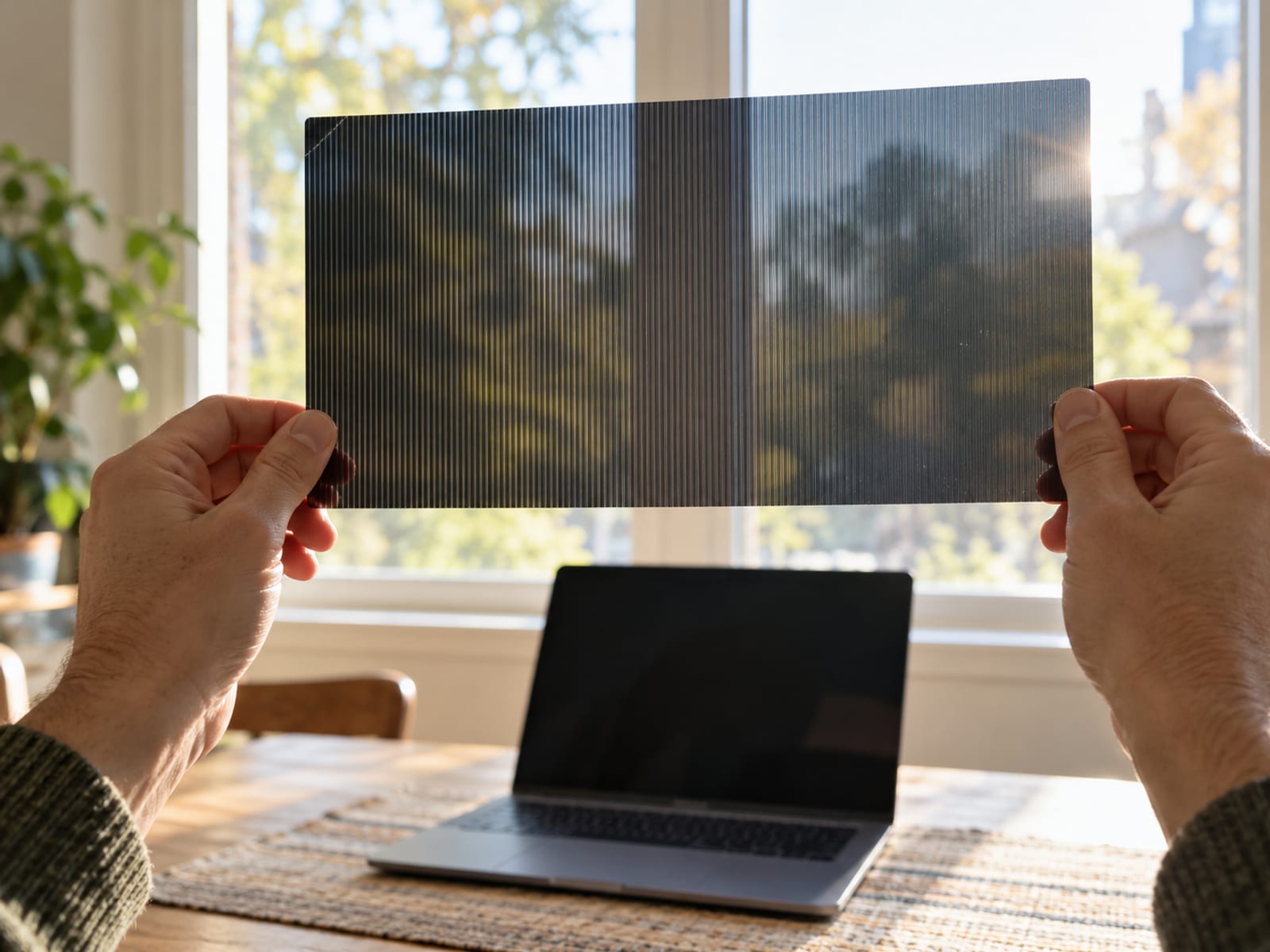
The filter’s viewing angle tells you how far someone can move from the center before visibility drops. A 60-degree specification does not mean that the screen is equally clear across that entire range, and it does not describe every position above, below, in front or behind the device. Treat the angle as a buying reference, then test the real position where you expect to use the device.
Built-in systems work in a similar way through the display hardware or a privacy mode. HP Sure View narrows side visibility on supported laptops and can be toggled. Lenovo PrivacyGuard darkens the display and limits side-angle visibility on selected configurations. Lenovo states that privacy level changes with brightness, contrast and the physical environment.
That matters when you are choosing between a filter and a built-in feature. A built-in mode avoids attaching an accessory, but it is available only on particular laptop models and configurations. A removable filter works across compatible devices, but it adds another item to carry and may affect screen sharing.
To check the effect, sit in the intended user position and ask someone to view the display from the side. Repeat the check in the lighting where you will work. If the centered view is hard to read, the filter may be poorly matched, too dark for the environment or unsuitable for your normal brightness setting.
Laptop and Phone Privacy Screen Types
Adhesive or stick-on filters attach more permanently to the display. They can suit a laptop used privately most of the time, but removal is less convenient and may leave residue. They also make it harder to switch between private work and collaboration.
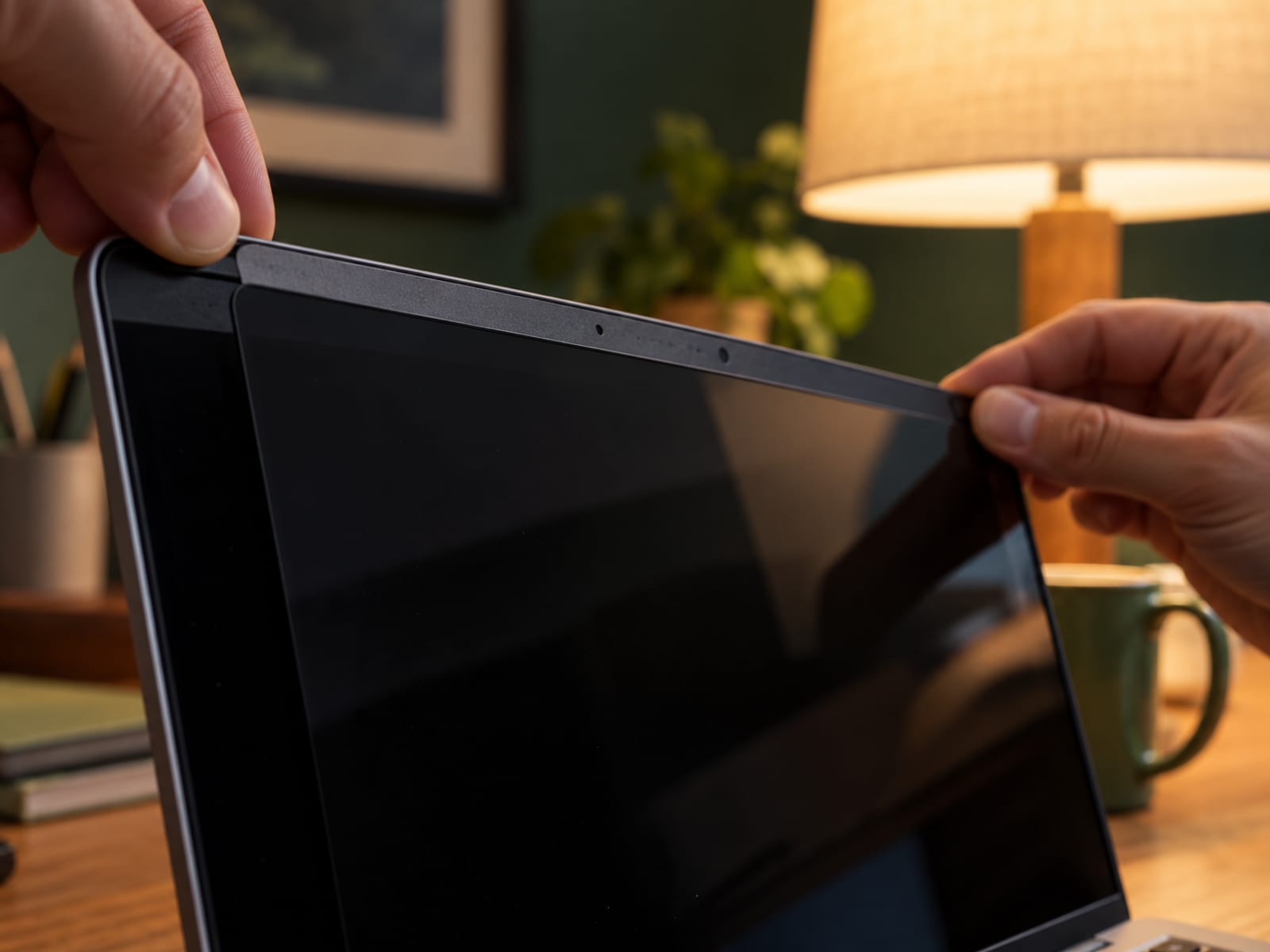
Tab-mounted and slide-on filters attach to the bezel. They are easier to remove when you need to show the screen to another person, although the tabs may add thickness around the display. Magnetic filters are quicker to remove and reattach, which suits people who alternate often between public work and open screen sharing.
Built-in laptop privacy displays are part of selected device configurations. HP Sure View and Lenovo PrivacyGuard are examples. If your laptop already supports one, check the manufacturer’s instructions for the keyboard shortcut or software setting before buying an external filter.
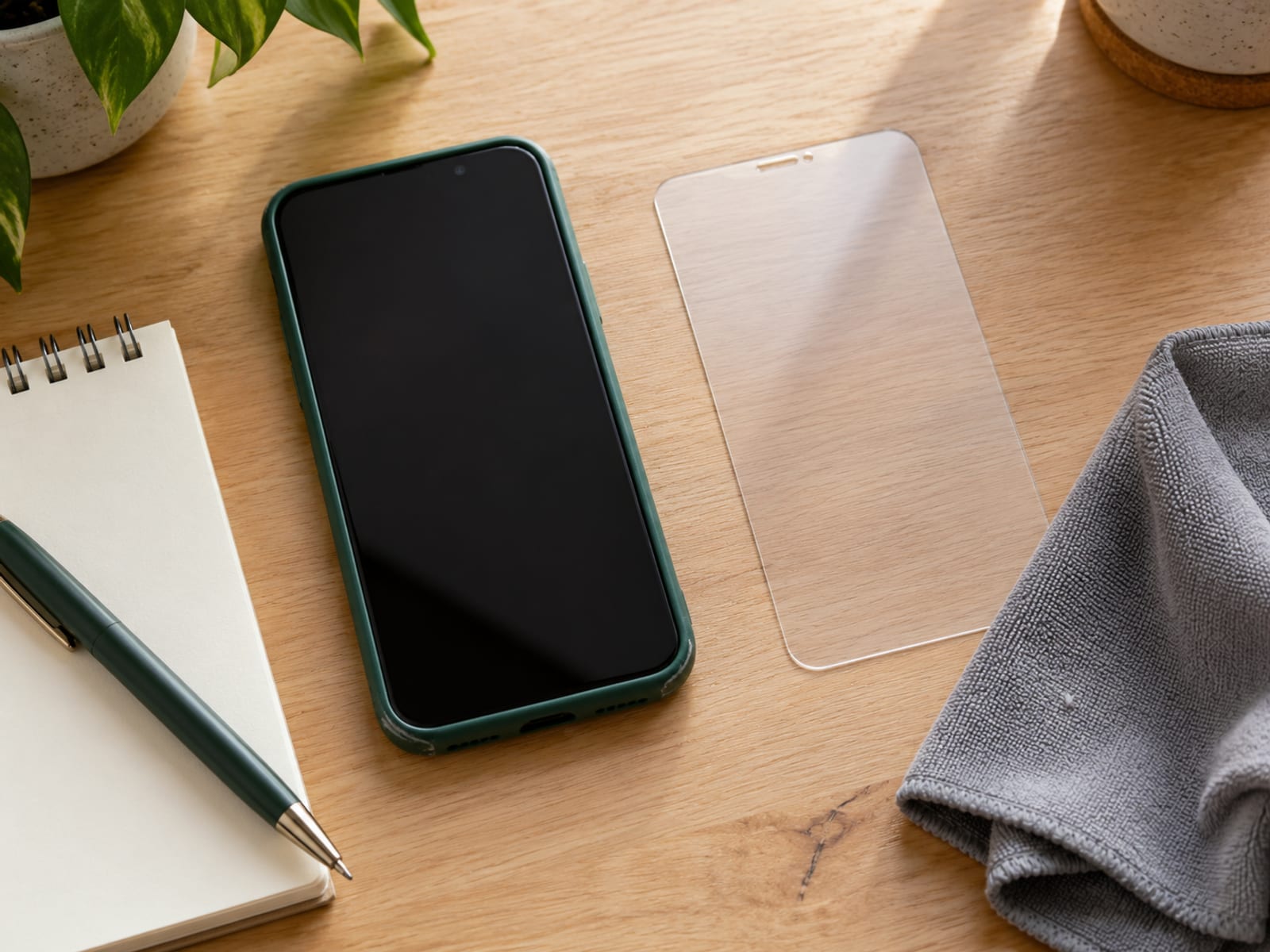
Phone privacy protectors are usually film or tempered glass made for a particular model. A protector for a phone with the same diagonal size may still fail because of a different aspect ratio, camera opening, sensor position, curved edge or frame shape. Choose by exact model, not screen size alone.
Tempered glass and privacy protection address different needs. Tempered glass focuses on scratches and impact. A privacy protector focuses on side-angle visibility, although some products combine both. Belkin sells tempered-glass privacy protectors for selected iPhone models.
What Privacy Screens Cost
The prices below are one-time U.S. list prices, checked October 29, 2026. They are physical accessories, not VPN plans or subscriptions. The amount is due upfront, there is no paid billing term, no effective monthly figure and no renewal price.
Belkin’s iPhone 16 Plus product page displayed a 30-day money-back guarantee. Return conditions can depend on the order, so confirm the current terms before paying. Confirm the current price, availability and return terms with an authorized seller after matching the exact device model.
There is no VPN price to report for this decision. If you add a VPN, research that provider’s current U.S. pricing, plan term, amount due upfront and renewal price separately. A free tier, free trial and money-back window are different things and should not be treated as interchangeable.
Choosing the Right Filter for Your Device
Begin with the model number, not just the advertised screen diagonal. Record the diagonal size, aspect ratio, bezel shape, touch support, camera and sensor cutouts, and whether the display has a curved edge. Use the manufacturer’s fit information, then compare the product’s return terms before ordering.
For a laptop used in a café once in a while, a tab-mounted, slide-on or magnetic filter is usually the practical choice. You can remove it when a colleague needs to see the screen or when color accuracy matters. If the laptop is used in public every day and privacy takes priority over collaboration, a built-in privacy display may justify its limitations.
For a phone, select a protector made for the exact model. Screen size alone does not confirm that the edges, speaker, camera, fingerprint sensor or case will fit. Check touch compatibility as well, because a thicker protector can change how taps and swipes feel.
The intended seating position should guide the viewing-angle choice. A filter with a narrow angle may block more side views, but it can make collaboration harder and reduce the usable area when another person sits beside you. A wider angle may be easier to share but gives side observers a better view.
Before paying, check these points:
- Exact model and aspect ratio
- Viewing-angle specification
- Touch and sensor compatibility
- Magnetic, tab, slide-on or adhesive attachment
- Screen-sharing and color-accuracy needs
- Current price and return terms
If your laptop supports HP Sure View or Lenovo PrivacyGuard, turn on the feature and check whether the centered view remains readable in your normal lighting. A permanent privacy display is a better fit only if you accept the reduced sharing flexibility.
Privacy Screens, Eye Comfort and Brightness Tradeoffs
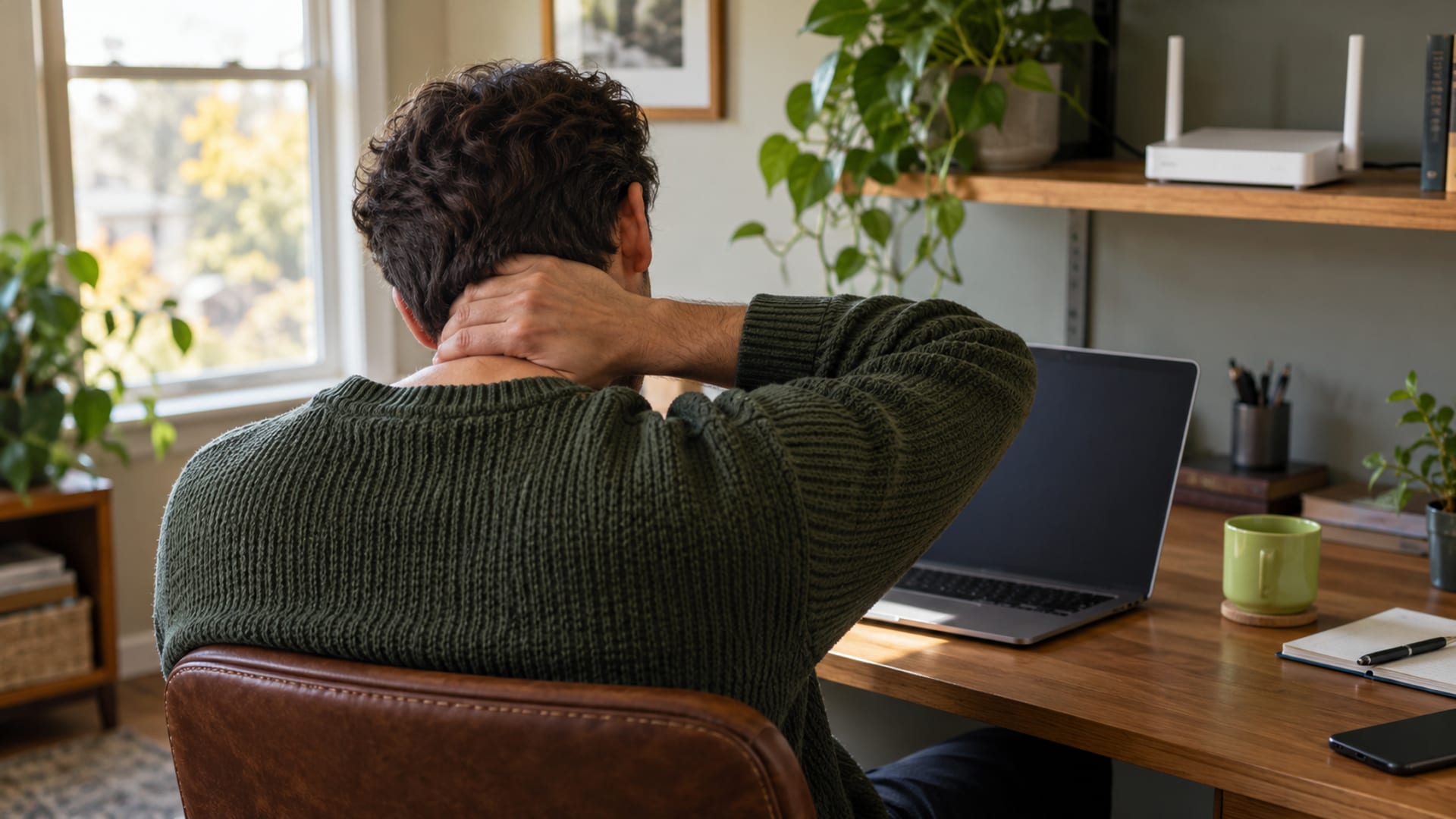
A privacy screen is not an established treatment for eye strain. The American Optometric Association identifies digital eye-strain symptoms such as dry eyes, headaches, blurred vision and irritation, and recommends regular breaks, including the 20-20-20 rule.
A filter may reduce reflections if it has an anti-glare surface, but privacy mode can also make the display darker. If you respond by increasing brightness, reflections or power use may change. If you leave the screen too dim, you may squint or move closer. Comfort depends on brightness, glare, viewing distance and breaks, not on the privacy claim alone.
Set the screen so text remains easy to read without leaning forward. Adjust brightness for the room instead of using one setting everywhere, and move the display to reduce direct reflections. A matte surface may help with glare, while a glossy surface may preserve a clearer image but reflect lights more strongly.
Screen sharing is another comfort and work tradeoff. A narrow viewing angle can make it harder for a coworker to read a document beside you. If collaboration and color accuracy matter more than constant privacy, a removable filter or a device without permanent privacy hardware may fit better.
A headache is not an inevitable result of using a privacy screen, but a screen that is too dark, reflective or difficult to read can contribute to discomfort. Take regular breaks and seek an eye examination if symptoms continue.
Privacy Screens and VPNs on Public Wi-Fi
A privacy screen and a VPN address different exposure points. The screen reduces the chance that a nearby person can read the visible display. A VPN encrypts traffic between your device and the VPN server, which can help limit what the local Wi-Fi operator sees.
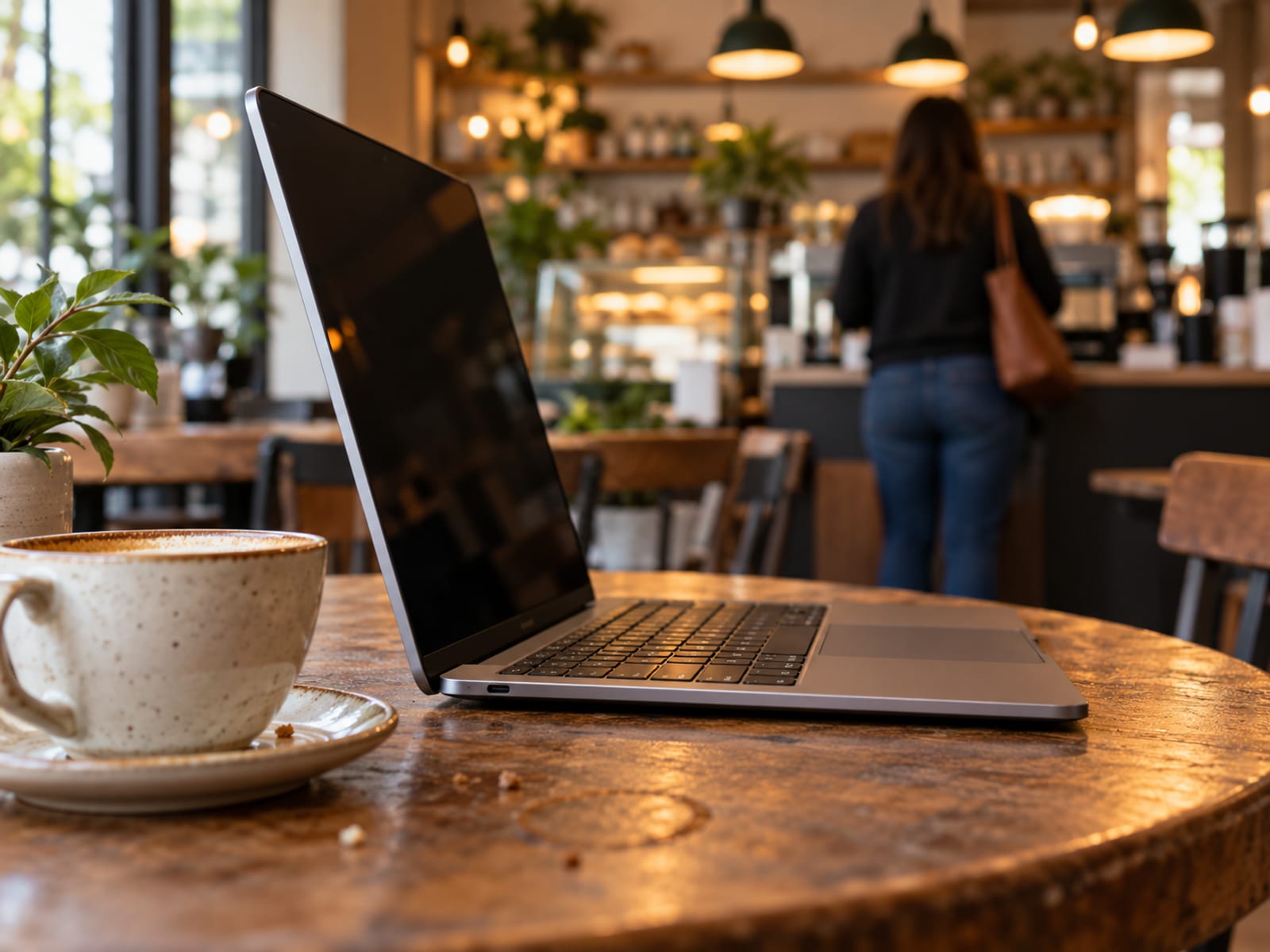
Microsoft describes a VPN as an encrypted tunnel over public Wi-Fi. The FTC advises users not to assume that public Wi-Fi is encrypted and recommends using secure websites. EFF says a properly configured VPN can protect some unencrypted traffic, while HTTPS already encrypts the content of many websites.
Neither tool makes you anonymous. Accounts, cookies and device fingerprints can still identify you. A VPN also does not protect against malware, phishing, a fraudulent website, someone reading the screen from a favorable position or information you enter into an account you do not control.
For a café, train or plane, use the tools according to the risk:
- Use a privacy filter when nearby people may see the display.
- Keep the operating system, browser and apps updated.
- Use HTTPS and avoid entering sensitive information into unfamiliar pages.
- Consider a trusted VPN when the local network is not trusted or its metadata exposure matters.
- Lock the screen when you step away.
A VPN is optional for the screen-privacy decision. If you add one, check the provider’s current pricing and terms separately, then follow its current setup instructions for the device you use. The choice of VPN does not change whether a screen filter fits your laptop or phone.
For the network side of this decision, use the VPN on public Wi-Fi guide. If the main question is whether your phone needs a separate connection tool, use Do You Need a VPN on Your Phone.
Limits, Legal Considerations and Next Steps
A filter reduces visual exposure, but it does not protect everything on the device. It cannot stop someone directly in front of you from reading the screen, protect stored files, prevent malware or phishing, encrypt Wi-Fi or cellular traffic, or replace strong authentication and software updates.
It is also not legal authorization to view restricted information in public. Follow the rules of your employer, school, aircraft operator, transit system, venue, carrier and device owner. Confidential customer, medical, financial, government and workplace information may still be subject to policies, agreements, data-protection rules or service terms.
Treat the filter as a risk-reduction accessory. Combine it with a sensible seating position, screen locking, account security and careful handling of sensitive information. Do not assume that a darkened side view makes public work appropriate in every situation.
Your next step is to identify the exact device model and decide whether privacy is occasional or constant. Check the viewing angle, mounting method, touch compatibility, aspect ratio, cutouts, current list price and return terms. Test the filter in the lighting and seating position where you will use it, then adjust brightness, glare and viewing distance.
If privacy concerns relate to local rules or online services, follow the applicable terms separately. For questions about the law surrounding VPN use, continue with VPN Laws by State: Age Verification and What Is Legal.
Frequently asked questions
Start with the exact model and the viewing angle you need. The best choice depends on whether you want occasional privacy, constant privacy, easy removal, touch support or better screen sharing.
Are laptop privacy screens effective?
Yes, laptop privacy screens reduce visibility from many side angles. 3M specifies blackout outside a 60-degree viewing angle for the PF140W1B, while Kensington specifies a limited angle of plus or minus 30 degrees for Eyesafe filters. The effect depends on brightness, lighting, tilt, distance and the observer’s position.
What are the downsides of using a privacy screen protector?
The main downsides are a narrower viewing area, a darker or more reflective display, harder screen sharing and the need to match the exact device. Adhesive filters are also less convenient to remove than magnetic, tab-mounted or slide-on products.
Does a privacy screen actually work?
Yes, it works as a visual barrier against many side-angle observers. It does not block every position, protect online traffic or stop someone directly in front of the display from reading it.
Are privacy screens good for your eyes?
A privacy screen is not an established treatment for eye strain. An anti-glare surface may reduce reflections, but a darker or harder-to-read display can increase squinting, so adjust brightness, control glare and take breaks.
What is the best privacy screen for laptops?
There is no single best filter for every laptop. Choose by exact model, screen dimensions, aspect ratio, viewing angle, touch compatibility, mounting method, screen-sharing needs and return terms.
Which is better, tempered glass or a privacy screen protector?
They solve different problems. Tempered glass focuses on scratch and impact protection, while a privacy protector limits side views, although some products combine both features.
Is having a privacy screen a red flag?
No. A privacy screen is an ordinary accessory for public travel, shared offices and personal confidentiality. Using one says nothing about what someone is doing on the device.
Do privacy screens give you a headache?
They can contribute to discomfort if the display becomes too dark, reflective or difficult to read, but headaches are not inevitable. Keep the screen at a comfortable distance, adjust brightness, reduce glare and seek professional eye care for persistent symptoms.
Glossary
Find more VPN guides on Tunnel Verdict. Have a question about your own setup? Contact us and include your device and the VPN you use.